Tor Vik
Participating Frequently
January 8, 2019
Answered

After Effects Audio Spectrum Shows Nonexistent Sub Bass

  • January 8, 2019
  • 1 reply
  • 1581 views

Hi all,

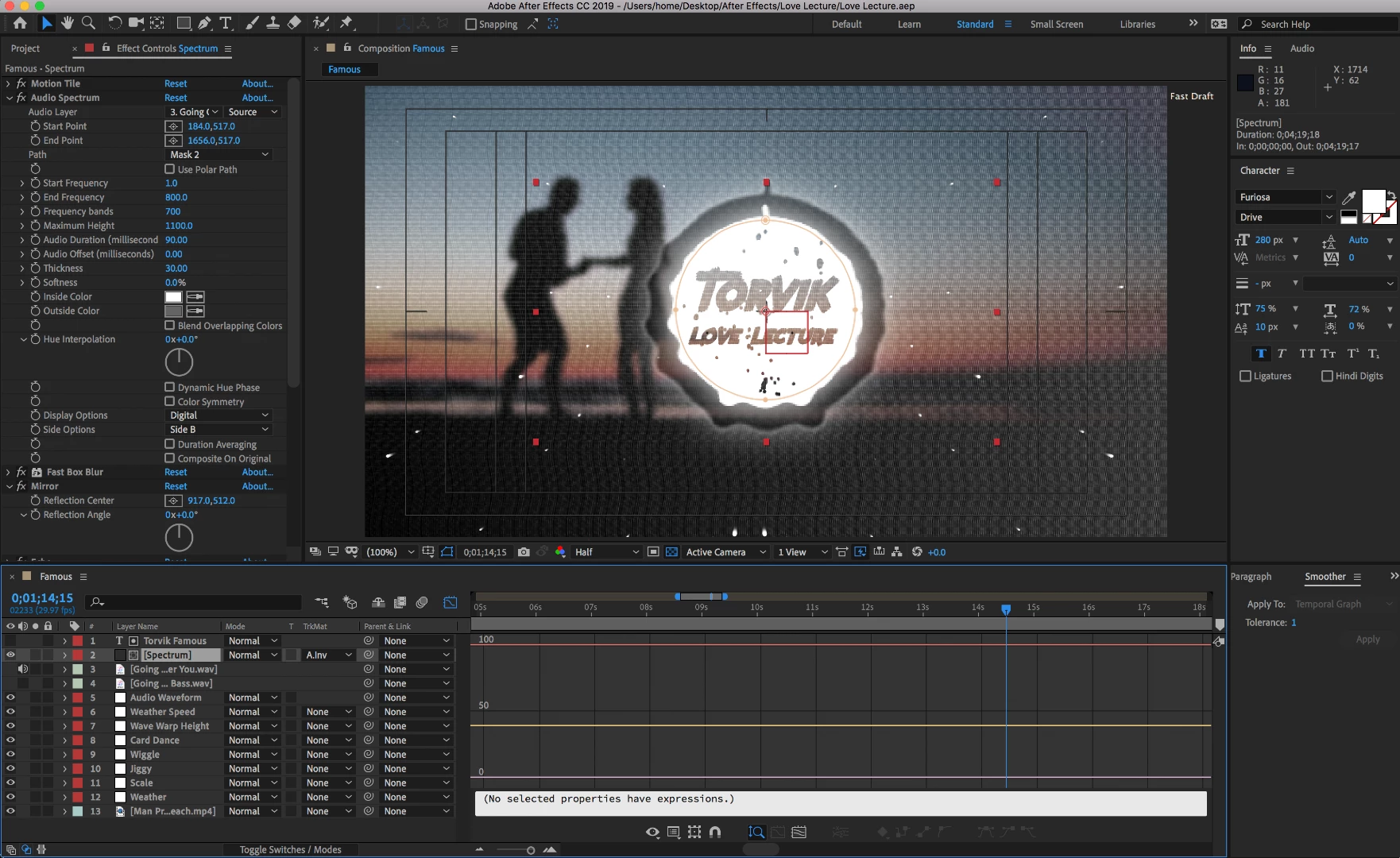
I'm not too experienced with AE but I've been learning. I'm using a mirror effect to make the circle spectrum symmetrical like the trap nation style visualizer.

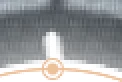
I can't get rid of the tiny little line at the top of my visualizer regardless of what I try.

It reacts to something, as it comes and goes as the video plays out, however, i know my music is highpassed around 32 hz, so nothing should be showing up there.

It really detracts from the videos clean and responsive aesthetic. How can I get rid of this?

I've tried putting a mask on like i did with the letters, but then it cuts out the glow and radial shadow beneath as well.

I've tried changing the start freq for the spectrum to anything between 1-1000 hz and it may disappear then but it will still be there at other parts of the song.

Is there a way to remove this? Any ideas?

Thank you!!!
This topic has been closed for replies.
Correct answer Andrew Yoole

If the error is caused by a stray frequency, you should be able to remove it with an audio filter, either in external audio software like Audition, or even just precomposing your audio layer inside After Effects, and applying a High Pass filter within the precomp.  Tweak the frequency setting until you get results.

If that doesn't work, a workaround would be to mask out the error and replace it with a masked piece of the waveform from elsewhere in the ellipse, so that the masked "hole" is replaced with a similar section of the spectrum waveform.

1 reply

Andrew Yoole
Andrew YooleCorrect answer
Inspiring
January 8, 2019

If the error is caused by a stray frequency, you should be able to remove it with an audio filter, either in external audio software like Audition, or even just precomposing your audio layer inside After Effects, and applying a High Pass filter within the precomp.  Tweak the frequency setting until you get results.

If that doesn't work, a workaround would be to mask out the error and replace it with a masked piece of the waveform from elsewhere in the ellipse, so that the masked "hole" is replaced with a similar section of the spectrum waveform.

Tor Vik
Tor VikAuthor
Participating Frequently
January 8, 2019

So i have tried removing the frequency in ableton, and I've done the highpass within ae but didn't precomp it as tbh I'm not even sure how that works. I'll try it though.

I did also try to mask out the error but didn't try to replace it with a masked piece of the waveform, I'll need explaining for that if precomping doesn't work.

Thanks for your reply.