If the Anchor point of the background (shape layer) or the text layer is in the center of the layer, and you have a Controls layer with a Slider Control added to it, all you have to do is add this expression to the position property of the layers below the first layer on the left.
// Set the layer with Controls
ctrl = thisComp.layer("Controls");
mrgn = ctrl.effect("H Margin")("Slider");
// Calculate half of the Width of the layer above this one
ref = thisComp.layer(index-1);
rPos = ref.position;
rSize = ref.sourceRectAtTime();
rScl = ref.scale[0]*.01;
rWidth = rSize.width/2 * rScl;
// Calculate half of the width of this layer
tLScale = scale[0] * .01;
tLWidth = sourceRectAtTime().width/2 * tLScale;
// Do the math
xPos = rPos[0] + rWidth + tLWidth + mrgn;
// Final Result
[xPos, rPos[1]]
There are workarounds if you use right- or left-justified text instead of center-justified text. You can also compensate for layers that don't have the anchor point in the center of the layer. If you use shape layers, you can also use this approach to offset multiple shapes in the same shape layer.
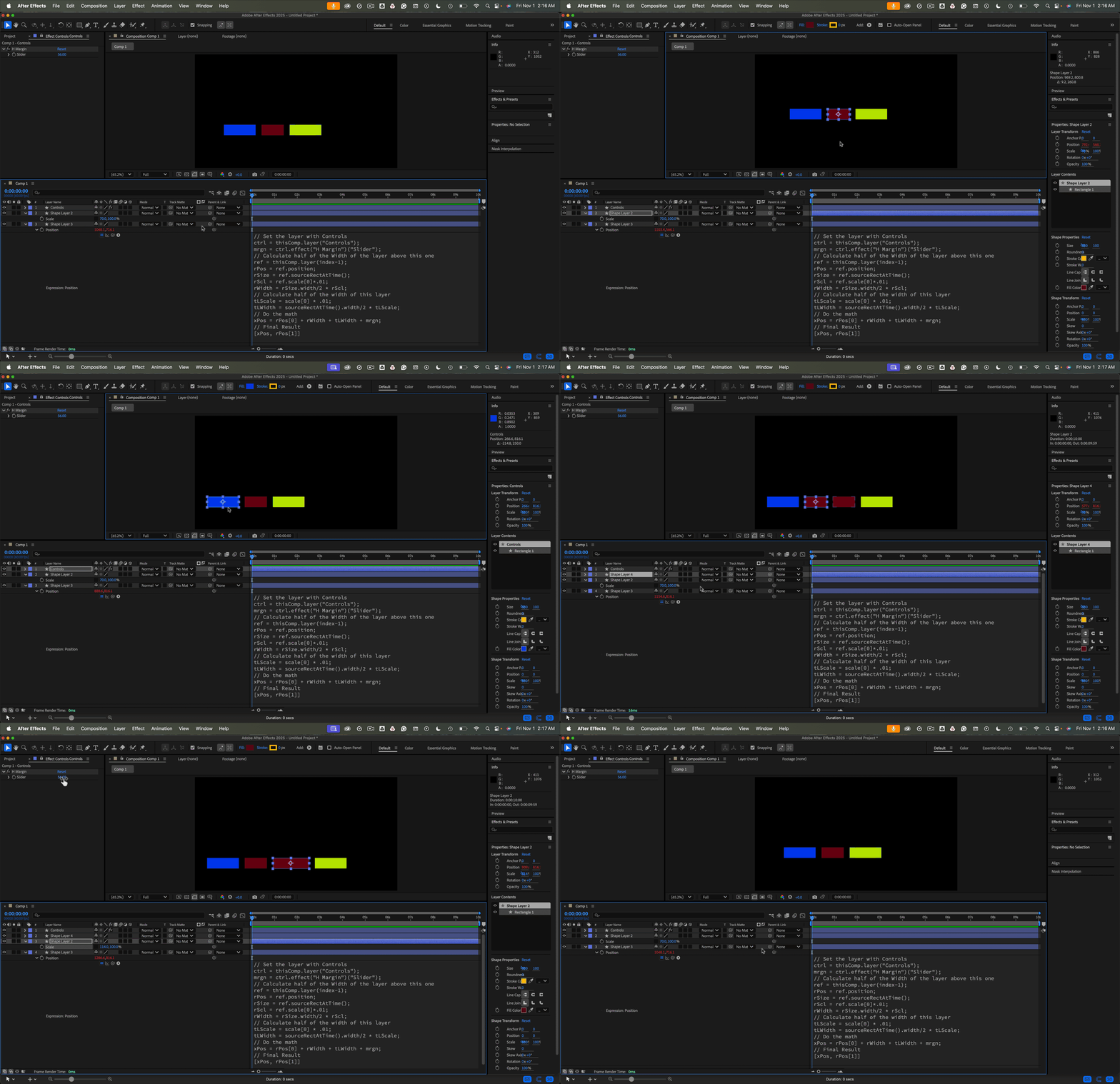
I have uploaded the project file for the sample I made. The expression will also work with text layers or even a mix of text and shape layers as long as the anchor points are at the layer's center.



 AdChoices