
Participant
April 20, 2020
Answered

After Effects - Black Background - need Transparent!

  • April 20, 2020
  • 3 replies
  • 6177 views

Hello everyone - new here to the community!  I have years of photoshop experience and just recently I got into created custom twitch stream overlays for close friends.  Currently stuck on a small project where I made a image in photoshop with a transparent background and saved it as a PSD and imported it to After Effects.

From here I see my image with a black background - I toggle transparency grid and it is transparent.  Here is a screenshot of my after effects screen with black ground and the second image is with trans grid ON.
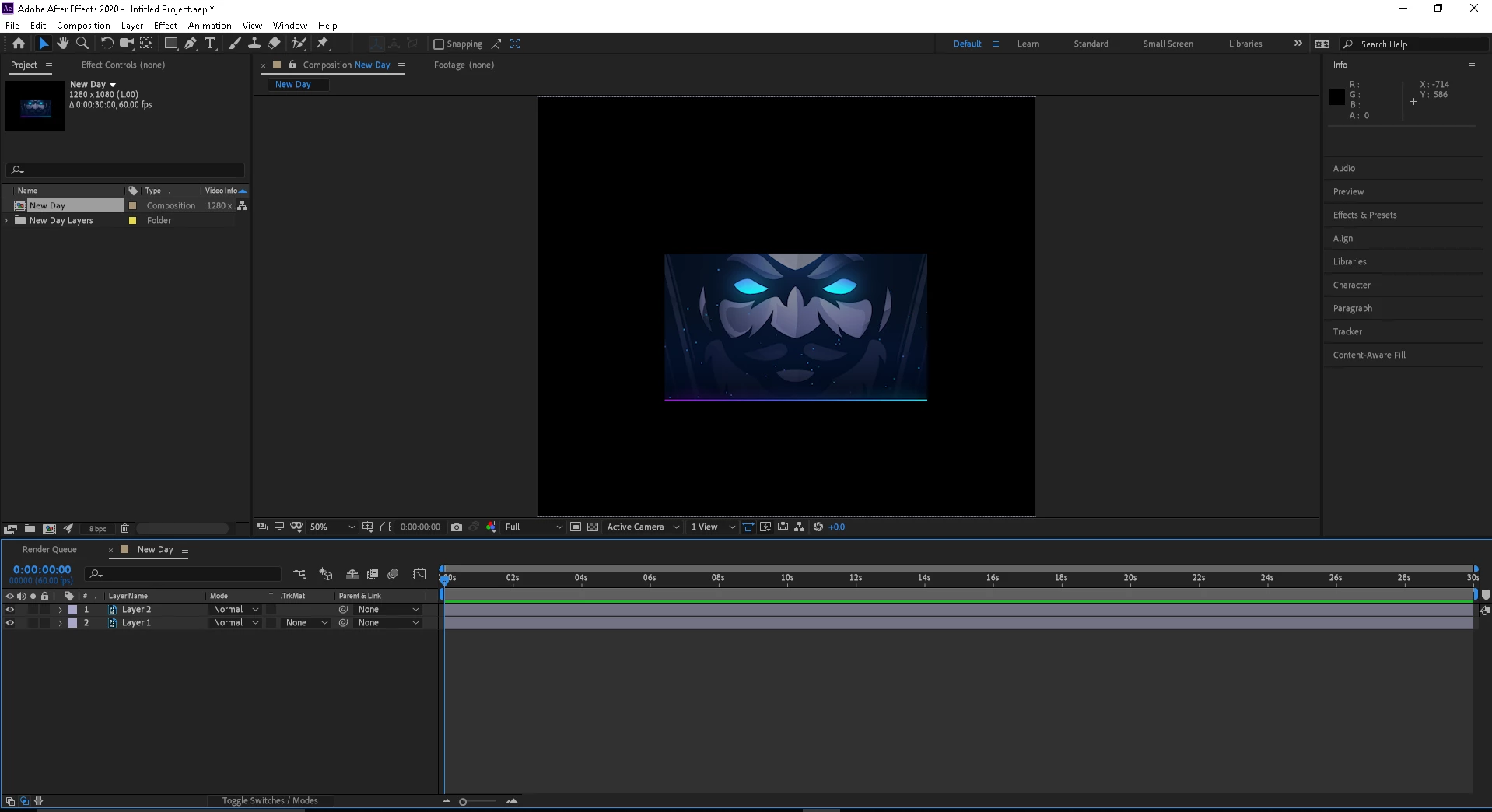
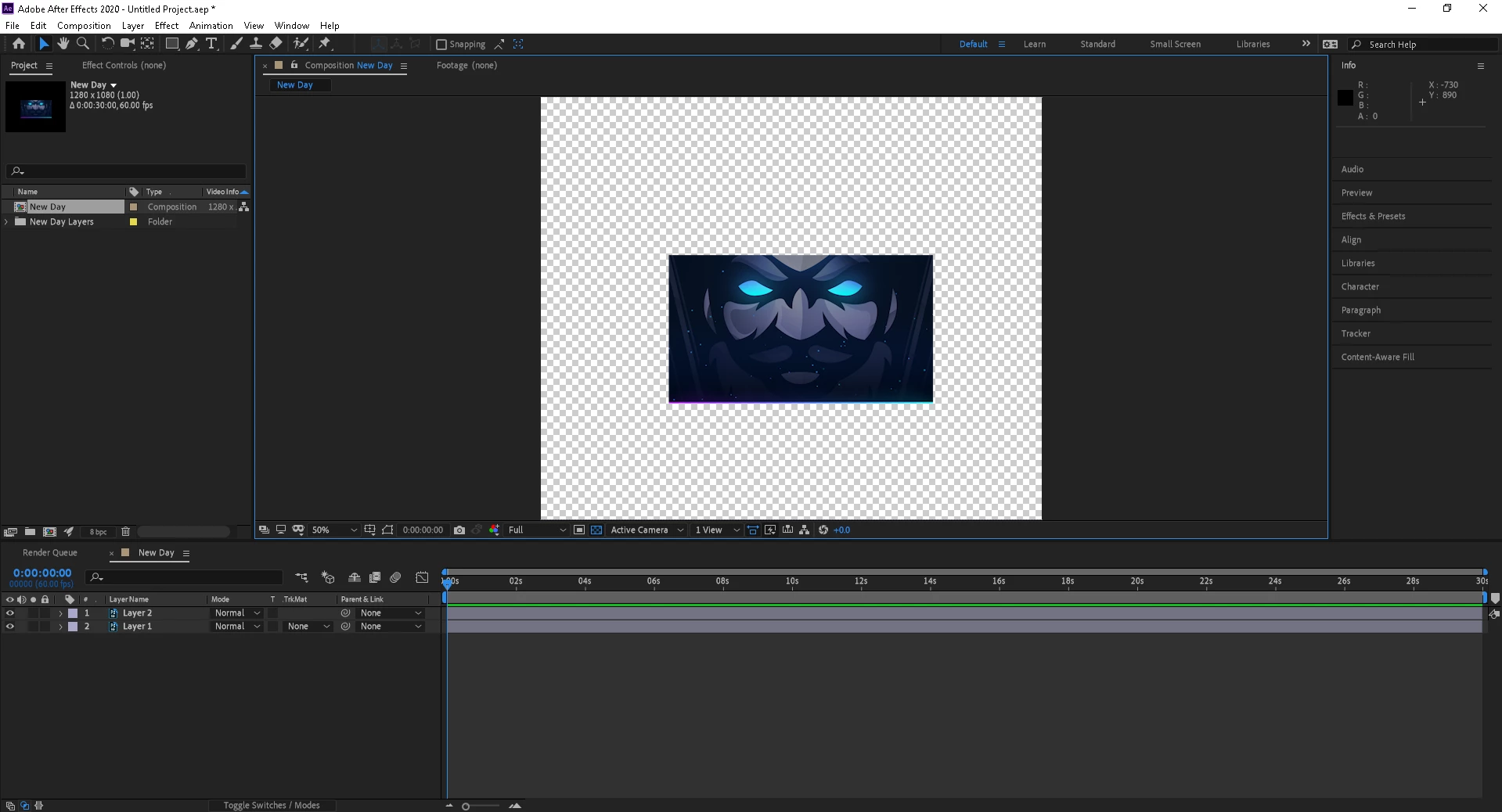


My issue is - When I render the project and then upload it to streamlabs OBS - the black background is still there.  I can't select it and delete it... feels like I tried everything, but not sure..

Suggestions?

This topic has been closed for replies.
Correct answer Byron Cortez

If is video, export it in QuickTime or Avi container with codec Animation which supports alpha channel. Or if is a Still just exports from Photoshop to PNG with alpha channel as Milenium says. 

3 replies

Warren Heaton
Community Expert
Community Expert
April 21, 2020

You could set the Output Module Template to "Lossless with Alpha"; however, I'm pretty sure that since you're importing the video into Streamlabs OBS that you want to render your video with green in the background and then apply the Chroma Key on the OBS side.  It's the same as what you'd do if you recorded your webcam with you in front of a green screen.


-Warren

Byron CortezCommunity ExpertCorrect answer
Community Expert
April 21, 2020

If is video, export it in QuickTime or Avi container with codec Animation which supports alpha channel. Or if is a Still just exports from Photoshop to PNG with alpha channel as Milenium says. 

Byron.
KishirAuthor
Participant
April 21, 2020

Hey thank you for the response! your answer matched my issue spot on, yet I actually needed my format set to RGB + Alpha!

Thank you so much everyone for the replies!! ❤️

Community Expert
April 22, 2020

Great!


You're welcome.

Byron.
Mylenium
Legend
April 20, 2020

Simply pick an output format that supports transparency like PNG.


Mylenium