
After Effects caches all frames during preview, but does not play back (Freezes)
Hello,
Issue Description:
I have searched for this issue, tried multiple troubleshooting ideas, but cannot seem to find any similar issues or fixes that work.
- I press play in the preview button
- AE proceeds to cache all of the frames in my workspace (full green bar)
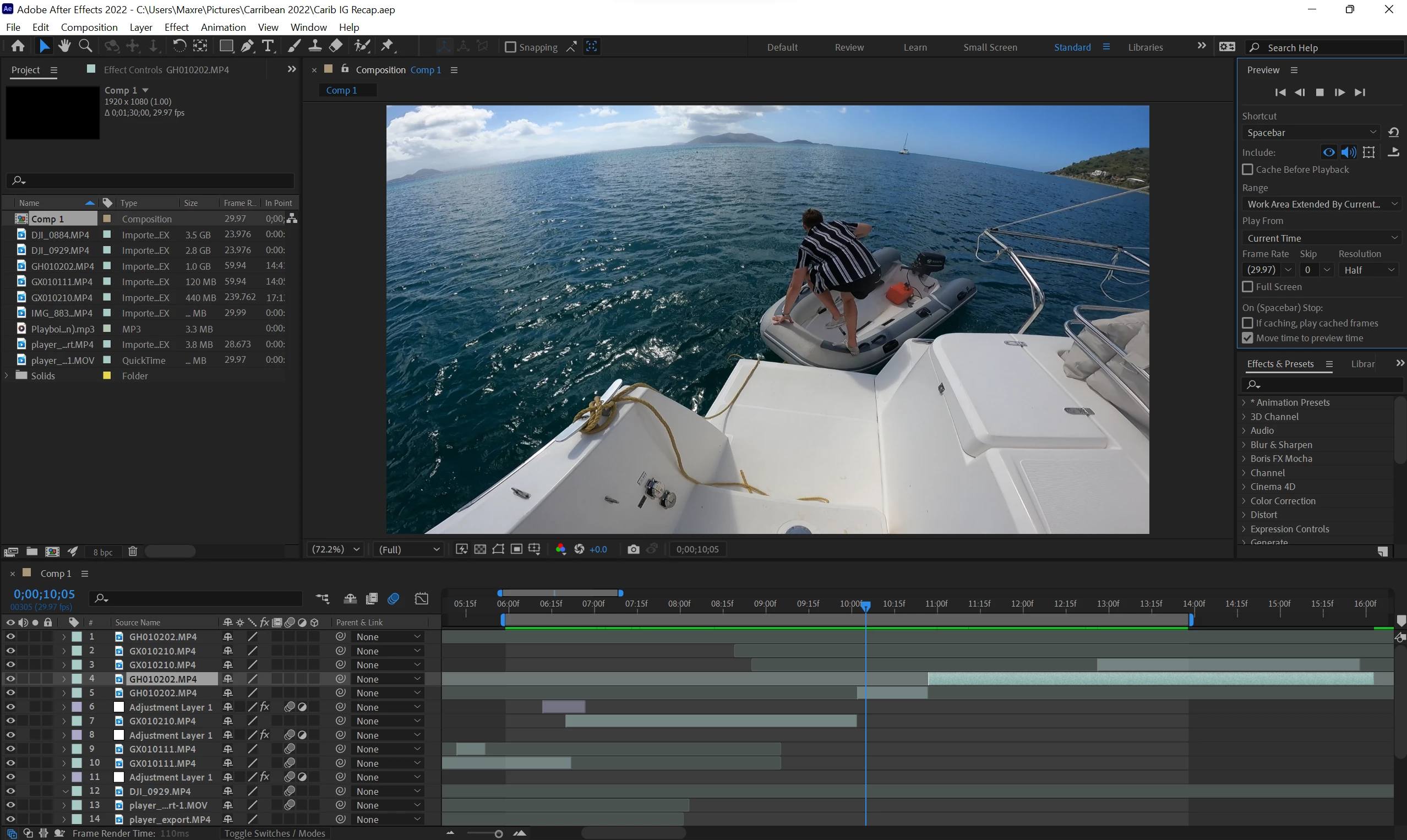
- The play icon is displayed but I see no playback/no audio, and timeline marker does not move
- The timeline marker just appears to freeze as shown below. You can see the preview status (square) acts as if it's playing, and all frames are cached, but the playback is just frozen.
- If I press the stop preview button, the timeline marker will jump back 1 frame specifically
- See below screengrab from this frozen preview:
It happens at any playback resolution (full/half/quarter/auto) and any location in my timeline.
The weird thing is I can get RAM preview to work properly upon my first initial startup of AE. Once I make more than a couple edits to my comp and try to preview though, the freezing playback issue occurs again. Only solution I have found to this freezing preview issue is restarting AE. It will work briefly again, but after a few edits - it then decides to freeze playbacks again.
What I have tried so far that has not fixed the issue:
-Purge all memory disk & cache
-Preview at lower/higher resolution
-Changing workspace area
-Edit > Preferences > Empty Disk Cache
-Edit > Preferences > Clean Database & Cache
-Update NVidia Drivers - They are currently on the latest version
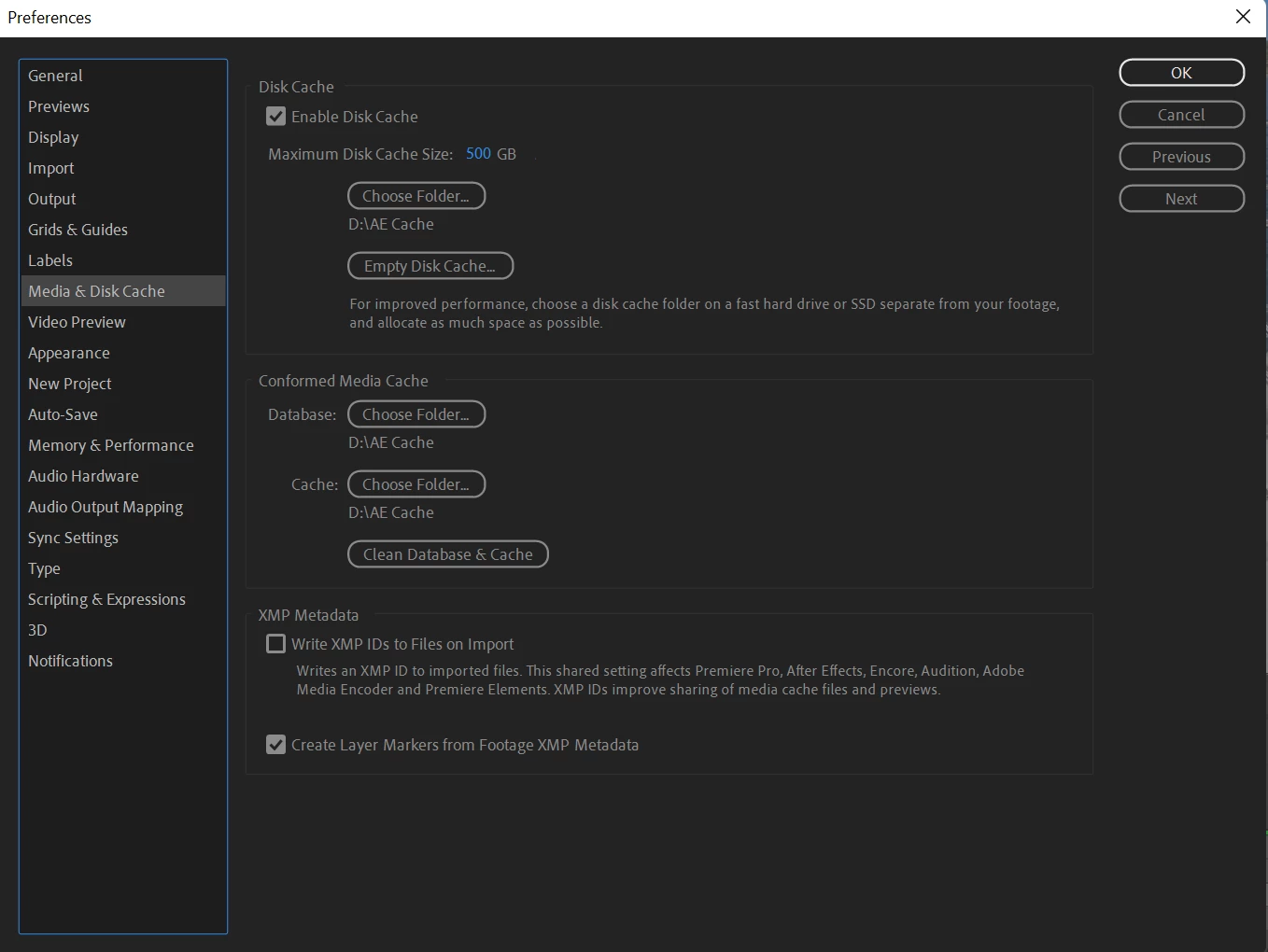
-Using a seperate SSD for my cache folder (still using this, but does not help issue)
-Switching audio hardware from MME to ASIO (neither makes a difference)
-Changing between preview "loop" or preview "play once" (neither makes a difference)
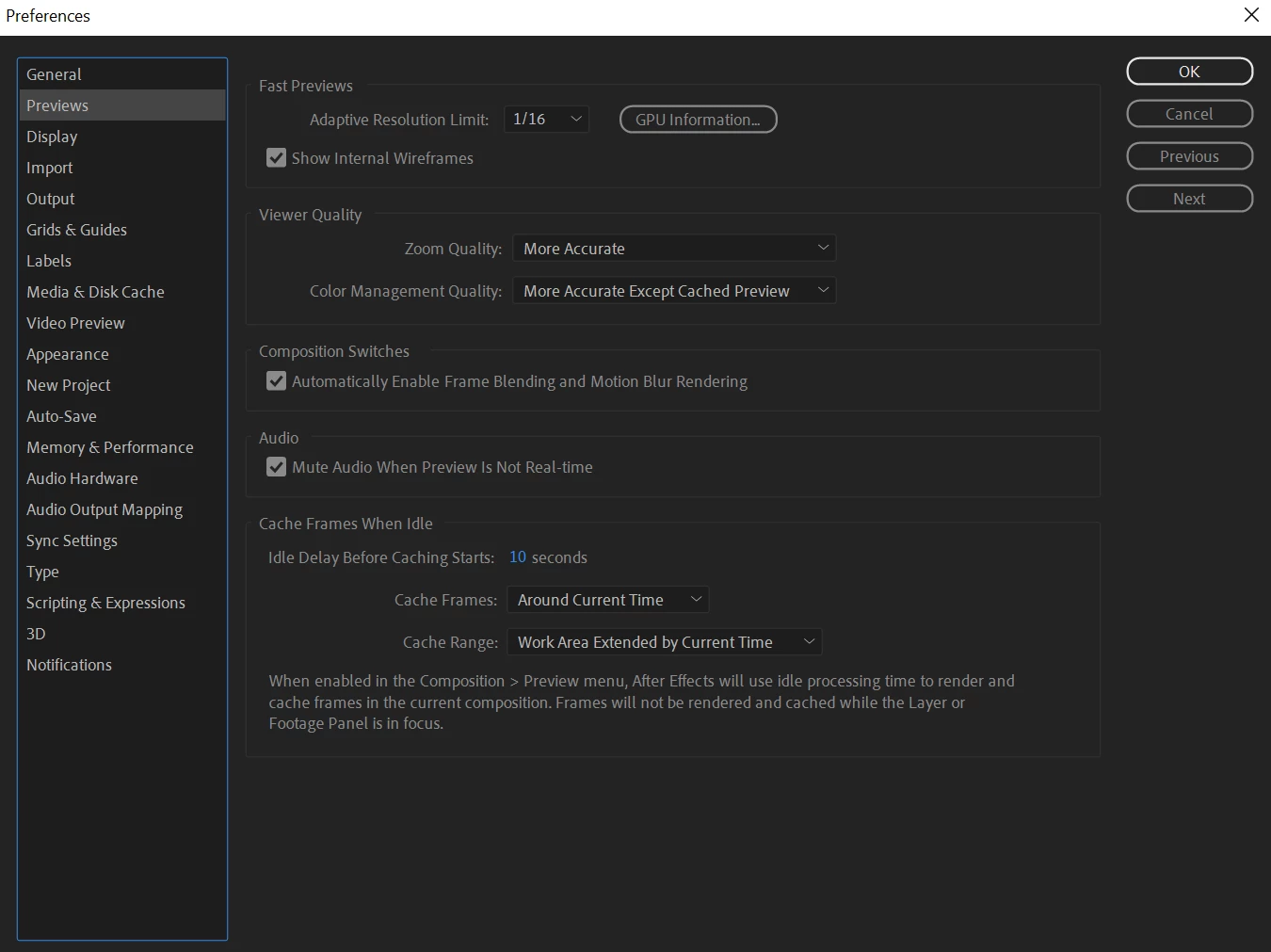
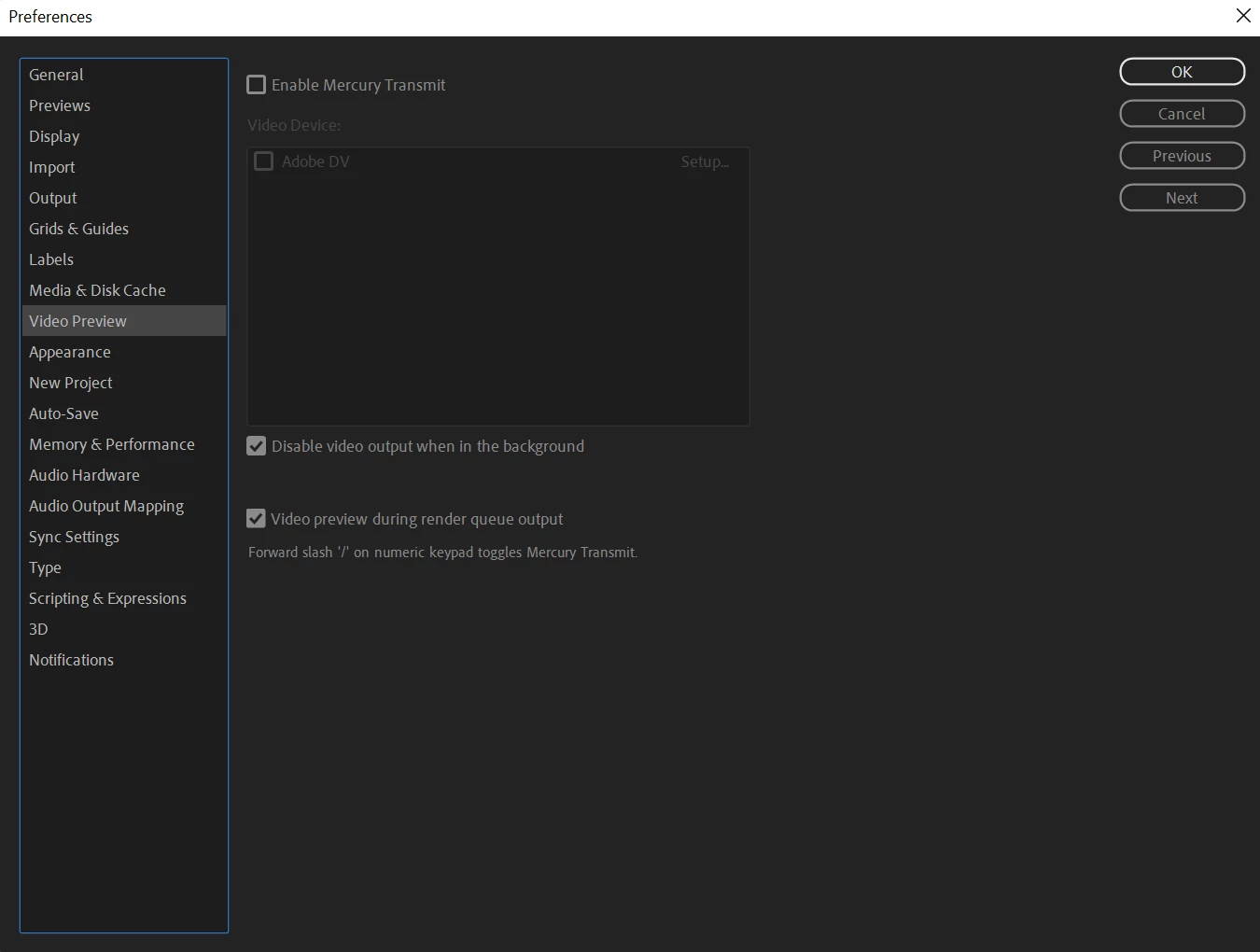
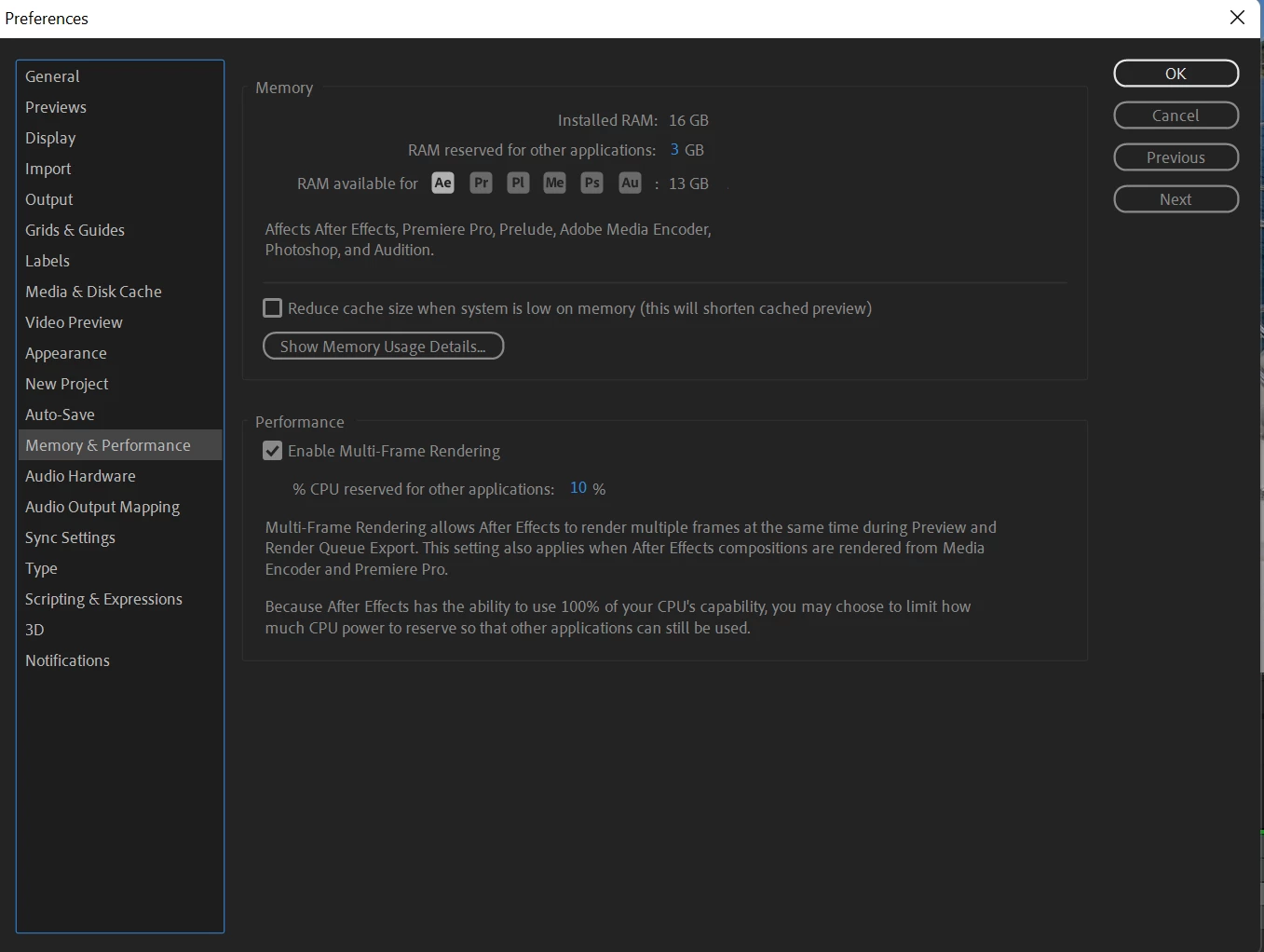
-Other Preference Settings at a glance:
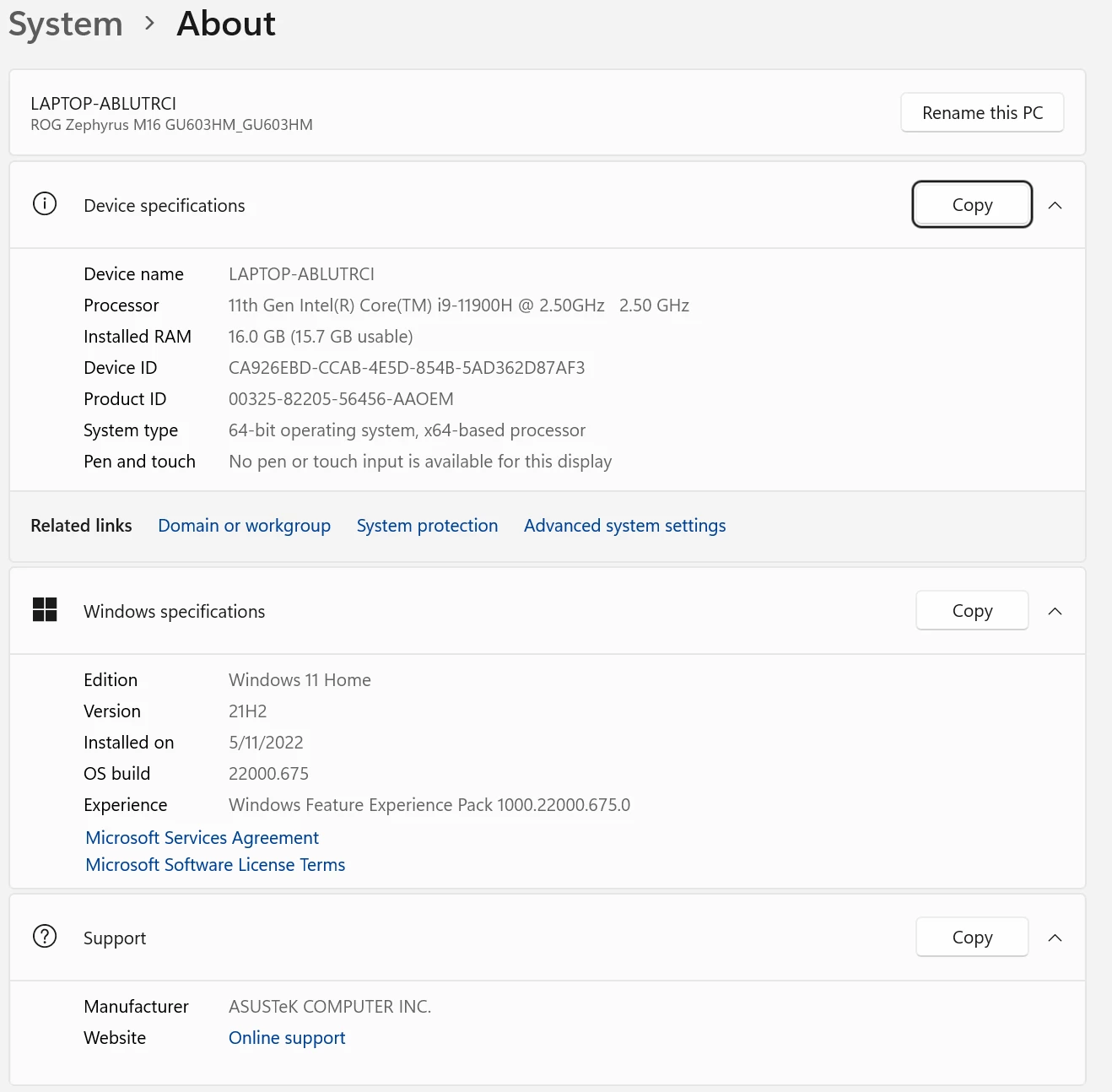
Computer Specs:
Any help is appreciated, I literally don't know what else to try with this and I can't preview anything, thank you.


 AdChoices