
Answered
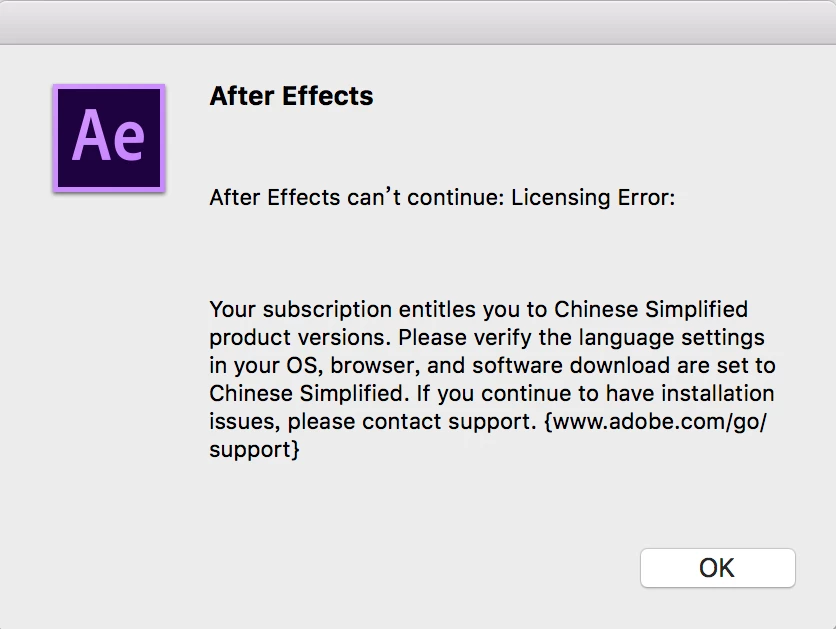
After Effects can’t continue: Licensing Error:
I use OSX system, After Effects show this when I open.
" After Effects can’t continue: Licensing Error:
Your subscription entitles you to Chinese Simplified product versions. Please verify the language settings in your OS, browser, and software download are set to Chinese Simplified. If you continue to have installation issues, please contact support. {www.adobe.com/go/support} "
Screenshot 1 ( Error )
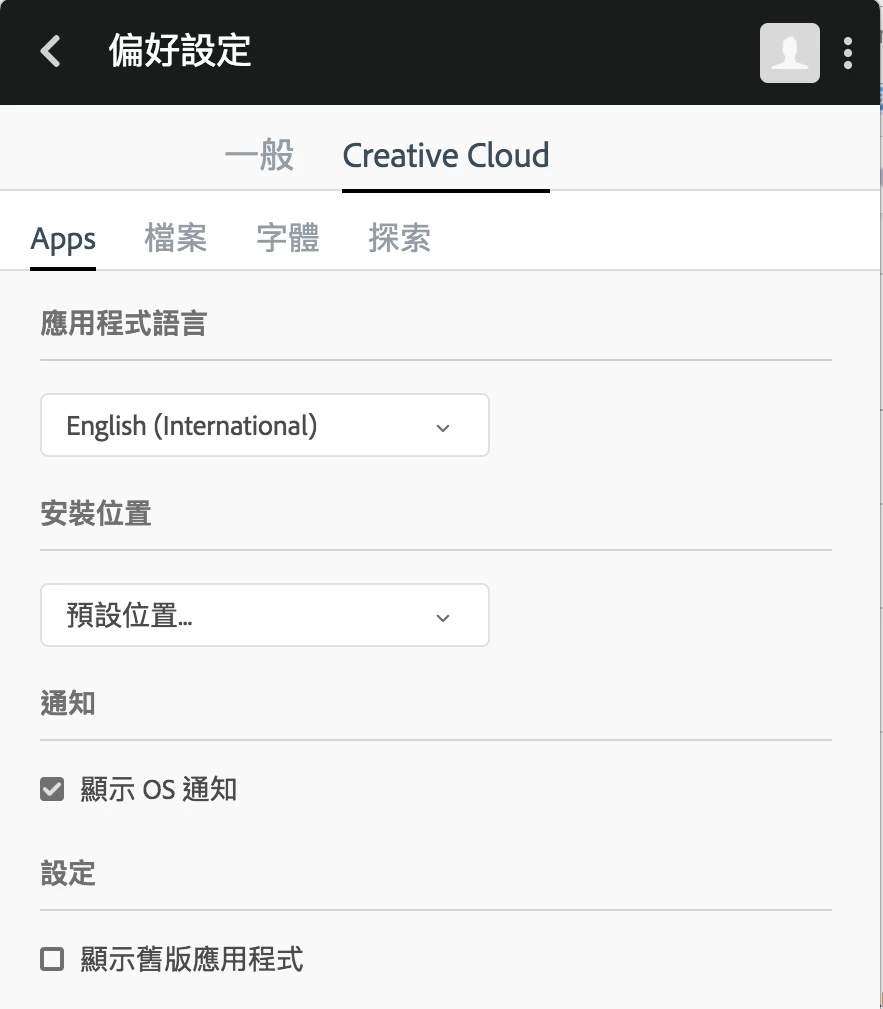
Screenshot 2 ( My setting )
Does anyone know how to fix this situation ?
I would appreciate your help !
 AdChoices