Participant
November 9, 2021
Answered

After Effects Cannot Link in Premiere dynamic link not working

  • November 9, 2021
  • 1 reply
  • 401 views

Right so I am running on my Macbook Pro Version  OS Catalina 10.15.7

Memory 16GB 2667 MHz DDR4 
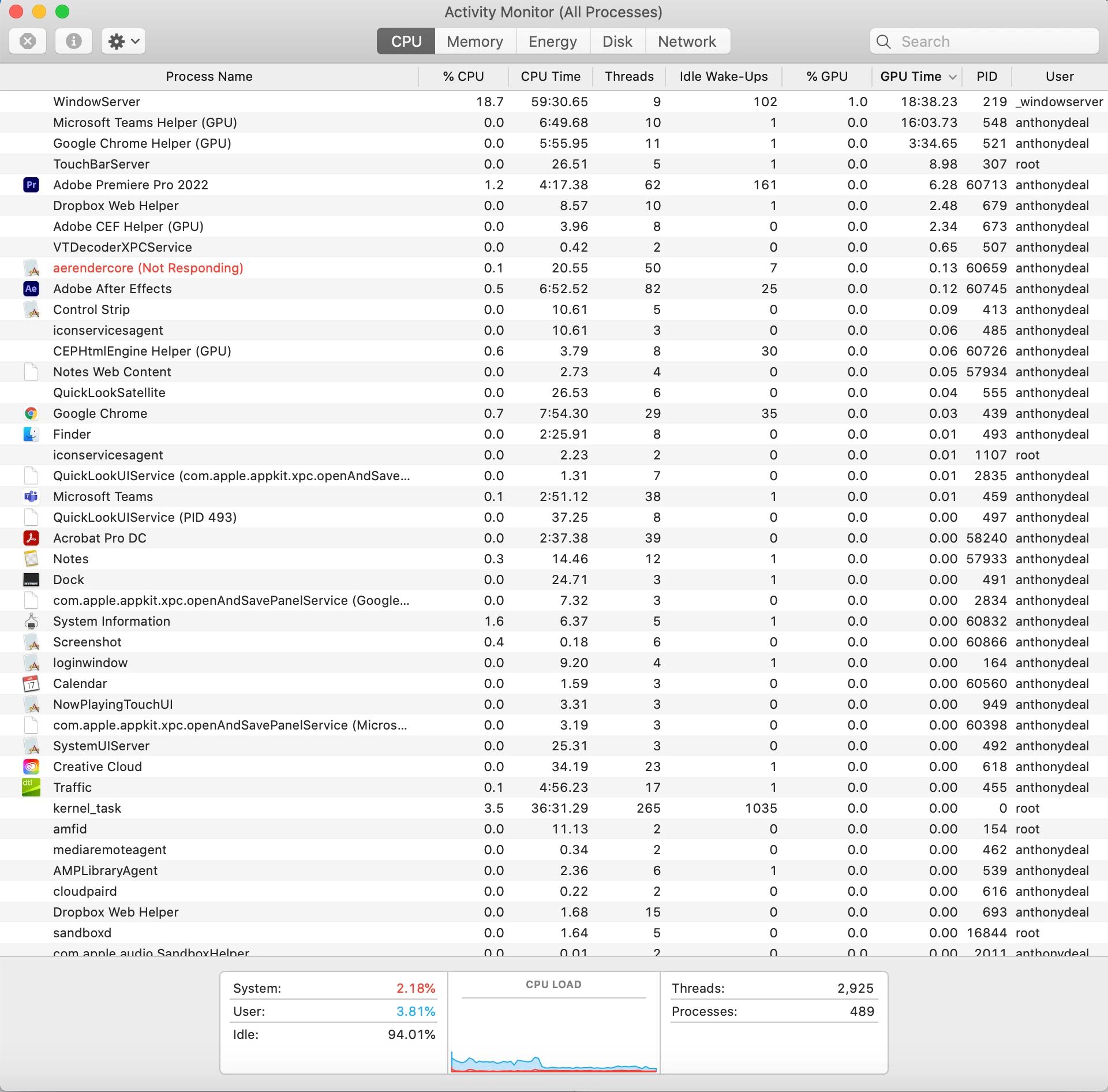
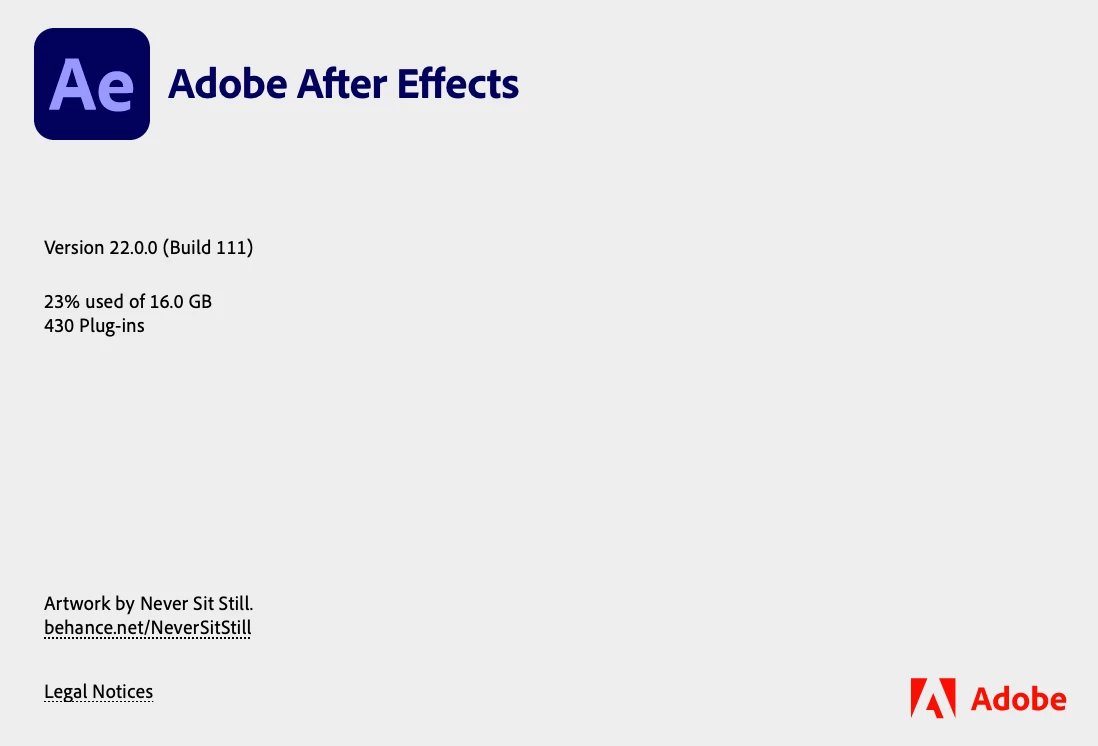
The very latest After Effects and Premiere pro (see screenshots)

I am having a huge problem with the dynamic link between premiere pro and after effects on any files that require it to be connected. It will basically get stuck on the loading bar in the bottom right once I open up any file. You can see in the task manager that the "arrenderer core" keeps crashing. Any help with this would be fantastic. 


Thanks! 

This topic has been closed for replies.
Correct answer ToolfarmJP

The cause may be related to the permission of the folder. Would you open Terminal.app and try this command line?


sudo open /Applications/Adobe\ After\ Effects\ 2022/Adobe\ After\ Effects\ 2022.app

(Log-in password is requested after you hit the return key on the keyboard.)

1 reply

ToolfarmJP
Community Expert
ToolfarmJPCommunity ExpertCorrect answer
Community Expert
November 10, 2021

The cause may be related to the permission of the folder. Would you open Terminal.app and try this command line?


sudo open /Applications/Adobe\ After\ Effects\ 2022/Adobe\ After\ Effects\ 2022.app

(Log-in password is requested after you hit the return key on the keyboard.)

Participant
November 10, 2021

Thansk so much that has resolved this issue!