
Participating Frequently
July 23, 2017
Answered

After Effects CC 2017 Render different from preview?

  • July 23, 2017
  • 3 replies
  • 9605 views

Hi, I seem to be getting a repeating glitch when it comes to rendering after effects files in media encoder.

My computer has a: NVIDIA GeForce GTX 960 graphics card with 24 Gigs of RAM

16 of which are allocated for adobe software while running.

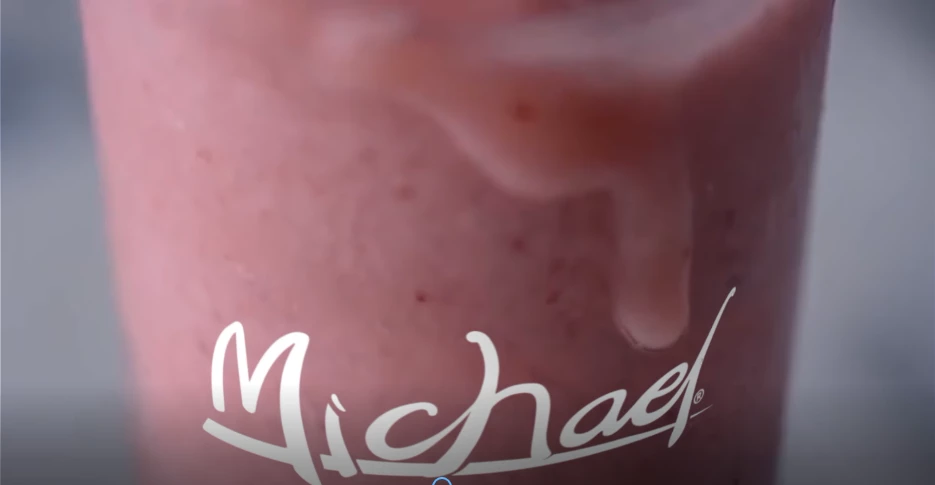
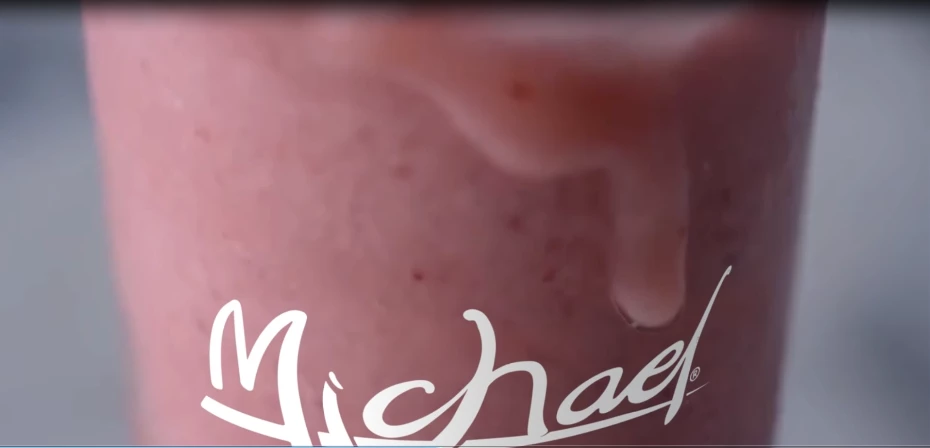
The issue occurs when I render in adobe media encoder as rendering in AE still causes the problem but it is less dramatic. In both the final render comes out with masks not being fully aligned the way they are in the AE preview. Things are slightly off and turning off OpenGl and multicore processing as stated in other forums helped, but didn't fix the issue.

I've tried many different things including clearing the cache, and changing the frame rate to no avail. And have determined they are not the cause.

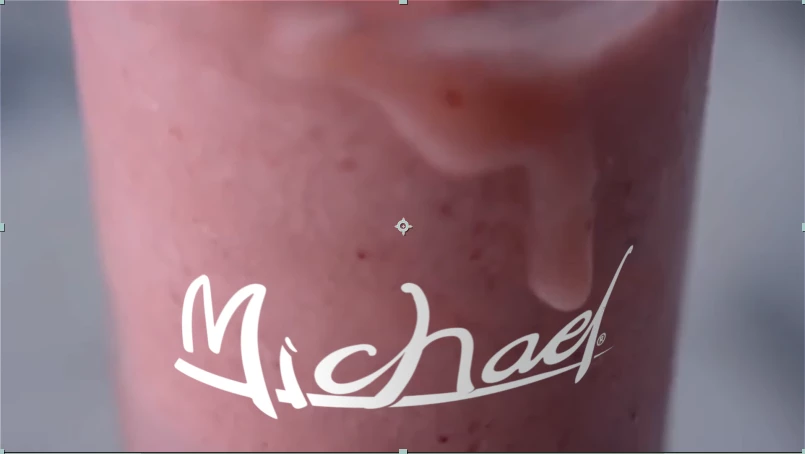
The mask is on the drop above the E in michael.

AE preview below
AE Final Render below
Media Encoder Final Render below
This topic has been closed for replies.
Correct answer Roei Tzoref

Yes, 24.042 is the set composition frame rate. I've rendered in both regular 24 fps and 24.042, along with other assorted frame rates, and it did not have any effect on the particular masking glitch. Changing said frame rate was also one of the first things I tried.


Yes, 24.042 is the set composition frame rate. I've rendered in both regular 24 fps and 24.042

this is probably the reason for inconsistencies. you are working in a non standard frame rate and rendering a standard codec. the first thing you should do is set your frame rate to a standard frame rate in all your compositions. once you do that, you should carefully at frame by frame precision look at your keyframes and layers trimming and align them back to be on frame. they have probably been offset on sub-frames due to the shifting back to 24 fps.

once you do that, export again and make sure you match the frame rate in AME.

3 replies

curiouscris
Participant
October 8, 2019

I'll just point out that I have a similar issue and for me the problem was that I was previewing in quarter resolution. I was working with Vegas effect and using different segments and I didn't realise this would make a difference. Just to let you know because some might have similar issues. Thanks.

asimzb
Participating Frequently
July 18, 2018

This happens when you select preview resolution other than Full. change it to Full and you will see the same frames in preview as in final rendering video.

Mike_Abbott
Legend
July 23, 2017

Are you sure you are rendering to the same frame rate as the frame rate of your comp?

Are you using 3D layers?

Are you using interlaced or non-square pixel footage?

imw25Author
Participating Frequently
July 23, 2017

1. The rendering is set to the proper frame rate of 24 fps which is the frame rate of the actual original video file. No other video files are used or have their speed altered. All other footage is duplicate layers used for masking or replacement.

2. I am using a 3D layer which is the michael logo, but its inside a precomp file and the masked layers apply to a completely different composition.

Regular Comp

The red circle indicates the two layers which are masked, and the "Michael Overlay" is the precomp pictured below.

PreComp

In this precomp Ray-Traced 3D is enabled.

3. The footage is in pixels.

Mike_Abbott
Legend
July 23, 2017

Concussion909  wrote

1. The rendering is set to the proper frame rate of 24 fps which is the frame rate of the actual original video file.

Your comps(s) and footage appear to be running at 24.042 fps.