Answered
After Effects composition display error
I recently purchased a Expaliner video template...but when import file to my composition i keep getting gamma color boxes with image names instead of the correct imageimage see attached 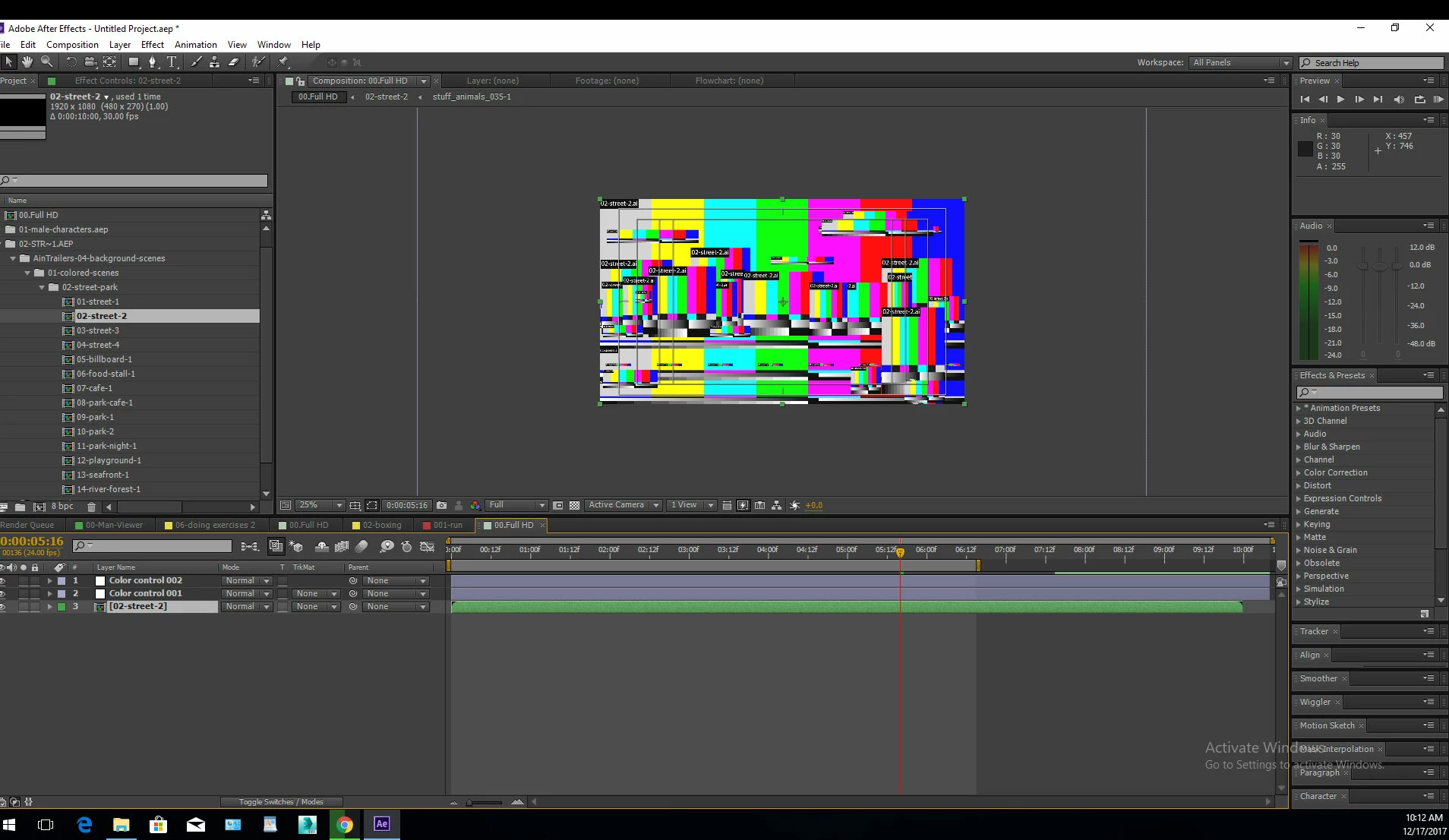

I recently purchased a Expaliner video template...but when import file to my composition i keep getting gamma color boxes with image names instead of the correct imageimage see attached
I would suggest you follow the template creator's instructions exactly and read up on how to replace/ relink files in AE in case you placed them into a different location than intended. there's realyl nothing more to it than that. Brush up on the basics!
Mylenium
Already have an account? Login
Enter your E-mail address. We'll send you an e-mail with instructions to reset your password.
 AdChoices