
Question
After Effects continues to pop up this warning and no longer lets me continue beyond it.
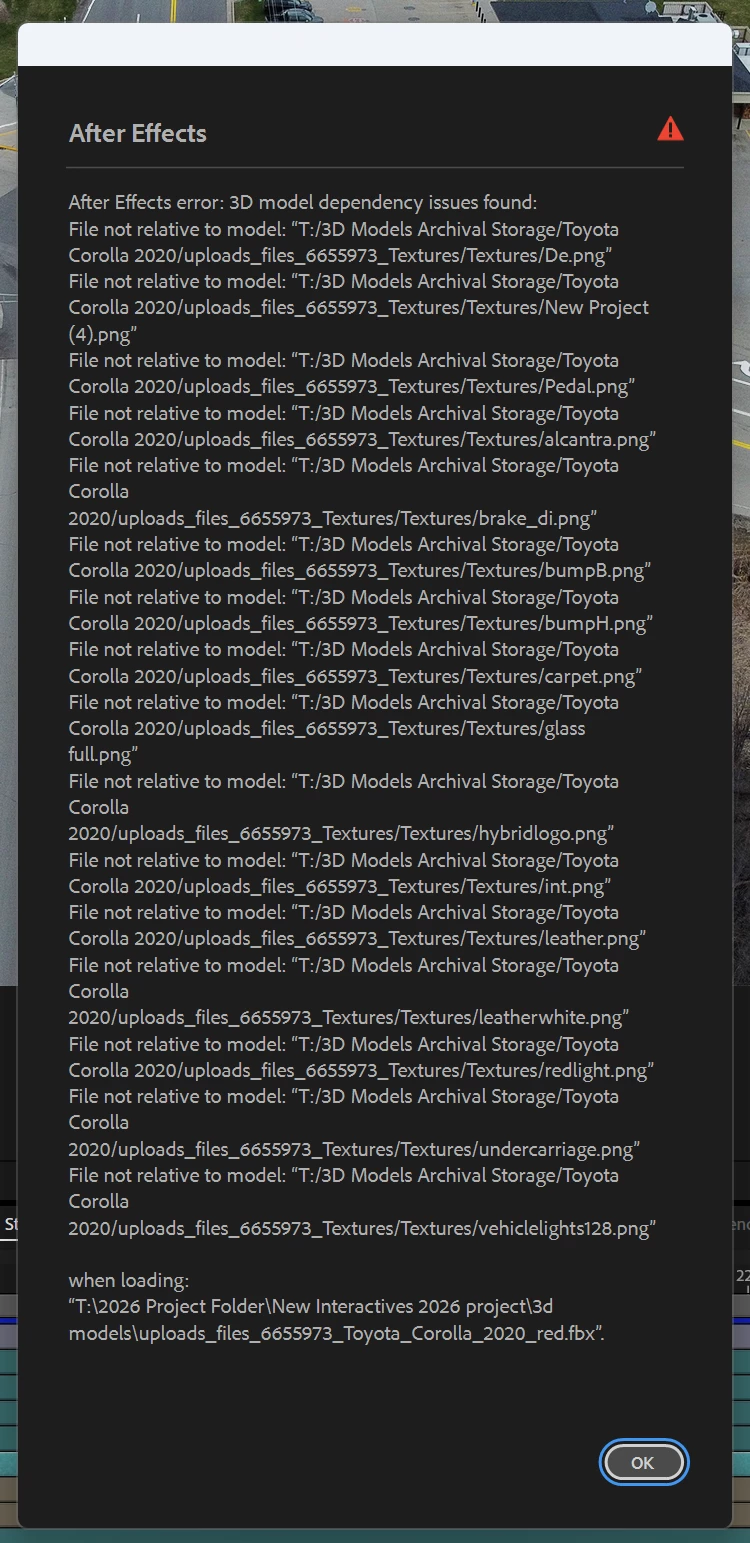
This warning pop-up continues to pop up whenever I load up a project file in After Effects. At one point, I would be able to click “Ok” and it would disappear, allowing me to continue work in the project and manipulate said 3D object just fine as it would load in just fine.
However, now, I get this warning continuously, unable to click away and move on. I do not know how to solve this issue or what I did to cause this warning to persist from now on.


 AdChoices