Participant
Dec 13, 2024 11:32 AM UTC
Question

After Effects crashes after opening

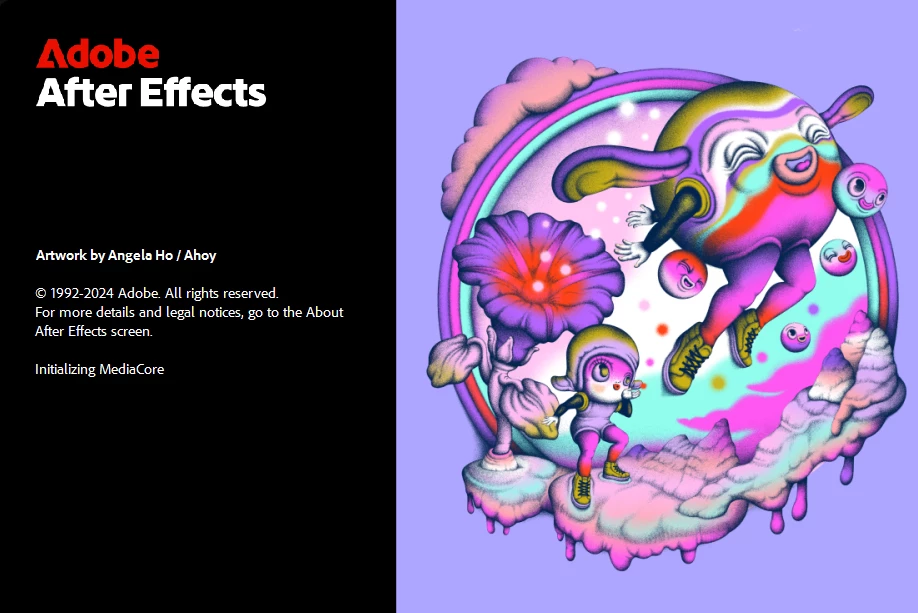
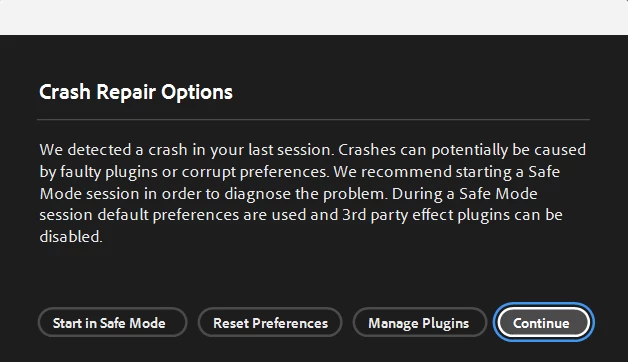
I tried to open After effects and all of a sudden this appeared, Ive tried all the options in the first crash repairscreenshot
I've tried:
used the Adobe Creative Cloud Cleaner Tool
checked to see that it is updated
cleared my cache
disabled all plug-ins by deleting them
uninstalled and reinstalled
and ran in administrator

Nothing works, no matter what I click, it goes to the second loading screenshot and then after a while disappears and does not open.

How do I fix?
 

7 replies

ToolfarmJP
Community Expert
Community Expert
May 30, 2025 1:28 AM UTC

Have you tried to update the graphic card driver?


Translate
Harold Silva
Community Expert
Community Expert
Dec 13, 2024 5:55 PM UTC

Esto te sucede con un proyecto en particular o al ejecutar el programa?
Te recomeindo probar con una versión anterior (2024) y si se puede ejecutar podrias actuallizar los drivers de tu tarjeta de video.

Saludos

Translate
Harold Silva B.
Participant
Dec 13, 2024 11:53 PM UTC

It happens when running the program, I reinstalled the previous version of After Effects and it works, so how do I fix After Effects 25? Or do I just stick to 24?

Translate
Participant
May 21, 2025 10:41 AM UTC

I reinstall the older version but not working, so please suggest me what to do


Translate
nishu_kush
Legend
Dec 13, 2024 2:59 PM UTC

Thanks for writing in and sharing the screenshots.

Please try this: Go to the following location and remove (or move to a different location to keep a backup) all the files and folders except dummy.txt and try to launch After Effects.

Location on Windows - C:\Program Files\Adobe\Common\Plug-ins\7.0\MediaCore

Let us know how it goes. Moving this thread from Bugs to Discussions for troubleshooting.


Thanks,

Nishu

Translate
Participant
Dec 13, 2024 3:05 PM UTC

Thanks for trying to help, I tried that but it didn't work, the same thing keeps happening

Translate