
Question
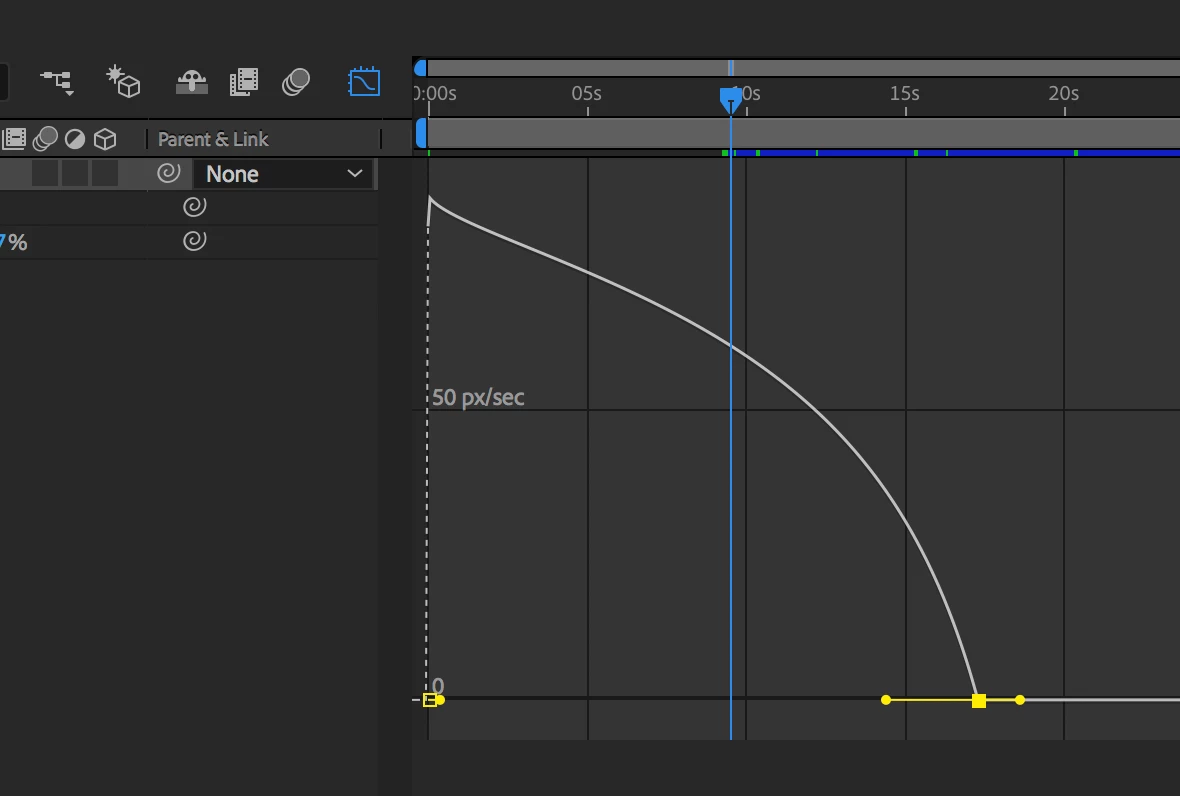
After Effects crashes when editing keyframes in graph editor
Using AE CC 2018 on 2017 iMac:
iMac (Retina 4K, 21.5-inch, 2017)
3.6 GHz Intel Core i7
32 GB 2400 MHz DDR4
Radeon Pro 560 4096 MB
I am using .R3D files and keyframing position and scale. When I use the graph editor to edit the keyframes, using the "Speed Graph," AE crashes every time I try to drag the handle of a particular keyframe. I've tried restarting AE and rebooting, clearing cache, and enabling/disabling "preserve RGB" in color management settings. So far none of these has worked and AE shuts down immediately when I start dragging the handles attached to the keyframe.
 AdChoices