
Legend
December 19, 2025
Answered

After Effects Crashing During Tracking

  • December 19, 2025
  • 1 reply
  • 380 views

Hello Everyone.

I have a very basic Scene less than 10 seconds, and I am watching a Tutorial on Pot Player on Tracking. I noticed After Effects did Freeze few times. I'm attaching the Error Message. I do have a fairly strong Computer.


Also for Better Performence, I have my Mximum Disk Cache inside my C Drive "SSD", and Conformed Media Cache on my F Drive "SSD". I have used this Technique for my Premiere Pro files. In other words, I try to have only Program files Inside my C Drive. 

Thanks.

Computer Info:

Intel(R) Core(TM) i9-10900K CPU @ 3.70GHz (3.60 GHz)

64.0 GB (63.7 GB usable)

NVIDIA GeForce RTX 2070 SUPER
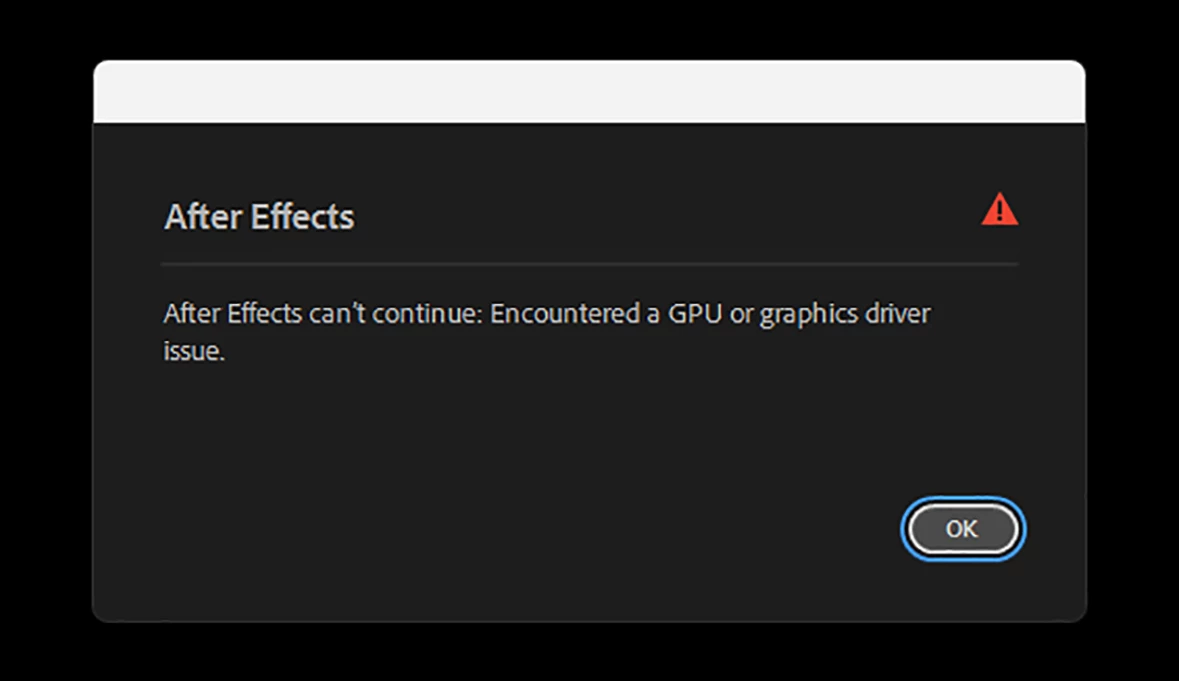
 

AF Error.jpg

Correct answer animationlife

What are you tracking? are you using AE built in tracker or something else (like mocha ae)? Are you tracking an object or doing a camera track? Or does it happen with any kind of tracking ? Is it able to track some of the clip before crashing or does it crash as soon as you hit track? 


its seems like the issue is maybe solved. I reinstalled the NVIDIA Drives again. Version 591.44.


Inside the List of Whats Fixed in the latest NVIDIA Driver is: Premiere Pro, Freeze During Export using Hardware Encoding..

  I am using the Track Camera inside After Effects Not mocha. and i am creating Solid, and Nul and I parent the Position of my Image, and Solid, so the image and camera moves together. The freeze happends in the middle of working with Tracker. But, since i reinstalled NVIDIA Studio Driver, It seems like working fine.

Thanks Again.

1 reply

nishu_kush
Legend
December 19, 2025

Hi there,


Sorry to hear about the issue. Are you getting this issue in all the projects or a particular one? Does it happen only when you are tracking or is it random? Can you try running After Effects Safe Mode and see if that brings any change? Also, ensure your GPU driver is updated to the latest. 

Let me know how it goes.


Thanks,
Nishu

Legend
December 27, 2025

Sorry for the Late Reply. same issue still.. 

Yes GPU, and my NVIDIA Graphic card are all updated to the latest versions. I like to explain something. My  C drive only contains Program files such as After Effects, premiere, Photoshop and other Programs. Inside the Preferences,  the way I set up my Temp files folders, and Cache folder, and Disk Cache Folder is they are aiming to my other SSd Drive, not the actuall C Drive. I use this technique for other Adobe aps, including Premiere pro, So technically no temp files or Cache files are in C Drive.

Thanks.

Computer Info:

Intel(R) Core(TM) i9-10900K CPU @ 3.70GHz (3.60 GHz)

64.0 GB (63.7 GB usable)

64-bit operating system, x64-based processor

NVIDIA GeForce RTX 2070 SUPER.