
Inspiring
January 11, 2022
Question

After Effects crashing when dragging shape off the side of the canvas

  • January 11, 2022
  • 1 reply
  • 166 views

Hi community.


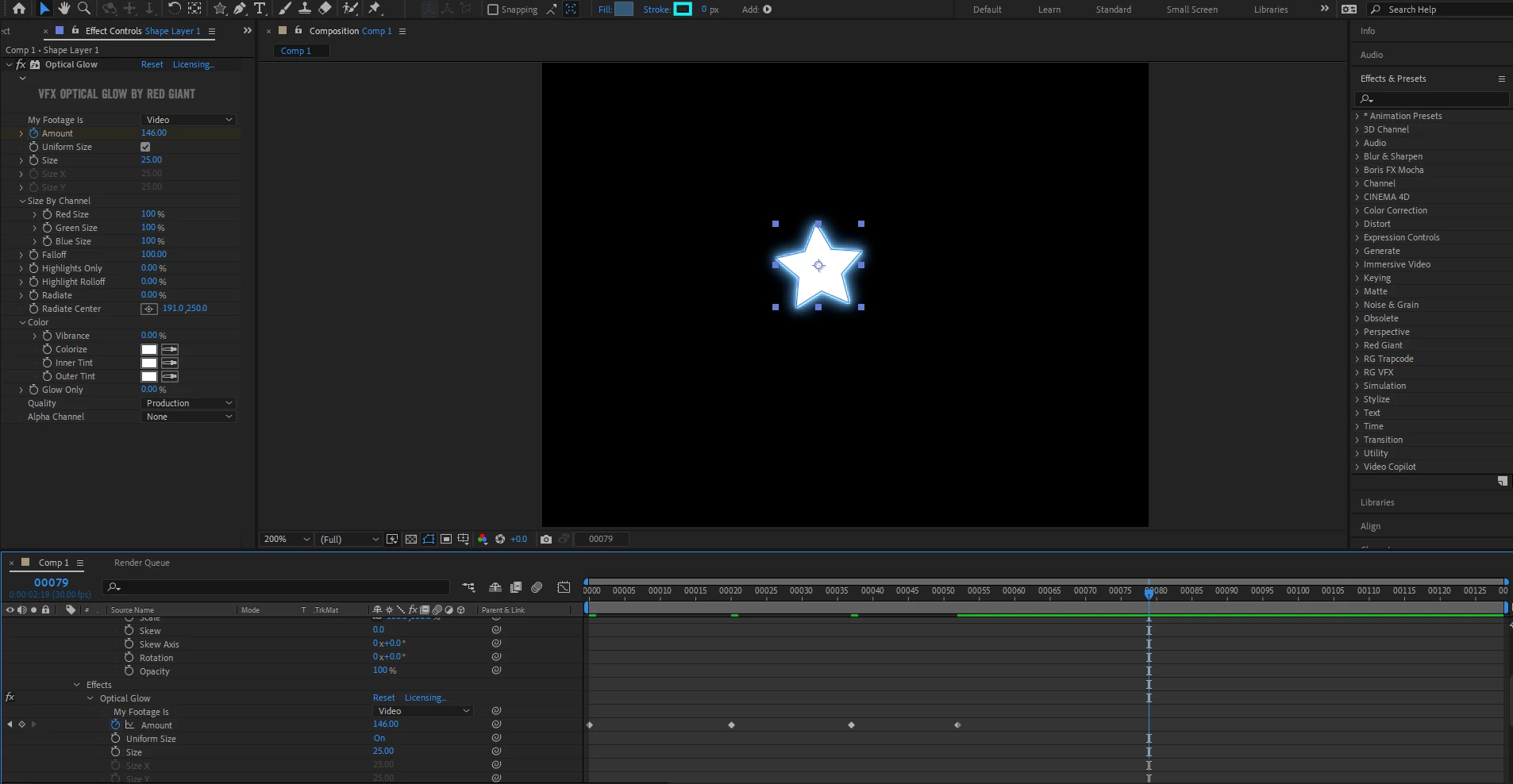
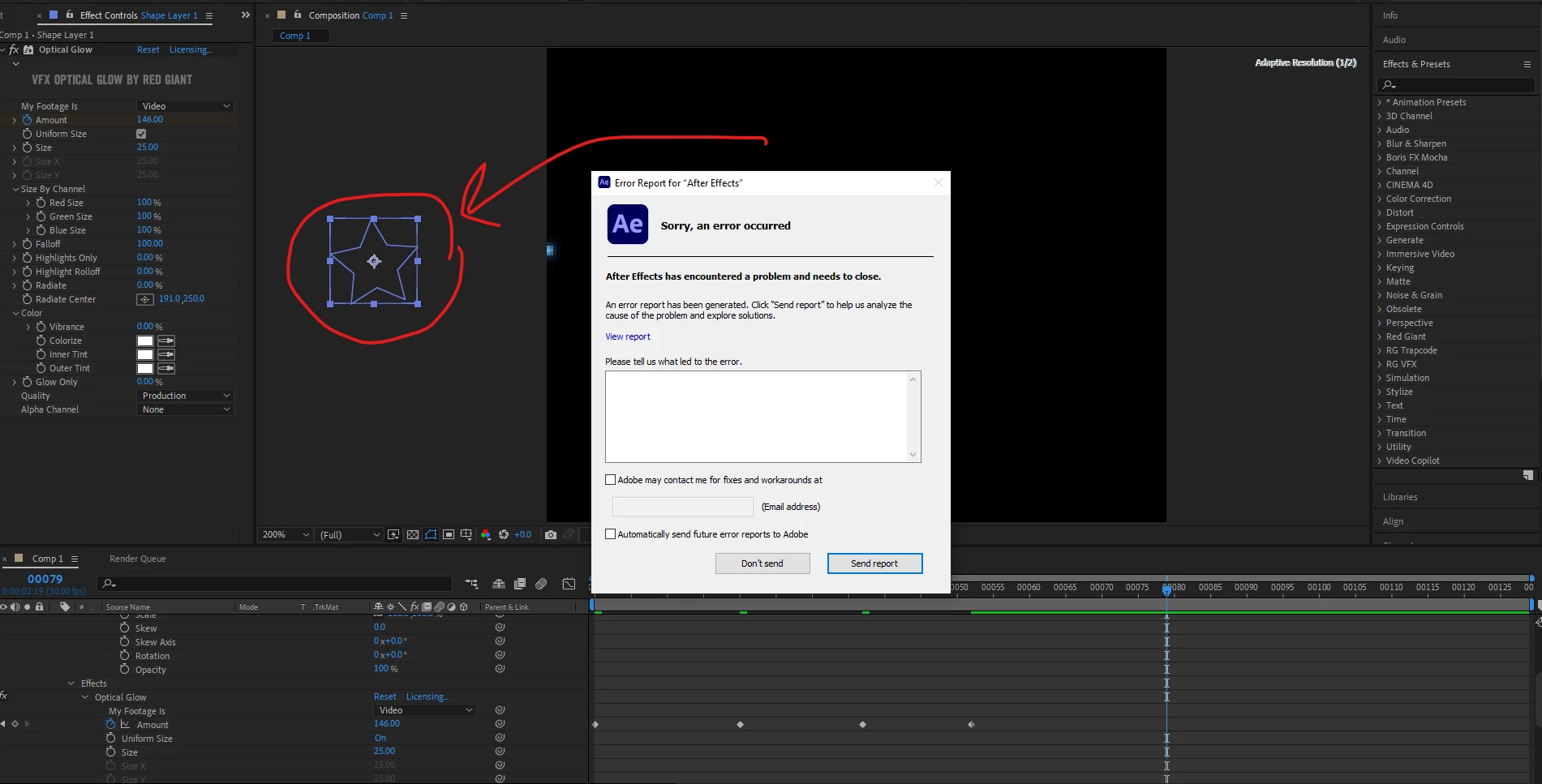
I have applied a glow effect (red giant) to one of my shapes. When the shape is within the canvas there's no crashing issue. But when I drag the shape off the side of the canvas, I get this crash message:


This topic has been closed for replies.

1 reply

nishu_kush
Legend
January 13, 2022

Hi Stefan Cargoski,


Sorry for your issue.

What's the exact version of After Effects you're using? Have you tried updating the plug-in? If that didn't help, try disabling the Hardware Accelerated Composition, Layer, and Footage Panels in After Effects Preferences > Display.

Let us know if it brings any change.


Thanks,

Nishu

Inspiring
January 18, 2022

Hi Nishu,


Currently on  AE 2021, the plugin is also updated and the disabling of the accelerated composition didnt help.

This only happens when I drag the shape off the canvas, else its working fine. 


Kind regards.