


Participant
December 6, 2023
Question

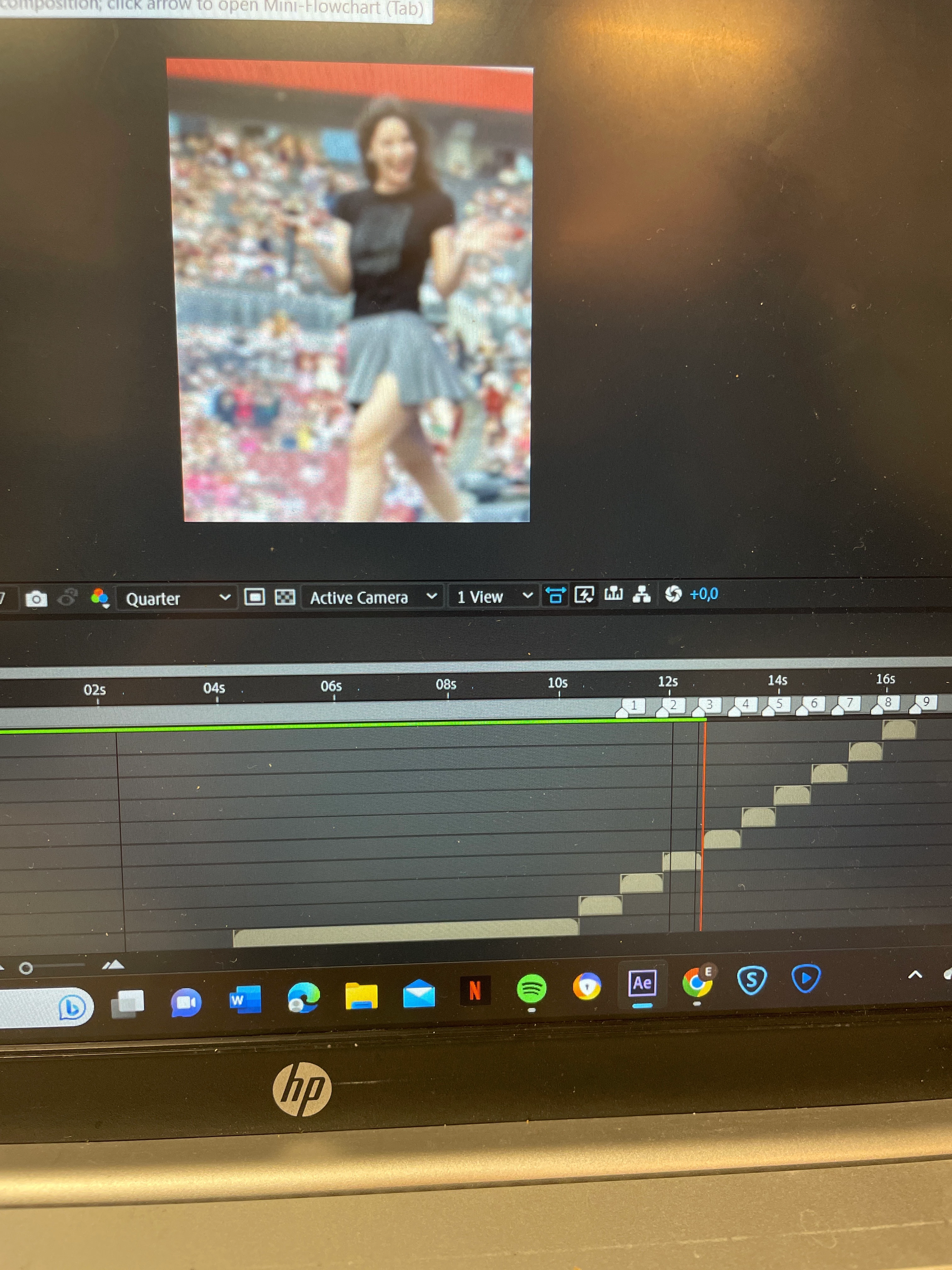
After effects doesn't preview beyond the green line in the Timeline
  • December 6, 2023
  • 3 replies
  • 985 views

Hi!

i'm trying to make my first edit on after effects, however when I try to play the edit there is this green line above it and after the green line it won't continue playing. How can I fix it??


Title edited by Mod.

This topic has been closed for replies.

3 replies

thepixelsmith
Community Expert
Community Expert
December 7, 2023

The information the other two posts have is correct. 

One note on how to fix your preview issue though.

1. Sometimes AE just stops midway through building the preview (or you stop it prematurely), in this case preview again and let it finish building the rest of your timeline.

2. Sometimes you don't have enough RAM available to preview the entire timeline. In this case change the length of the Work Area Bar (That is the thick gray bar with blue handles just above the green preview line).


You can also go to your Settings/Preferences and in the Memory & Performance section you can lower the RAM reserved for other applications setting to a low as possible to free up more RAM for AE to use.

nishu_kush
Legend
December 7, 2023

Hi Elena34091568ptvq,


Welcome to the community.

This is how After Effects preview works. It needs to render and store the cache in RAM (indicated by the green line) before showing the preview. Here are more details: https://community.adobe.com/t5/after-effects-discussions/faq-why-doesn-t-after-effects-preview-in-real-time-like-premiere-pro/td-p/10690804

Hope it helps.


Thanks,

Nishu

Mylenium
Legend
December 6, 2023