
Participant
April 19, 2017
Question

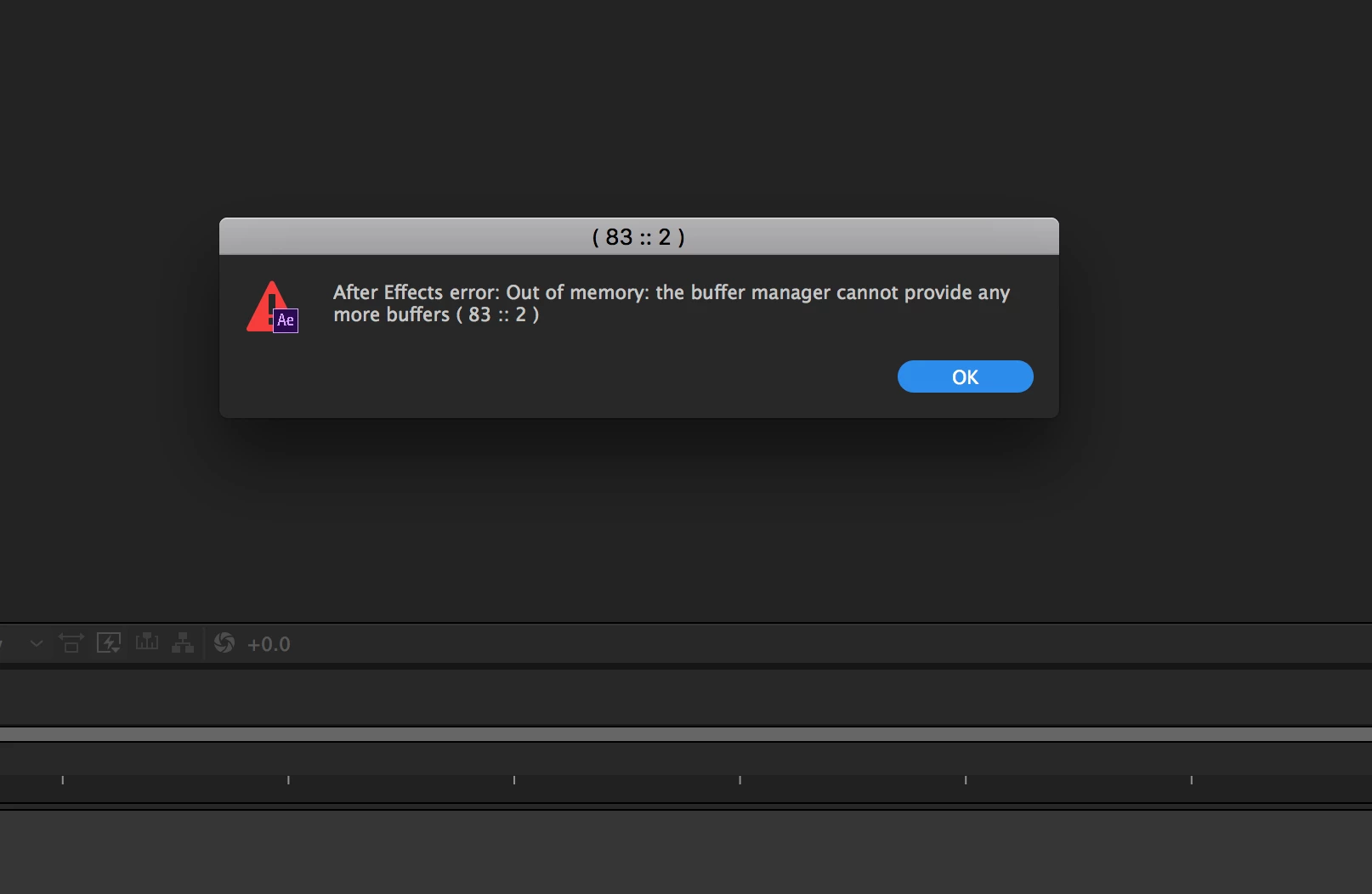
After effects Error: Buffer Manager

  • April 19, 2017
  • 9 replies
  • 3995 views

I encountered this error today:

After Effects error: Out of memory: the buffer manager cannot provide any more buffers ( 83 :: 2 ). Google didn't provide any results and I upgraded to 2017.2 release today.

Any help for what could be causing this error?
    This topic has been closed for replies.

    9 replies

    May 4, 2018

    Hi,

    I have exactly the same problem when I'm importing a project file which has 706MB.

    But my memory is 64 GB.

    Participant
    March 21, 2018

    I am experiencing same problem whenever I try to import any project.

    Participant
    September 25, 2017

    Hi,

    Im also exeprienceing this problem. This is only happening when I try to import an AE project into another AE project. This has only started to happen since the last update.

    Macbook Pro 2017

    2.9 GHZ intel i7

    16GB

    Radeon Pro 560 4096MB

    MarcQ
    Participant
    September 17, 2017

    I'm also experiencing the same problem when I import a project (450MB).

    Model Name: iMac

    Processor Name: Intel Core i7

      Processor Speed: 3,5 GHz

      Number of Processors: 1

      Total Number of Cores: 4

      L2 Cache (per Core): 256 KB

      L3 Cache: 8 MB

      Memory: 32 GB

    memory details after error message:

    Installed RAM: 32,00 GB Current RAM Usage: 2,87 GB Allowed RAM Usage: 26,00 GB

    Szalam
    Community Expert
    Community Expert
    September 19, 2017

    What effects or plugins are used in the project you are importing?

    Can you open the project that you are trying to import by itself?

    MarcQ
    Participant
    September 19, 2017

    Hi Szalam,

    No plugins, and a handful of very basic effects.

    p.s.

    Does anyone know when the latest version of Ae will be released?

    Hoping for monumental speed improvements so when writing "2017" actually means a year, not a number ;-)

    colourandre
    Inspiring
    July 3, 2017

    I have exactly the same problem. Occurs when I'm importing a project file.

    I have to restart and clear cache.

    I have lots of pluggins, but I'm not uninstalling them all again, everytime there is an After Effects issue.

    Kevin-Monahan
    Community Manager
    Community Manager
    May 25, 2017

    Hi Erika.Floyd,

    Are you still experiencing this error? Or was this specific to your project. Please let us know how it's going.

    Thanks,
    Kevin

    Kevin Monahan - Sr. Community & Engagement Strategist – Pro Video and Audio
    Participant
    April 20, 2017

    It doesn't occur when I'm doing anything but working in the program. If there would have been a triggering event I would definitely have included it.

    My system info:

    iMac (Retina 5k, 27-inch, Late 2015)

    4GHz Intel Core i7

    32 GB 1867 MHz DDR3

    I was just hoping someone else had experienced the error before. My thoughts are that it may be a bug. Triggered by what... not sure.  Thanks for the replies!

    Szalam
    Community Expert
    Community Expert
    April 20, 2017

    Can we see a screenshot of your memory setting in the preferences?

    Does it happen in every project? How frequently does it happen?

    What third-party plugins/scripts have you installed?

    Mylenium
    Legend
    April 20, 2017

    Without any info on your system, your comps and what you do in teh program when the error pops up nobody can tell you much or anything at all.

    Mylenium

    Szalam
    Community Expert
    Community Expert
    April 19, 2017

    When does this error occur?