Participant
April 17, 2020
Question

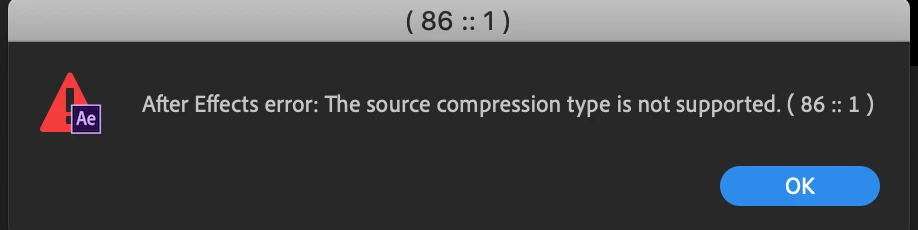
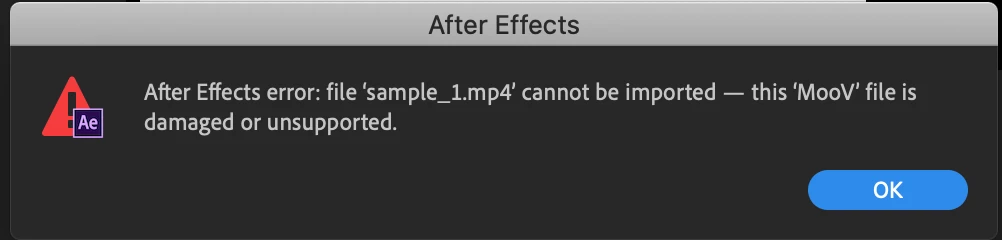
after effects error can not be imported, this mov files is damgaed or unsupported

  • April 17, 2020
  • 1 reply
  • 3077 views

Hi there, 


As many people have experienced this, I will try my best to explain this with my English. I have this same situation; I export c4d to mp4 files and import it to AE, and then it says that "after effects error can not be imported, this MOOV files is damaged or unsupported" 


I tried to uninstall the 17.0.5, and my currently on 17.0.4.  If anyone have any idea how to fix this, please advise, thank you so much! (I am on mac)


This topic has been closed for replies.

1 reply

nishu_kush
Community Manager
Community Manager
April 17, 2020

Hi there,


Thanks for reaching out.

This issue was reported in version 17.0.5. However, this was not an issue in the 17.0.4 release. Could you try to import this file in Premiere Pro or some other application to verify if the file is not corrupted?

This issue has been resolved in the 17.0.6 release. You can try installing this version and see if it works for you.

Let us know how it goes.


Thanks,

Nishu

zyxk2sAuthor
Participant
April 18, 2020

Hi Nishu, thank for the info. I tried it on 17.0.4  ae and Pr and still unable to import the mp4 files. My mp4 files open perfectly and don't have any issue to play the content, but it just somehow unsupported in the ae or pr..


please advise.

nishu_kush
Community Manager
Community Manager
April 20, 2020

Have you tried with the latest version? If that doesn't help, try the suggestion mentioned in the following Community post: https://community.adobe.com/t5/after-effects/can-t-not-import-mov-files-into-ae/td-p/3769608?page=1

Let us know if it helps.


Thanks,

Nishu