After Effects - Error in viewing sRGB profile in the composition viewer
Hey I was hoping maybe someone would be able to help me out.
I am having issues with my after effects representing the correct colours from an srgb working profile.
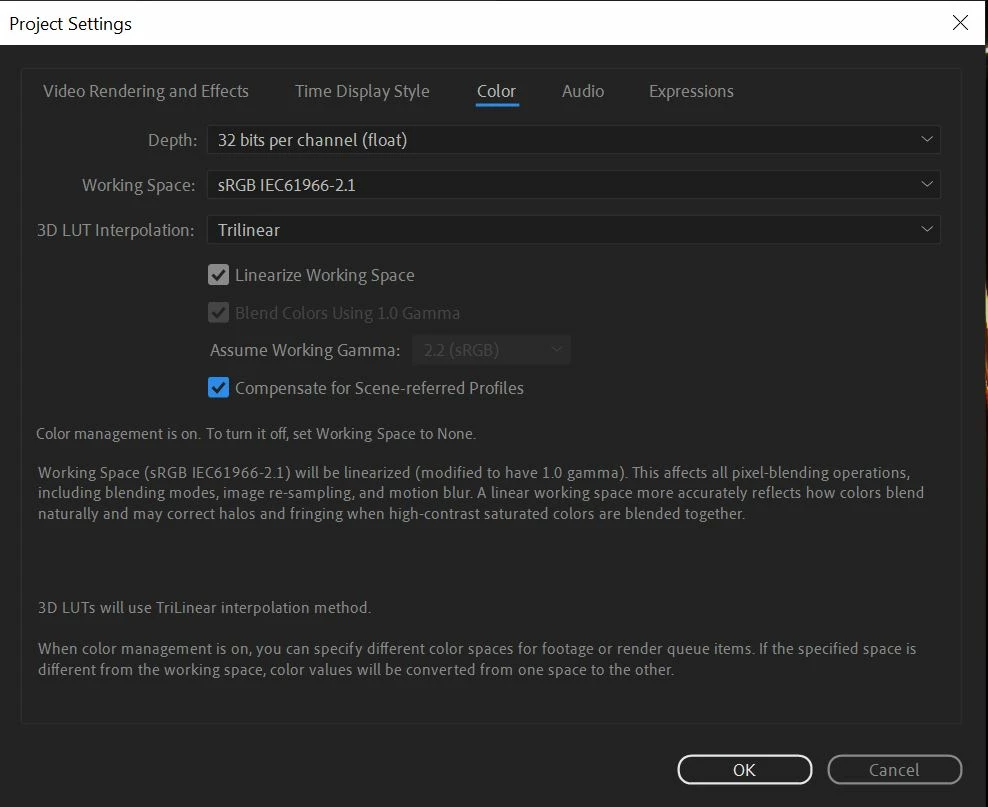
I have been working with these files for days and nothing has changed in regards to the project settings, which are.
Working Space: sRGB
Linearise colours: on
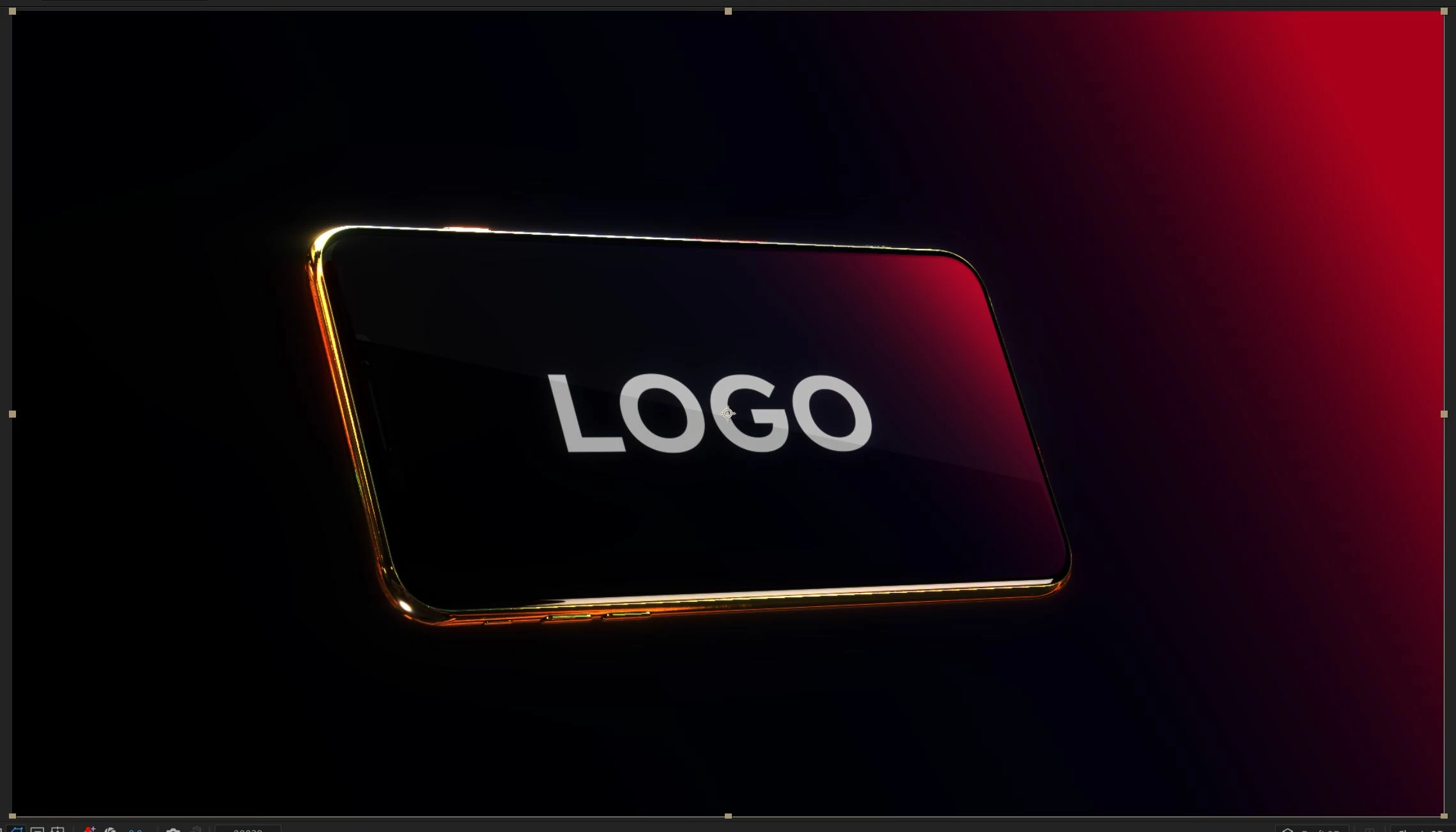


Above is the issue. client has seen and signed off the image on the right (3) and that is how my comp has looked until opening up today where I was met with image (1.left) and once i turned off the linearised colours it gave me (2.middle) however the whites are still crushed as you can see the logo text is grey where is 100% white!!!
I have used this set up for years but today I got into my comp, aswell as checking many other projects, and the After Effects composition viewer appears to be crushing the gamma. I have come to this conclusion as I have added an adjustment layer to the top of all of these comps and put a gamma correction of 2.2 in and this brings everything back in line, weird.
What I've found stranger though is that when I export a png with the colour management turned on, it exports correctly as one would expect, giving me the correct colours in the png, but the viewer looks totally wrong and incredibly dark.
I am wondering if there is a profile for sRGB in the preferences folder that has become corrupt and needs to be replaced. I have done a complete reinstall, driver roll back, update, I am totally at a loss. HELP!
Has anyone come across this or are any engineers available to have a look?
 AdChoices