zitas92878602
Participant
March 12, 2021
Answered

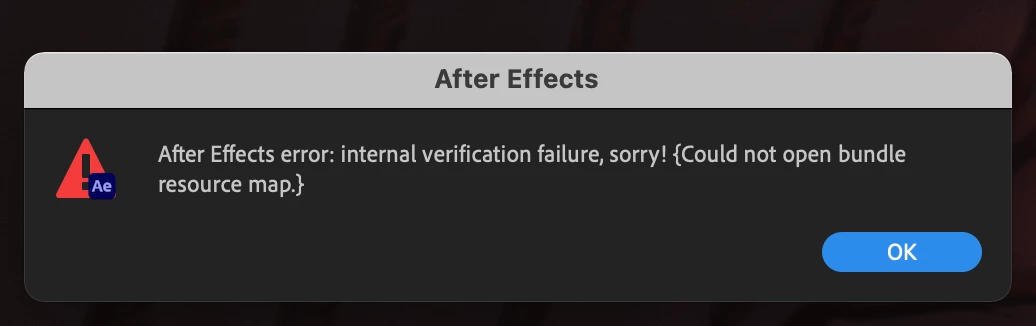
After Effects error: internal verification failure, sorry! {Could not open bundle resource map.}

  • March 12, 2021
  • 1 reply
  • 10148 views

Hello! I hope you could help!

I have updated to After Effects 2021 (18.0) in the last couple of days. 

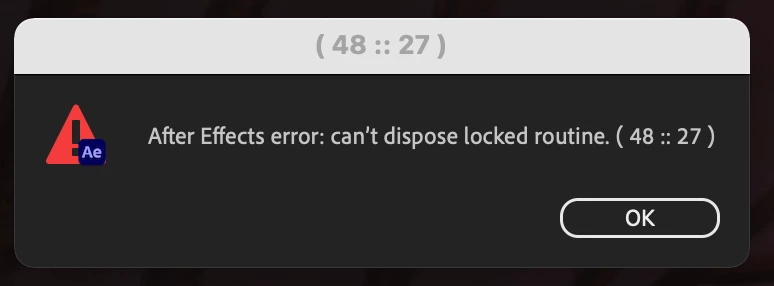
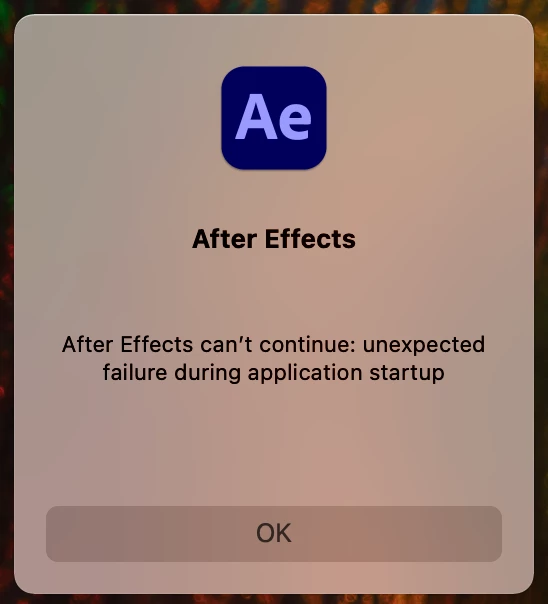
Ever since if I try to open the AE app these windows are popping up - please see attached images. I have uninstalled and re-installed the new version (18.0) but it still shows the same error and I am unable to use the apple. I would much appriciate any advise/help. Thanks in advance.

This topic has been closed for replies.
Correct answer zitas92878602

Hi, thanks for your help. 

There was a problem with a plugin. I needed to uninstall this plugin in order to be able to install Ae correctly. It is working now, thank you again for your kind help. Warm regards. Z

1 reply

ToolfarmJP
Community Expert
Community Expert
March 13, 2021

Would you sign out Adobe desktop tool and sign it again? I would guess the cause is related to your user account.


zitas92878602
zitas92878602AuthorCorrect answer
Participant
March 13, 2021

Hi, thanks for your help. 

There was a problem with a plugin. I needed to uninstall this plugin in order to be able to install Ae correctly. It is working now, thank you again for your kind help. Warm regards. Z
adsfgdfg
Participant
March 15, 2021

Hi,

Since I get the same error message: how do I find out which plugin is causing problems?