It is probably an issue with the plugin and that's likely to do with AE's huge changes.
As you may (or may not) know, AE CC 2015 is the first step in a major re-architecture, separating the renderer from the UI for the first time in AE's 20+ year history. This is a big job (and it's clearly still in progress). It's a necessary step for improving After Effects performance, but it's taking a while (and multiple versions) for them to get through it.
Some plugins had to be rewritten to deal with how the new architecture works. So, if you're not using the latest version of the plugin, you'll want to download the latest installer, remove your old version, and install the new one. If you don't own the latest version you may need to upgrade.
Alternatively, you could use an older version of AE. HOWEVER, don't go back to CS6. Install CC 2014 and see how the plugin works there (here's how to install older versions through the CC app). During this time of transition as the AE team is introducing elements of the new architecture, sometimes it's easier to use the older version to get a job done. Many folks bounce back and forth between CC 2014 and CC 2015. (Project files are compatible between both versions, by the way.) I do it because CC 2015 doesn't have a replacement for multiprocessing yet, so I'll work in CC 2015 (to enjoy the snappier interaction) and then I'll render in CC 2014 to use multiprocessing.
Anyway, if you have the latest installer and it still doesn't work in CC 2015, I'm sure the BCC folks would like to know about your issue (as would the AE team). So, if it doesn't work after trying the latest version, I'd suggest you file bug reports with both of them. Here's the link to Adobe's bug report form.

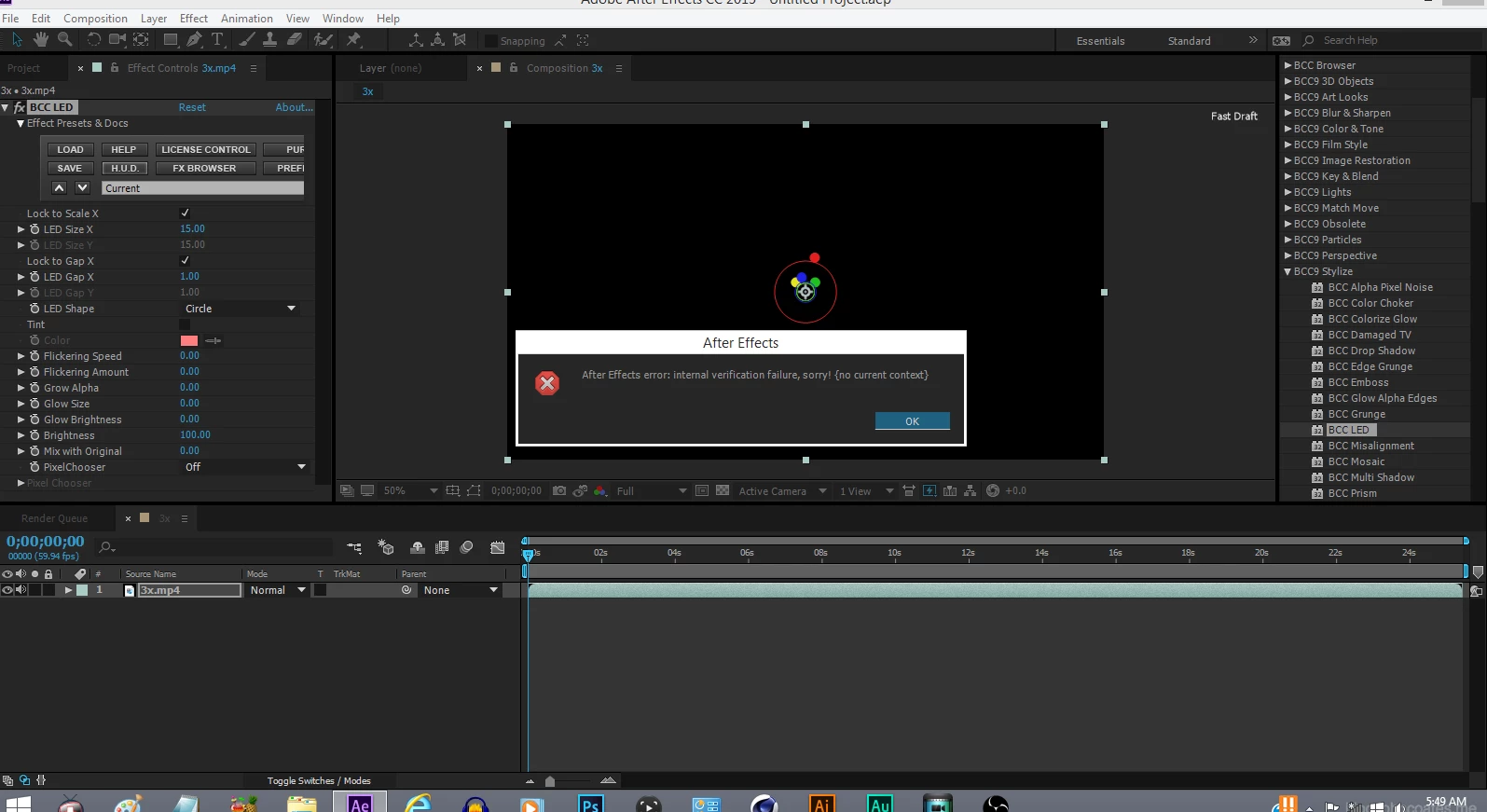 This pops up on my After Effects CC 2015.2, Product version 13.7.1.6! Just updated the most recent update thinking it may fix it but nope. It so far only happens when I use the BCC9 Plugin "LED". Not sure what to do. Never had this error before now. Other BCC plugins work fine and some just work and then seconds later it will say my After Effects Crashed but the plugins worked perfectly fine before and all my other plugins are working excellent as well except Red Giant Universe's "Toon It" that one just does nothing at all.

 AdChoices