


Participant
Apr 12, 2021 8:13 PM UTC
Answered

After Effects freezes when opening a specific project

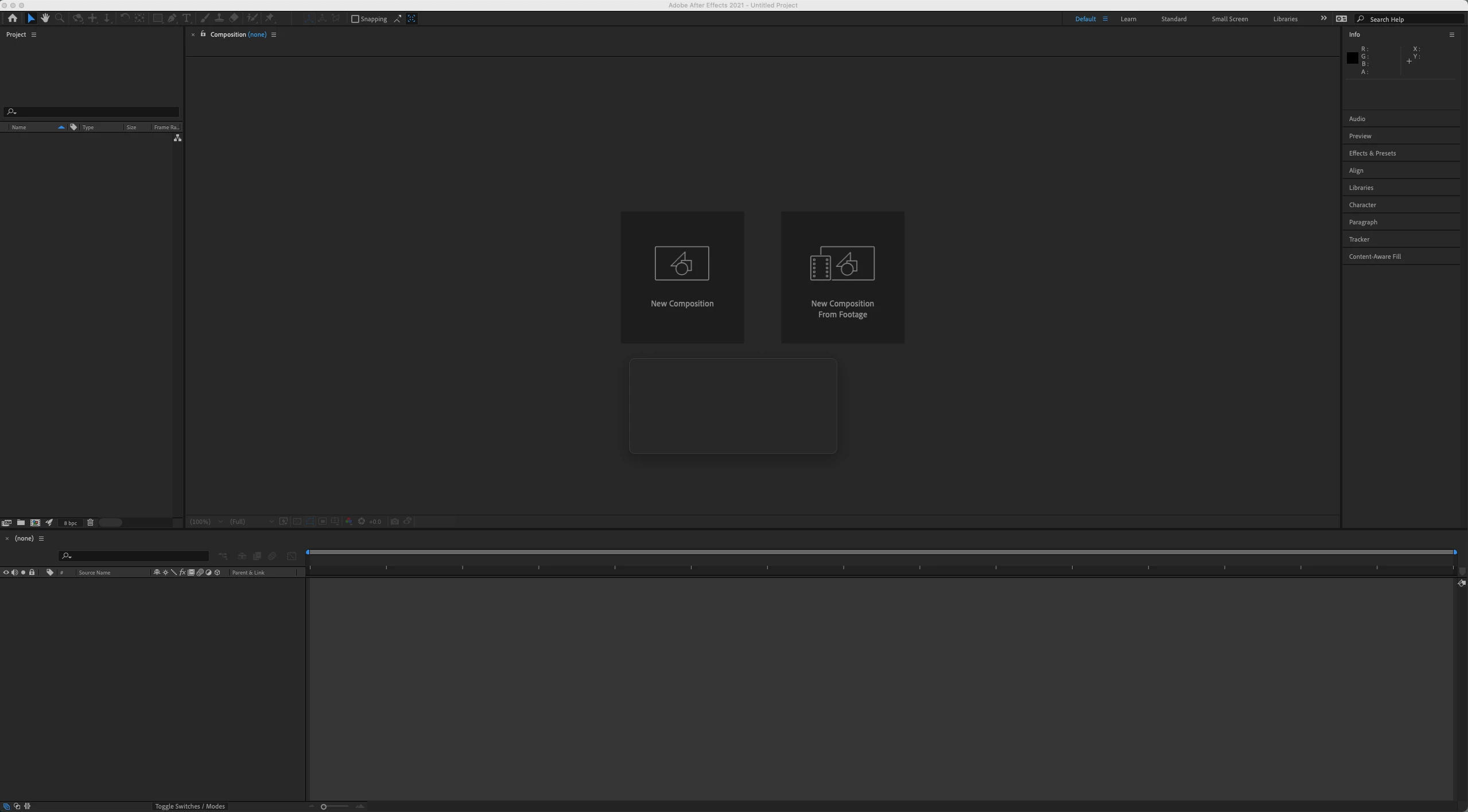
I have an Ae file that freezes up Ae every time I open it, even the autosave files freeze it up. The problem is specific to one project. All my other Ae project files open just fine. Never had this issue before today. I have coworkers that can open the file just fine, on the same version of Ae. Same exact hardware and software build as well. I can even open it on my laptop, which has an old version of Ae, just can't open it on my Mac Pro. I tried reinstalling the current and old version of Ae. Still won't open. See screenshot below. It looks like a dialogue box starts opening and freezes before it gets past this point. I get the color wheel and have to force quit. Any thoughts?
Raemon24425961lm1gCorrect answer
Participant
Nov 9, 2022 7:04 PM UTC

I had this problem, and changing the file name seems to fix the problem for me.

13 replies

Participant
Oct 23, 2022 10:09 PM UTC

I have exactly the same problem. Working projects were opened for 2 years, and after one of the updates, After Effects stopped loading. They just hang at 90-95% of the load. Hangs in all versions. The reason seems to be in the particular plugin. But the projects do not start even if this plugin is removed. And on other computers, even without plug-ins, everything opens


Translate
Raemon24425961lm1gCorrect answer
Participant
Nov 9, 2022 7:04 PM UTC

I had this problem, and changing the file name seems to fix the problem for me.

Translate
Participant
Apr 2, 2023 9:06 PM UTC

Thank you! This worked for me. Had the same problem as OP and was terrified my project was corrupted, but a simple name change fixed it just fine. Cheers!

Translate
Joost van der Hoeven
Community Expert
Community Expert
Aug 28, 2022 3:06 PM UTC

Have you tried importing it into a new empty project?

Translate
Participant
Aug 31, 2022 12:27 AM UTC

yes i have any other project works just fine its just this one that wont seem to open.

Translate
Community Expert
Apr 12, 2021 11:06 PM UTC

Try Opening After Effects, set Caps Lock on so nothing will render, then Import the problem Project file and open the compositions one at a time. Do not Open the AEP, import it. The caps lock will prevent a comp from rendering a preview. 


When you find the problem comp, repeat the process but turn off the effects on the layers one at a time until AE does not crash.


You could also have some corrupted footage in the project so rename the directory with the footage and try replacing the files one at a time.

Translate
Participant
Apr 12, 2021 11:25 PM UTC

Tried both, still no luck.


I also thought it might be corrupt footage, but everything opens and loads fine on every other machine.

Translate
Participant
Aug 28, 2022 3:58 AM UTC

Hey did you by chance figure out the problem? I am currently having the same issue. 

Translate
Community Expert
Apr 12, 2021 9:33 PM UTC

Try re-setting preferences first:

With AE closed Hold down shift/command/option and click on the icon for AE. Keep holding the keys and let your system make changes. Then try re-opening your project. Hope that this helps.

Translate
Participant
Apr 12, 2021 9:42 PM UTC

No luck. Thanks for the suggestion though.

Translate