August 26, 2017
Answered

After Effects glitch with two masks

  • August 26, 2017
  • 1 reply
  • 1606 views

Hi,

I have two green screen clips, which I masked (because I only need the part with the green screen), but when I put them together in a composition, it starts glitching. I exported the video to see if the glitch would go away, but it stayed.
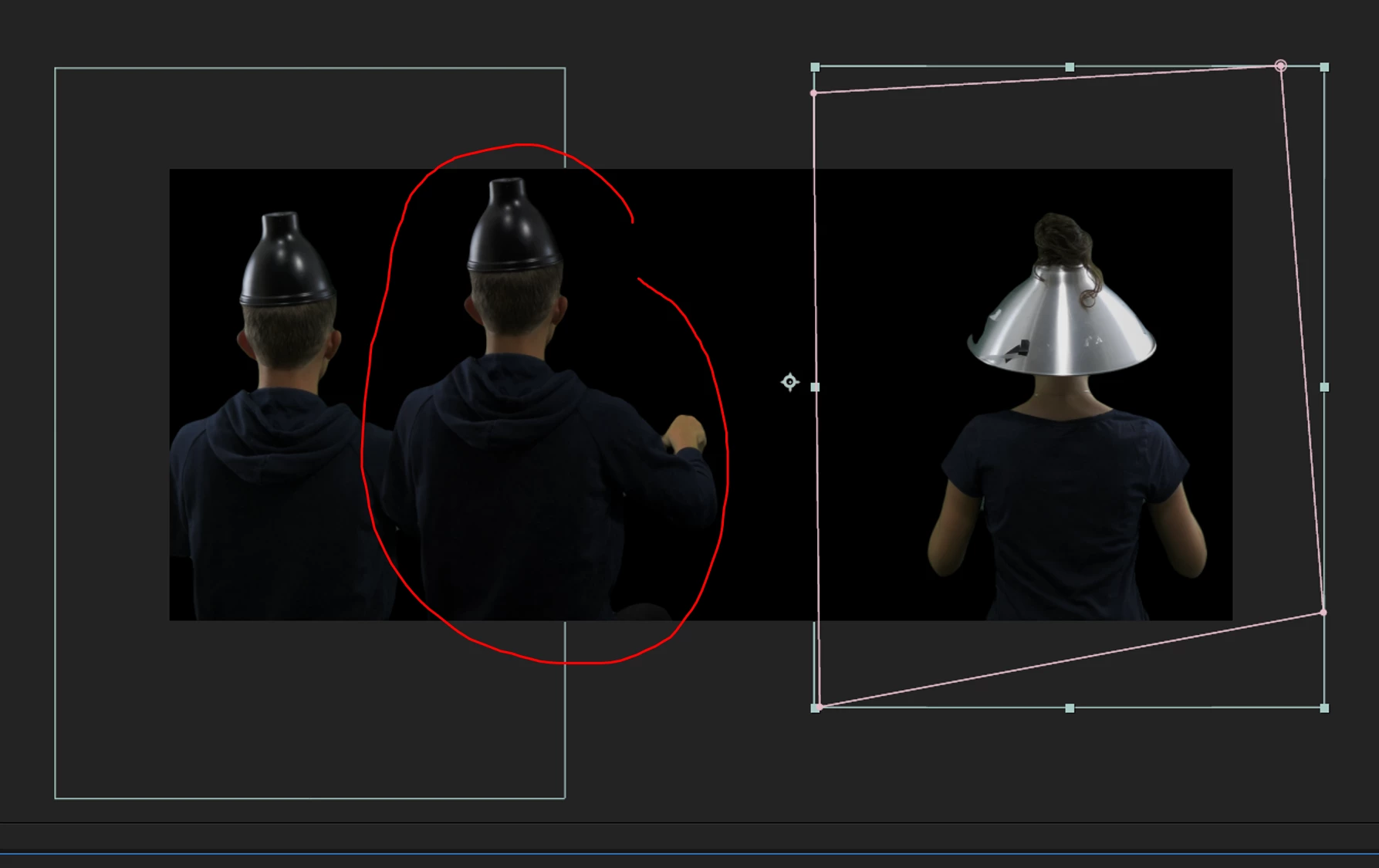
As you can see here, something that shouldn't be in the mask is still there. And here you see the final result with all the glitches in it (they keep changing per frame):
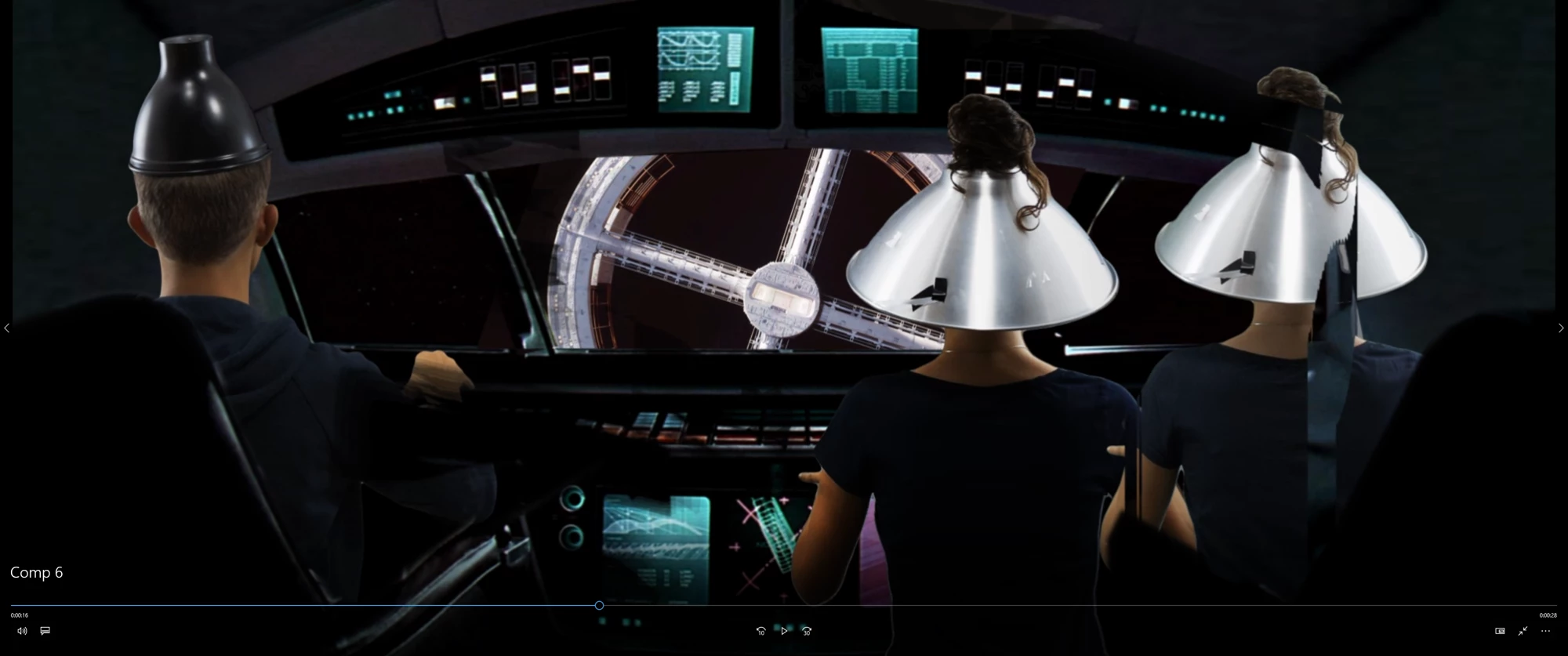
I tried restarting the project, copying all items to a new composition, clearing disk cache or exporting with only one mask (so that I can put the other mask in the exported video), but nothing works. It's really frustrating, I hope anyone can help.

Thanks in advance!

Jerome

This topic has been closed for replies.
Correct answer Rick Gerard

Cropped screenshots are almost useless for diagnosing problems. After purging your cache select the layers giving you problems and press the U key twice to reveal all modified properties. Start turning things off or making adjustments until the problem goes away. If you can not figure out the problem show us the modified properties of the layers and your UI by simply pressing PrintScreen and then Ctrl/Cmnd + v to paste to this forum. If you are on a Mac then Shift + Ctrl/Cmnd + 3 will take a screenshot that you can just drag in from the desktop.

1 reply

Rick GerardCommunity ExpertCorrect answer
Community Expert
August 26, 2017

Cropped screenshots are almost useless for diagnosing problems. After purging your cache select the layers giving you problems and press the U key twice to reveal all modified properties. Start turning things off or making adjustments until the problem goes away. If you can not figure out the problem show us the modified properties of the layers and your UI by simply pressing PrintScreen and then Ctrl/Cmnd + v to paste to this forum. If you are on a Mac then Shift + Ctrl/Cmnd + 3 will take a screenshot that you can just drag in from the desktop.

August 26, 2017

Thanks a lot Rick! It turned out to be the CC Vignette and the screen pre-blur in Keylight, that caused the glitches. I put the blur to zero and removed the CC Vignette and it solved my problems.

Still weird, but thanks.

Btw: This thread can be deleted now.

Roei Tzoref
Legend
August 26, 2017
removed the CC Vignette and it solved my problems.

thanks for sharing what worked. CC Vignette can cause weird glitches when is set to a layer that has an alpha channel (of if set as an adjustment layer on a composite that has transparency)