
After Effects importing premiere pro timeline, edits not using "Processed Clips"
When I Import Premiere Pro files into After Effects everything seems correct at first. There's a folder for "Processed Clips" (my footage files.) A comp for the unedited clips, set up the way the were in the PP file, and a Comp for the edits I made in PP, all nicely layed out in their own layers, seemingly ready to edited further if needed. The problem is that AE doesn't use the "Processed Clips." in the second comp. All the edits in the second comp are using the first comp for all the media sources, making all the edited layers essentially worthless. It's very confusing. I've looked online trying to suss this problem, but nobody seems to be having this issue but me. Every tutorial I see shows that the comp with the edits are using the "Processed Clips," and not the other After Effects generated comp for all the clips/edits.
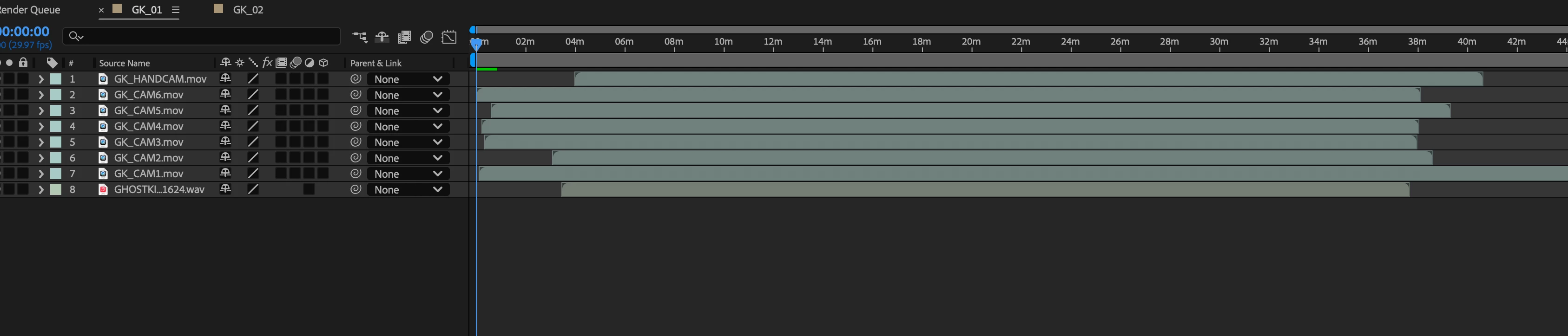
Comp GK_01: all my camera views layed out in PP and Imported into AE. Cool!
Comp GK_02 all my edits made in PP imported into AE, but AE is not using the "Processed Clips." AE is using Comp GK_01 and not my camera footage. The edits aren't connected to the source material, making this comp useless. Not Cool!
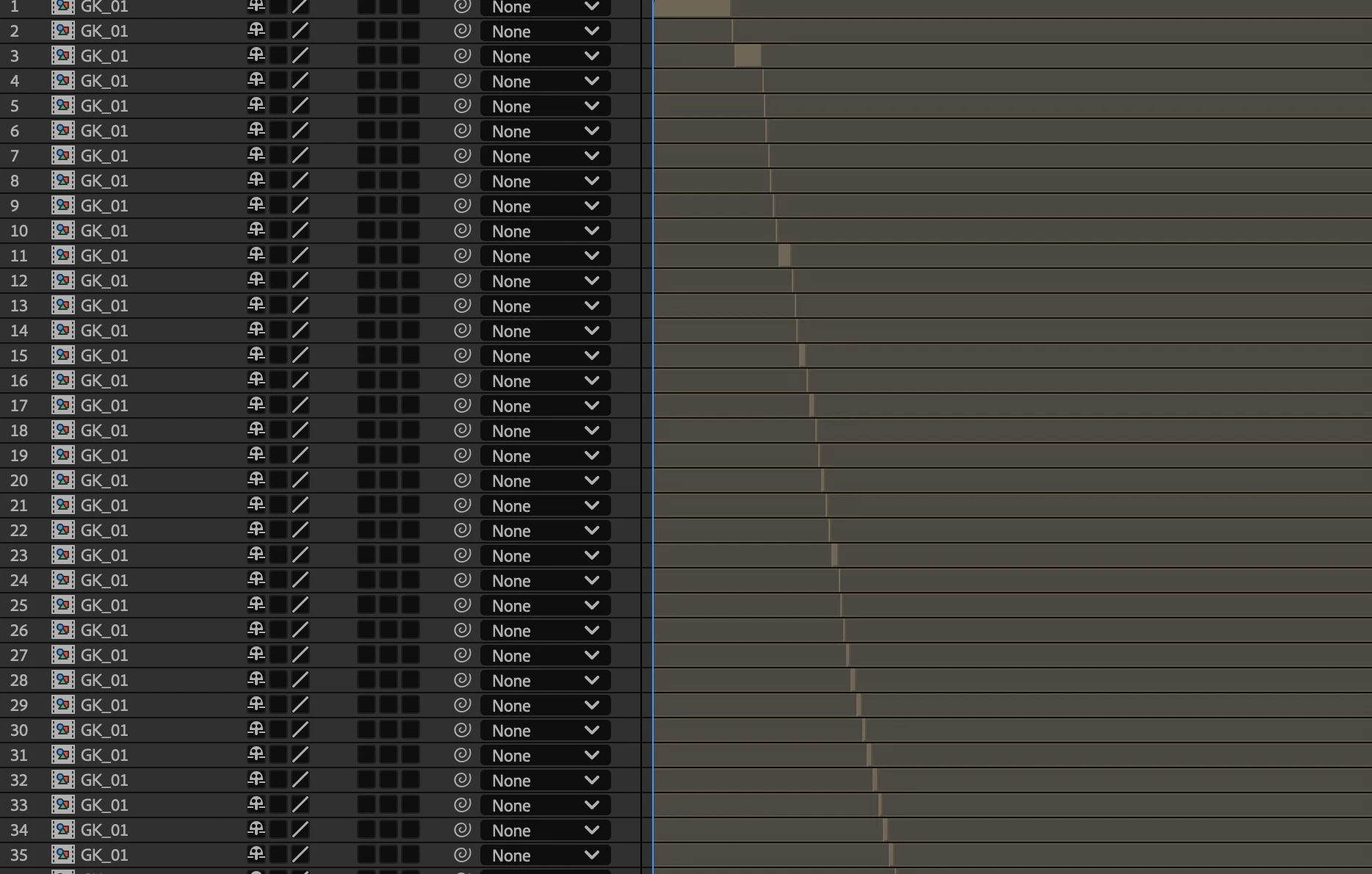
Why would anybody want this result? What is this used for? Is there a way to link these edits to their original footage used in the PP file?
I have updated both AE and PP to the latest and greatest. I've believe I must be doing something wrong, because the programs seem to be working together properly. I have seen no error messages, and I've tried Importing different projects, and they all present the same problem. I feel like there must be a box I'm not checking, or some setting I've missed. Any help is appriceated. Cheers!


 AdChoices