

After Effects importing 'slo-mo' video as 44.172 FPS by default
Hi guys,
I am fairly new to AE, so forgive me for asking what may seem like a basic question.
I shot some footage on my iPhone 8 using different FPS a while back.
Regular videos were shot in 60 fps, while the slo-mo ones were shot in 240 fps.
Now, when I tried to import them directly into the project, there would be a ton of issues while doing a RAM Preview.
After having a word with Adobe, they told me AE and Premiere Pro can't 'handle' iPhone footage directly and I need to put it through Handbrake first.
The settings I used in Handbrake were:
FPS: Same as source
Constant Framerate ticked instead of Variable Framerate
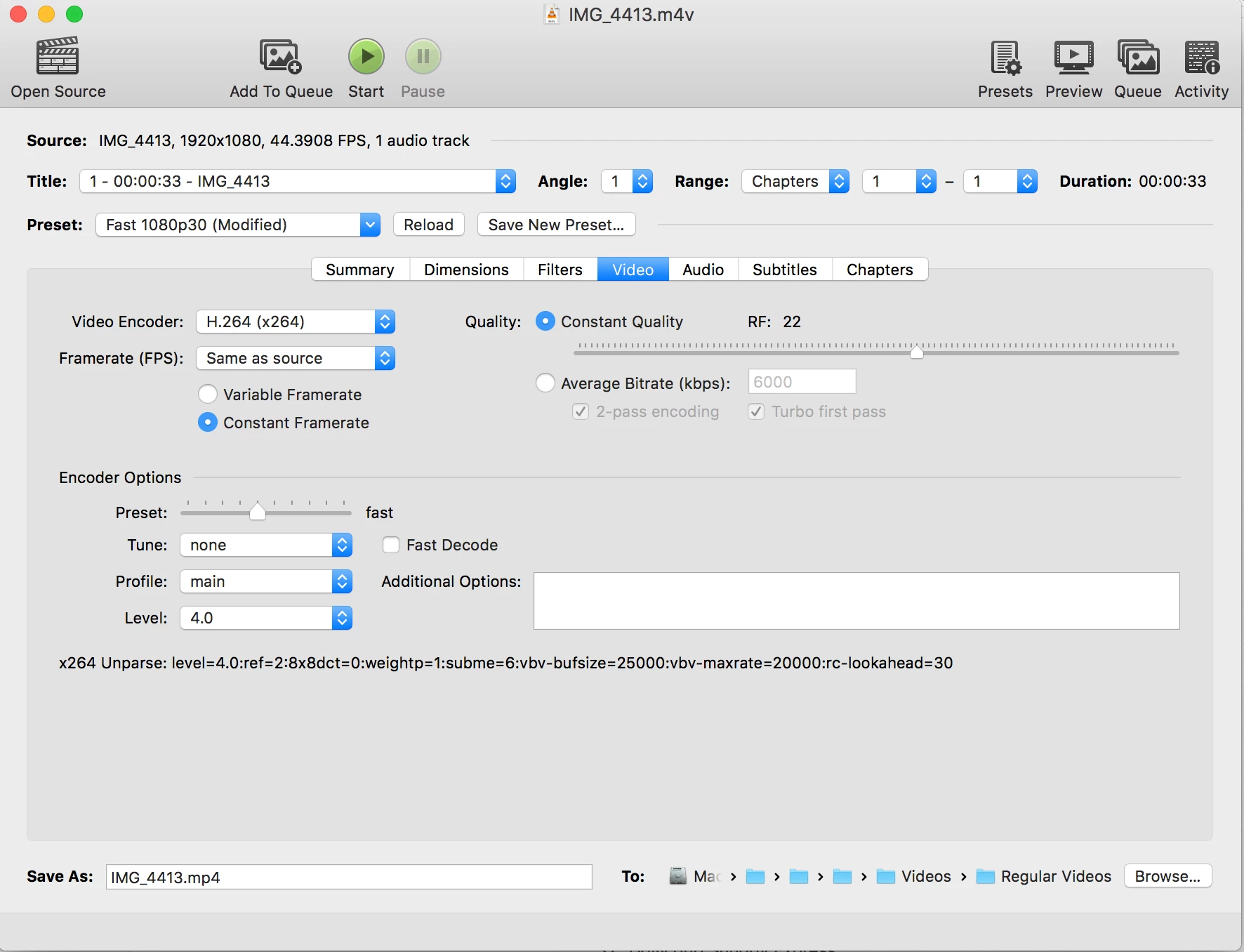
I did that and while the RAM preview issue has been sorted, I have noticed that there are some other issues.
The first big one is that each time I click on Spacebar to RAM Preview, the preview stops around the 15 second mark rather than complete the video. It doesn't stutter there, it just loops back to the start. I have to move the playhead/time indicator ahead manually each time I want the video to playback more.
And this particular issue is with all sorts of video, regardless of FPS.
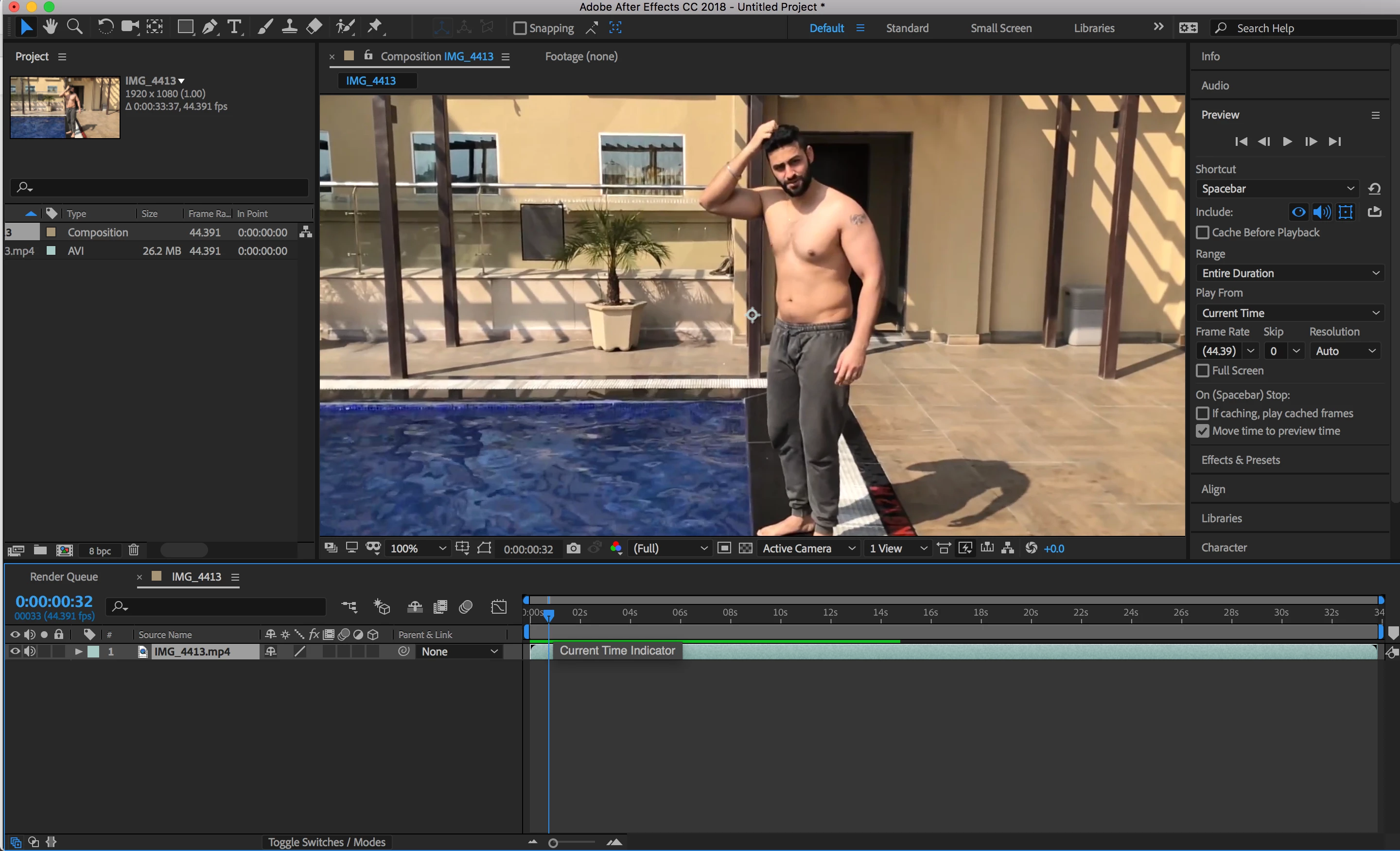
And while the regular videos (60 fps) show come up in the project panel as they should, the slo-mo videos come up as 44.391 fps by default.
When I see the info on those files on Finder, they show 240 fps only.
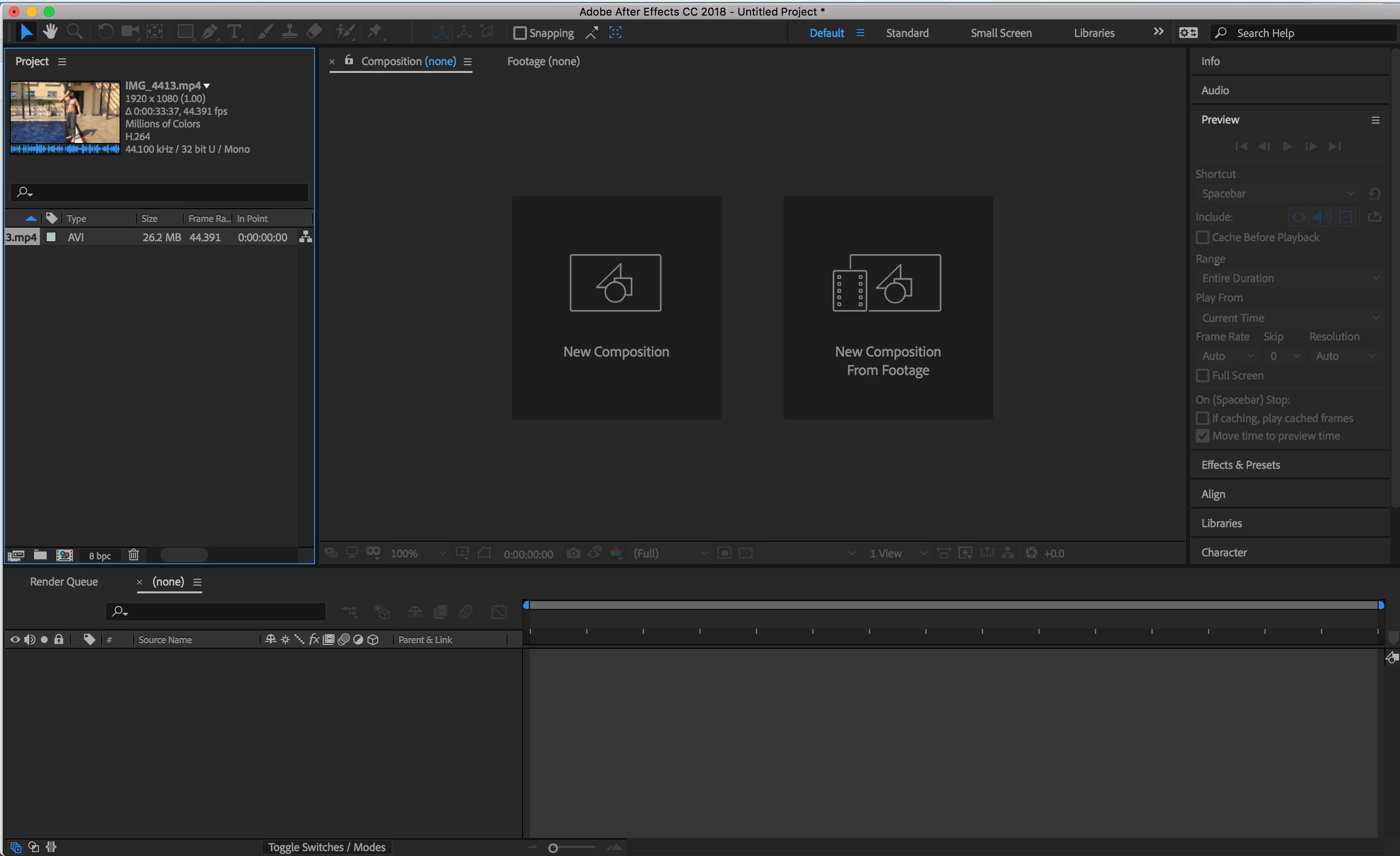
So I'm wondering if you guys could help me out on this.
Just to add some information, when I RAM preview the slo-mo videos, they seem to play back as they should but the composition settings show 44.391, unless I specifically change them to 240 fps, of course.
And since we are on the topic, I must admit all the different FPS settings are really bewildering for me.
I understand it depends on what kind of 'look' you'e going for, but I would like to know how you incorporate slo-mo videos into your projects (what kind of settings, tweaks to audio etc).
What are the pluses of say, having an entire project in 60 fps as compared to one in 24 fps. If your camera can shoot in 60 fps, should you always shoot in it and then convert to 24fps (if yes, then what is the best method?).
Appreciate you guys taking out the time to help out.
Thanks,
Prithviraj Dev
 AdChoices