

Kirmm Ella
Known Participant
May 26, 2023
Answered

After Effects imports wrong image sequence length.

  • May 26, 2023
  • 2 replies
  • 634 views

I render the PNG sequence @17212882 fps. It's 1 minute long.
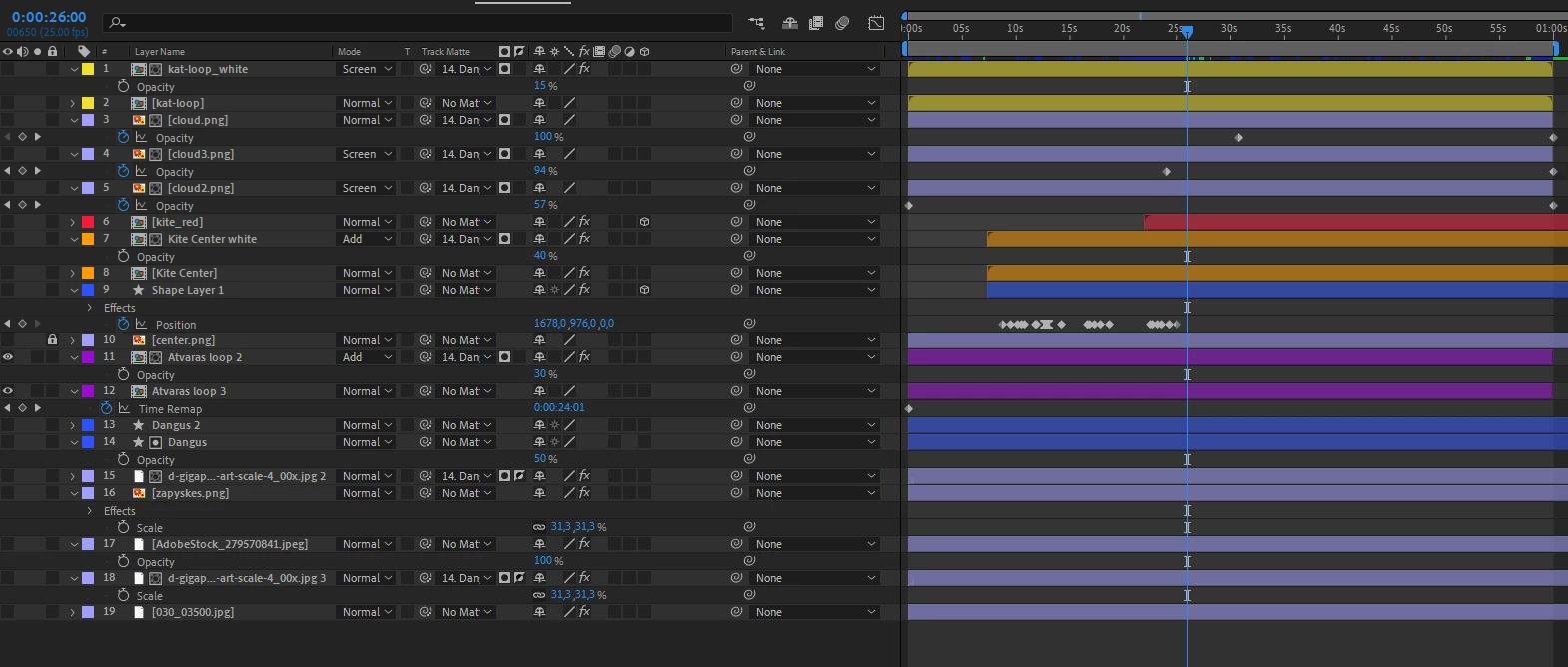
I get 1501 frames (0000 to 1500).
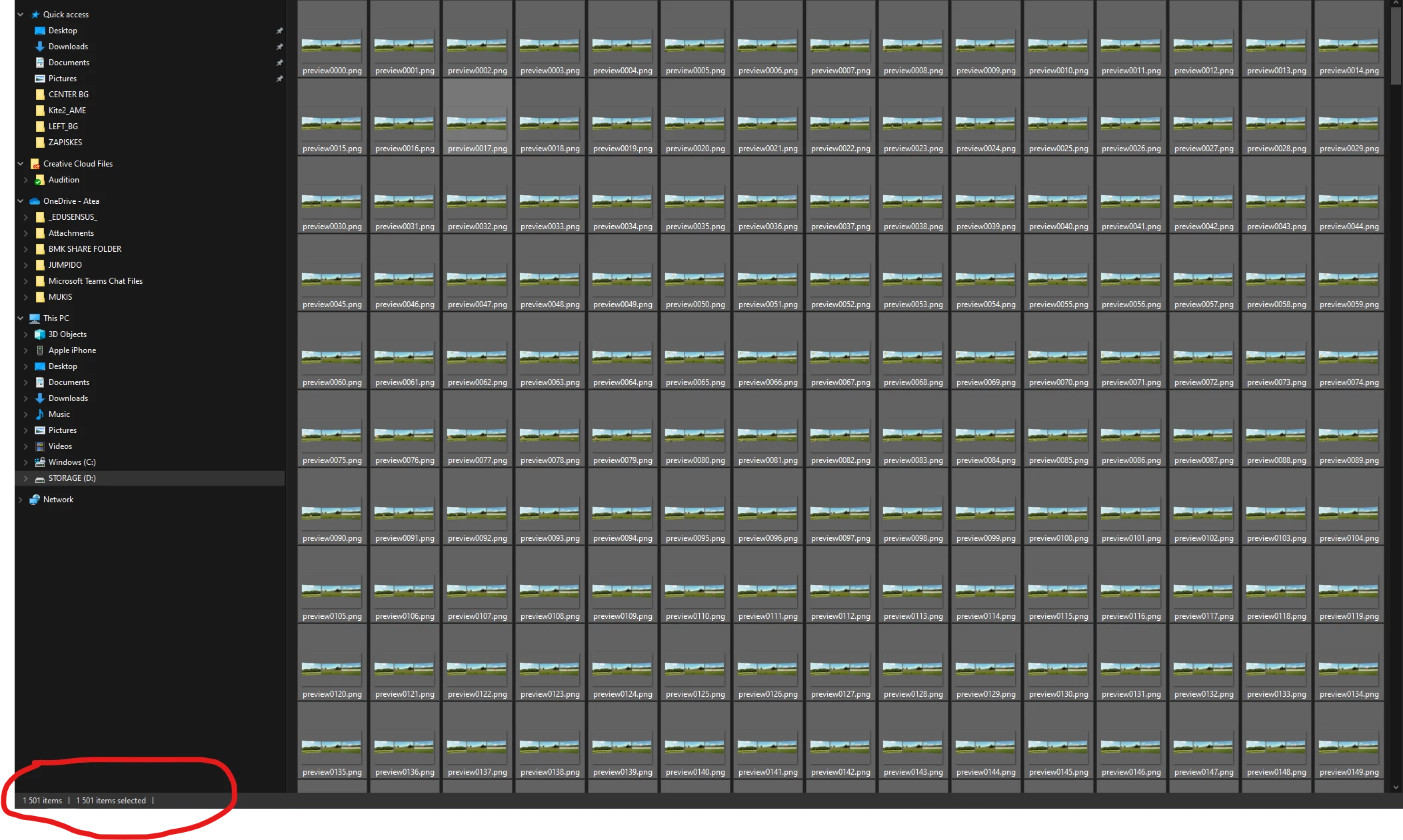
I import the image sequnce into AE.
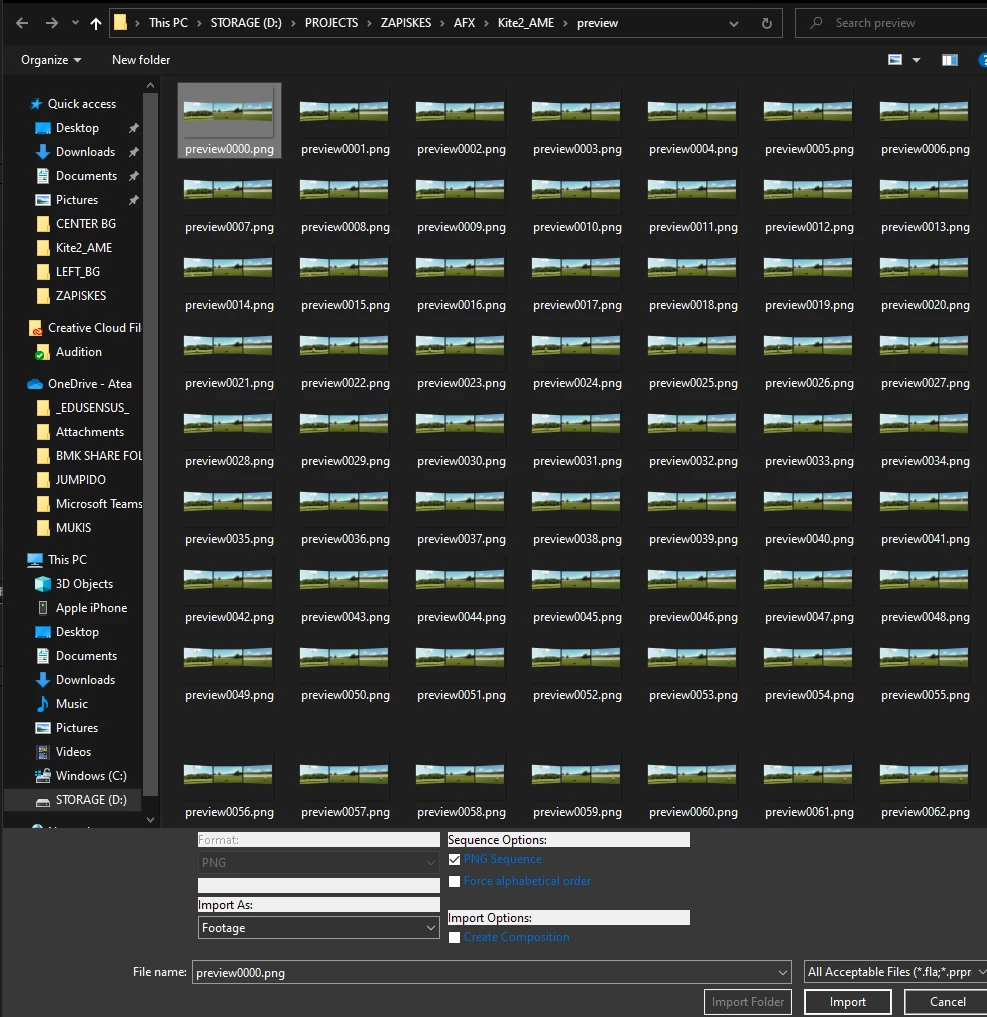
 

And it's 1250 frames - 50 seconds long now.

 

Tried forced alphabetical order as well - same results.

What is going on? I'm going insane here.


This topic has been closed for replies.
Correct answer Andrew Yoole

Sounds like it's interpreting the incoming sequence as 29.97 fps instead of 25.  


Right-click on the imported sequence in the project window, choose Interpret Footage > Main, and set the "Conform to frame rate" setting to 25 frames per second.

2 replies

Kirmm Ella
Known Participant
May 26, 2023

looks like my AE import settings is defaulted at 30 and that's what was happening


Andrew Yoole
Andrew YooleCorrect answer
Inspiring
May 26, 2023

Sounds like it's interpreting the incoming sequence as 29.97 fps instead of 25.  


Right-click on the imported sequence in the project window, choose Interpret Footage > Main, and set the "Conform to frame rate" setting to 25 frames per second.