

After effects is crashing the video card on application switch
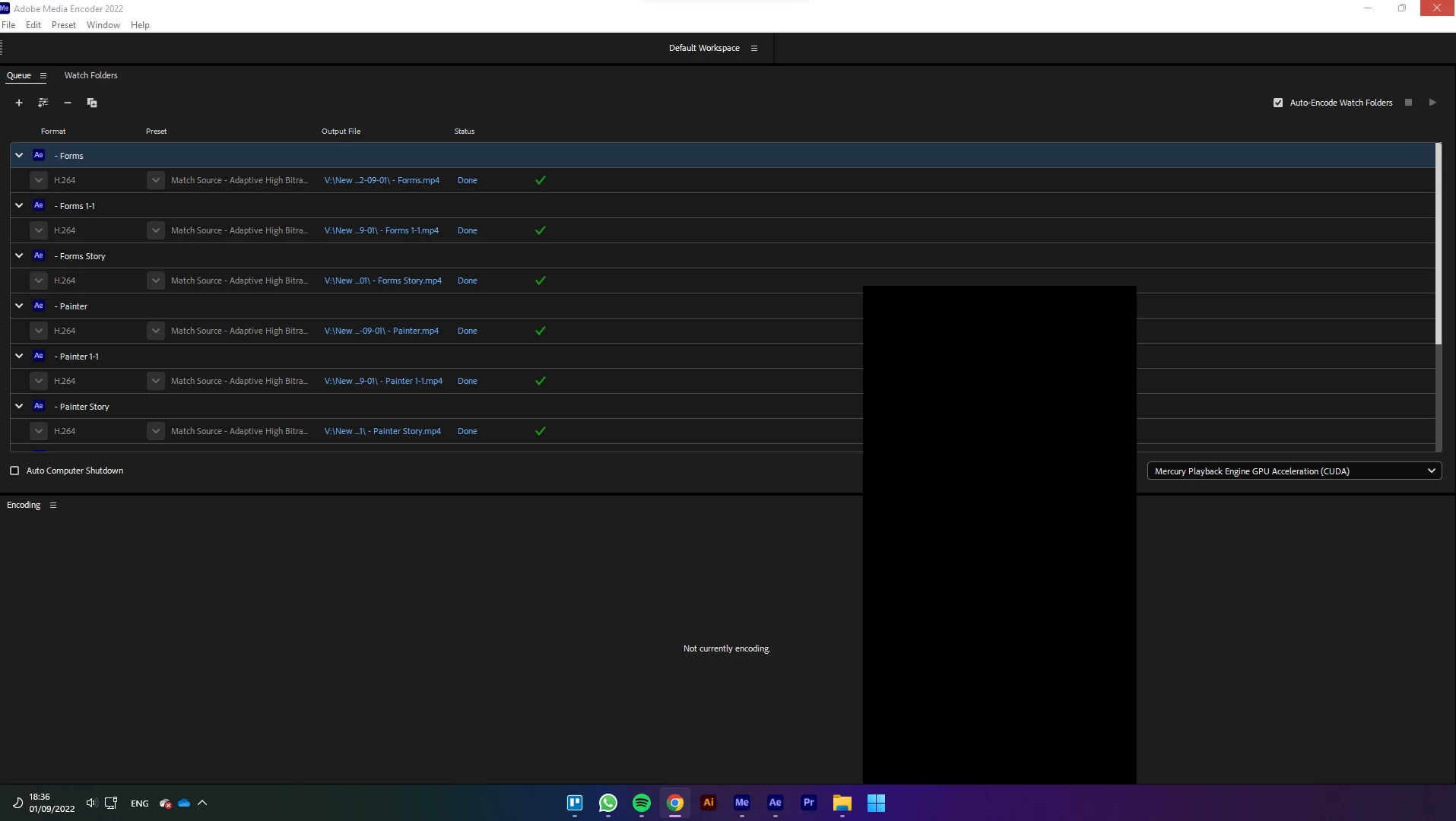
when working on after effects, after a few minute, if i switch to another app like windows explorer, premiere, chrome, or basically anything, after effects crashes the graphics card and the screen goes black. i have figured out that if i unplug and replug my computer screen, the screen goes back up and there is a black rectangle over the computer screen (pic below), that is overlayed above all apps except for the curser. furthermore, every video playing app (including premiere, after effects, media encoder and even VLC) stopps playing video and instead shows black or white screen. after restarting the program (any of the listed) the video playback returnes untill the next crash (somewhere between 5 - 10 minutes)
to save time here's some info and some of the things i have checked:
pc:
hp oman
32 GB ram DDR 4
intell I7 11 gen
Nvidia 2080TI
windows 11
!issue began somewhere when upgrading to windows 11
i have:
- cleaned my cache files and disk space
- updated all the drivers
- tried both the studio and gaming drivers for graphics card
- updated all adobe suite
- uninstalled and reinstall AE
- uninstalled and reinstalled all of adobe cc
- removed all plugins
- going offline
- praying to the gods for mercy
- restarted my computer
PLEASE HELP I'M LOOSING IT
 AdChoices