
Question
After Effects Memory issue 2025.
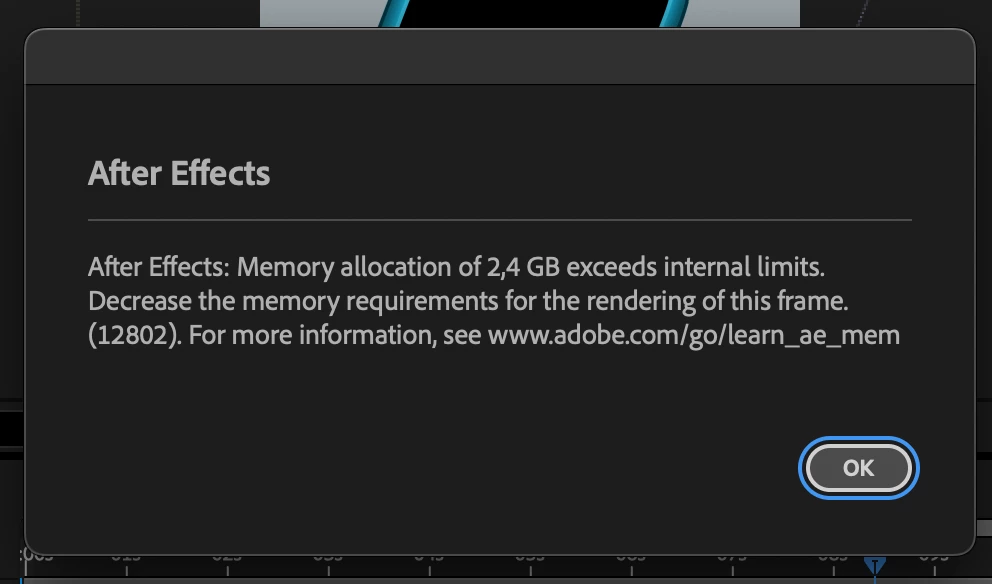
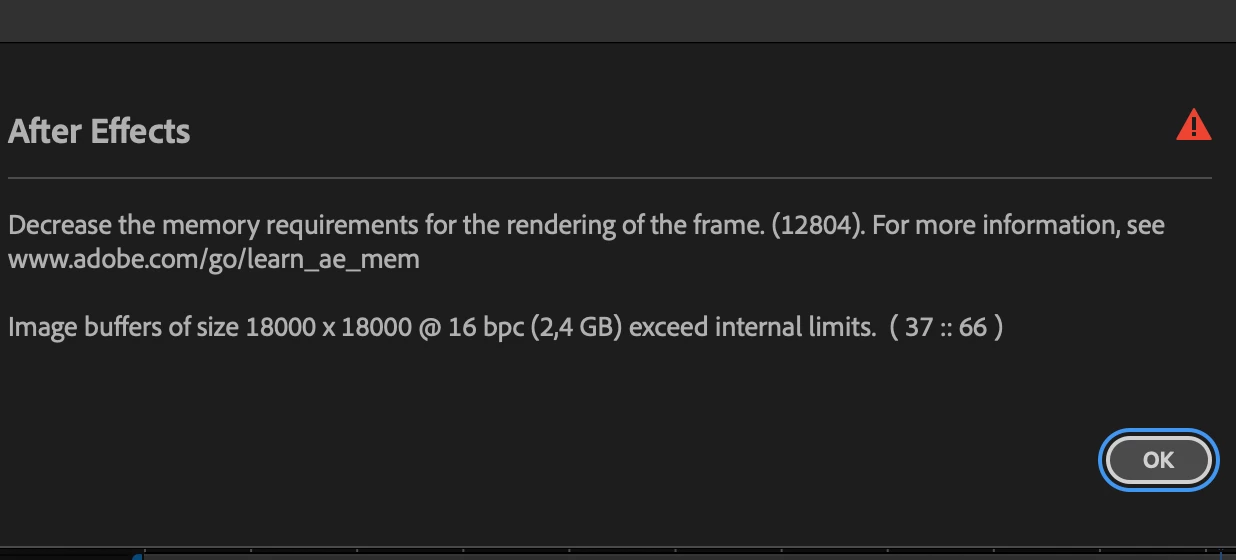
These two error messages repeatly pop up back to back, once they have popped up they will repeatedly reopen and I cannot worken on my after effects file. I have deleted all temp files, cleared cache in after effects > setting > media & cache disk.
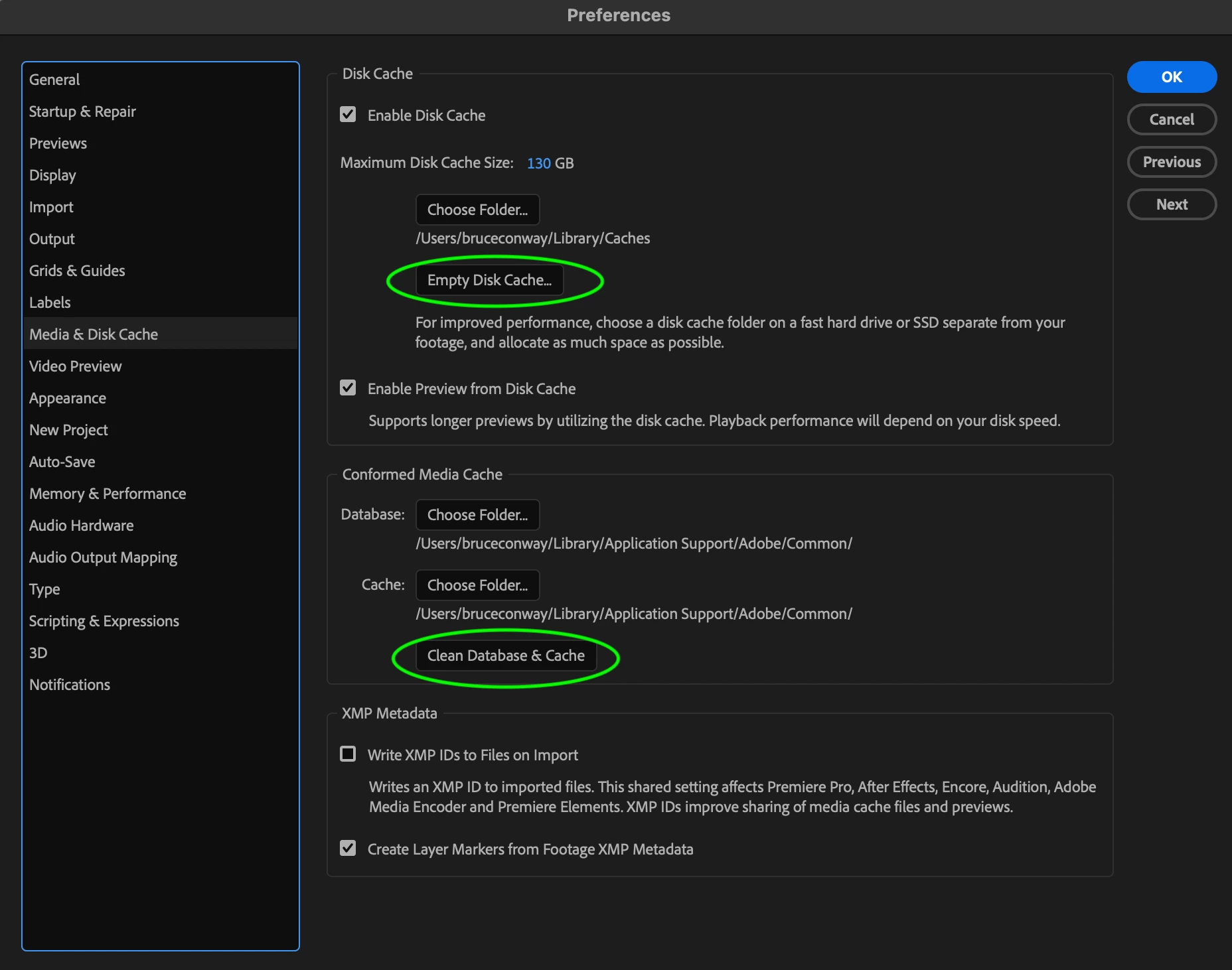
I have also move all my large complete files to my hadrive. Not finding many helpful resources from this link ( https://community.adobe.com/t5/after-effects-discussions/memory-allocation-of-3-gb-exceeds-internal-limits-error-fixes-don-t-work-for-me/td-p/14274651 ) which I am being refered to most often.
I am using a macbook Pro and have the Angela Duik pluggin. Please help.


 AdChoices