
Participant
September 15, 2022
Question

After effects, not all parts of timeline are showing

  • September 15, 2022
  • 4 replies
  • 273 views

New to after effects, using version 22.6 ARM on my m1 mac.

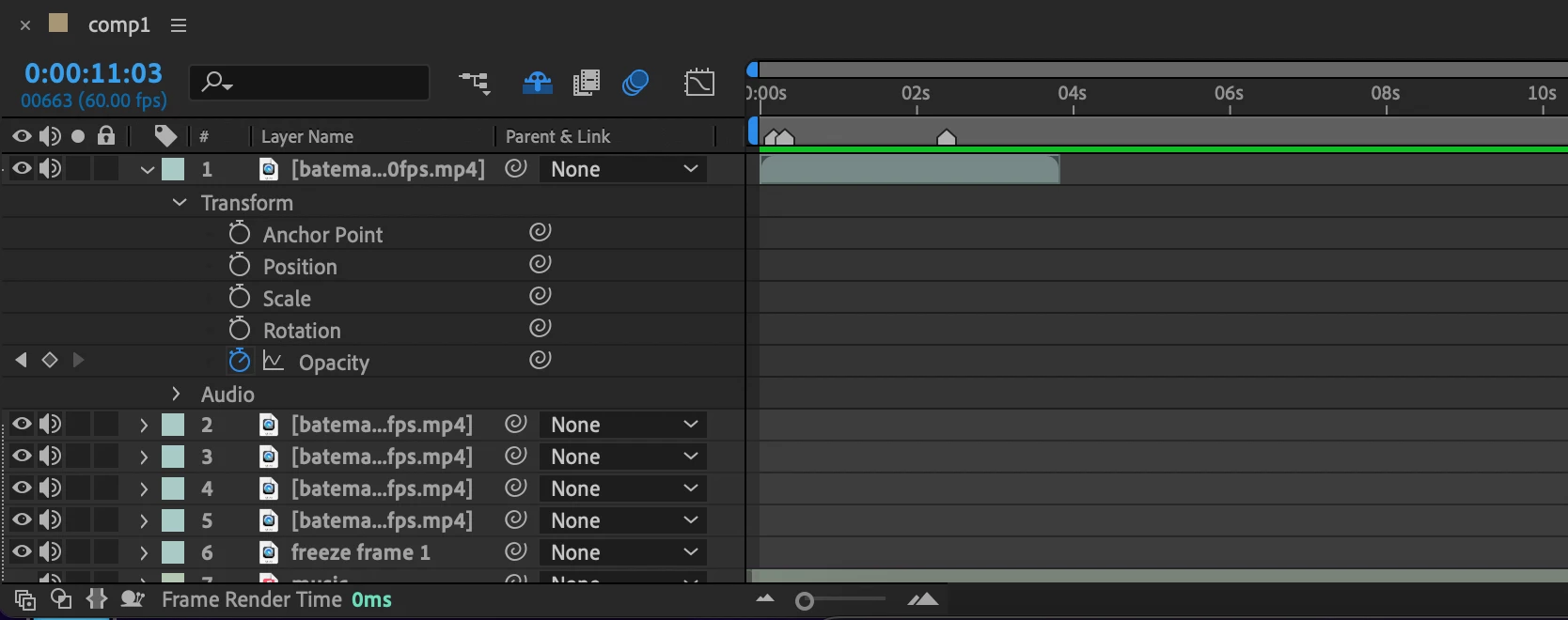
I've recently hit something, and part of my timeline has dissapeared.

How it looks right now:
 

How it should look:
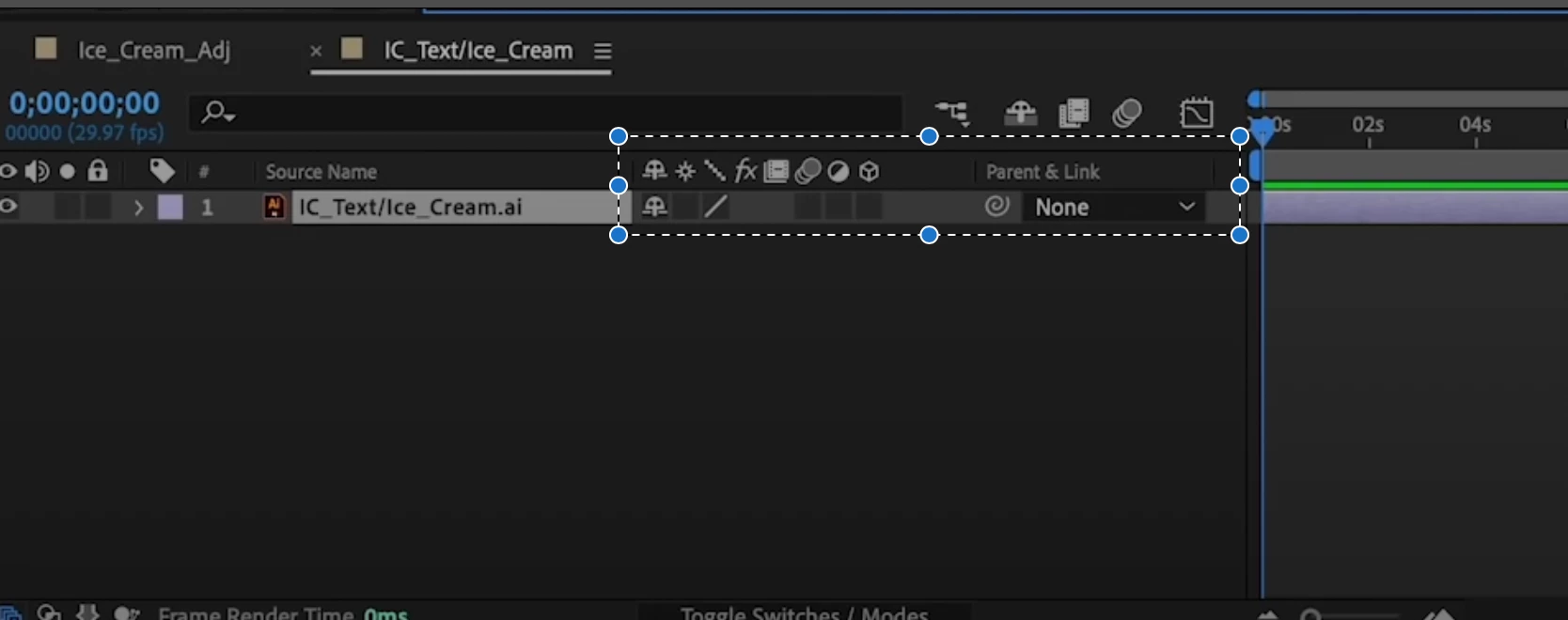
How can I bring back this 'properties' secrtion? Thanks.


I'm aware it's not a bug, but there's no other tag for help, and I need to select one.

    This topic has been closed for replies.

    4 replies

    thepixelsmith
    Community Expert
    Community Expert
    September 15, 2022

    dbDavideBoscolo

    is correct about the buttons to push but I would recommend only clicking on the first one.

    You can toggle the panes the first and second button open using either the f4 button on your keyboard or the "toggle switches /modes" button that will appear at the bottom of the pane when active.

    Community Expert
    September 15, 2022

    Spending a little time in the Learn workspace and checking out the User Guide will save you a lot of time. The UI and the workflows are very complicated and cannot really be learned by just poking around with your mouse.

    dbDavideBoscolo
    Legend
    September 15, 2022

    Click on these guys:


    Cheers

    kglad
    Community Expert
    Community Expert
    September 15, 2022

    <moved from using the community >