Question
After Effects not Importing EXR Correctly
So, I rendered out a large, custom EXR animation in Maya at x1828-y3124 for a custom screen/cabinate.
The render sequence looks great, but when importing into AE the file looks cut off.
The only way I have found to get the sequence into AE is by importing the sequence into Media Encoder and rendering out as an animation and then importing that to AE.
Why is this happening? I have looked everywhere, but my EXR sequence just doenst want to work in AE. Other screen dimensions work just fine.
I am including two attachments. 1 shows one of the frames in GIMP. It is correct. The next image is what AE is showing after import. Then entire bottom half is missing/cut off.
Any help would be GREATLY appreciated! Thank you!
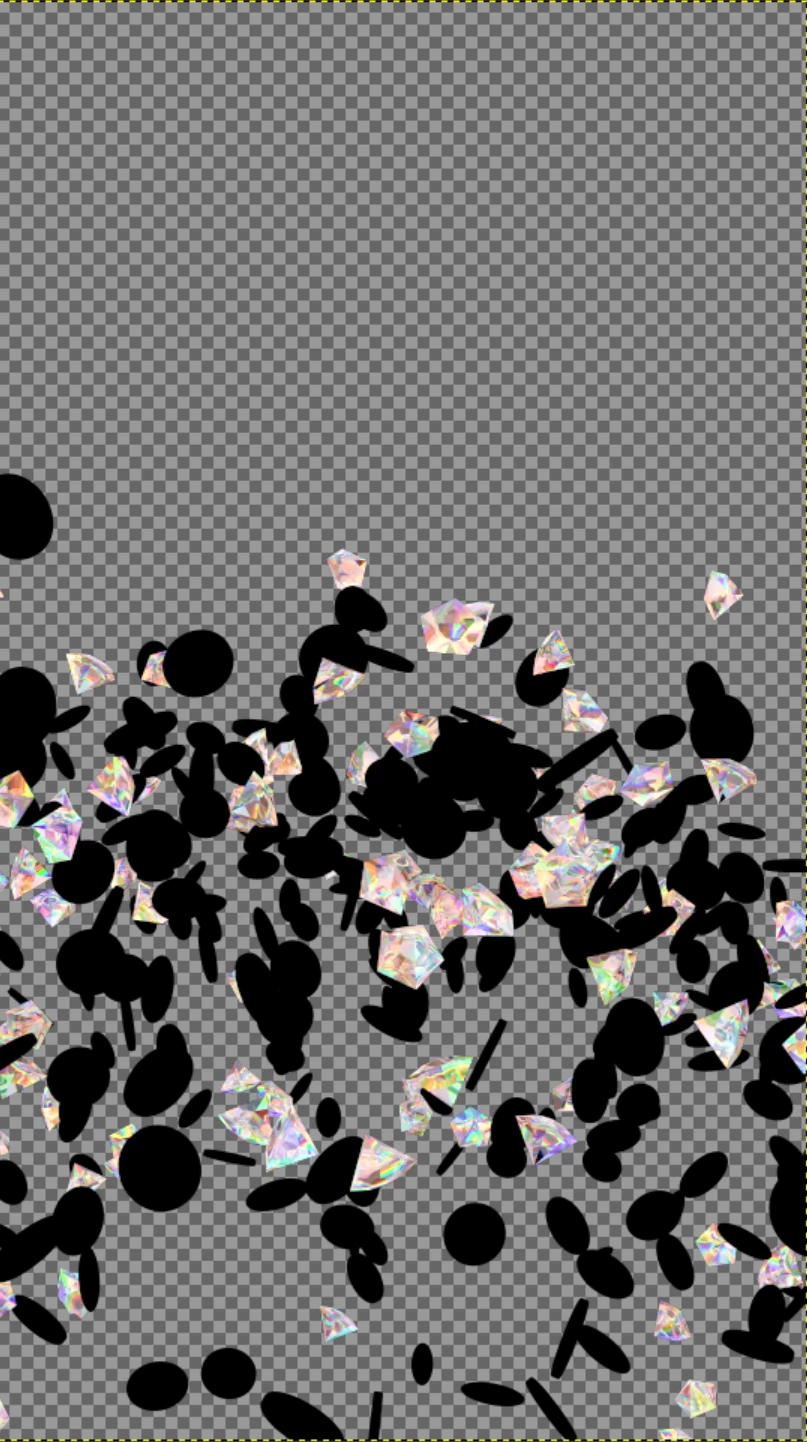 in GIMP
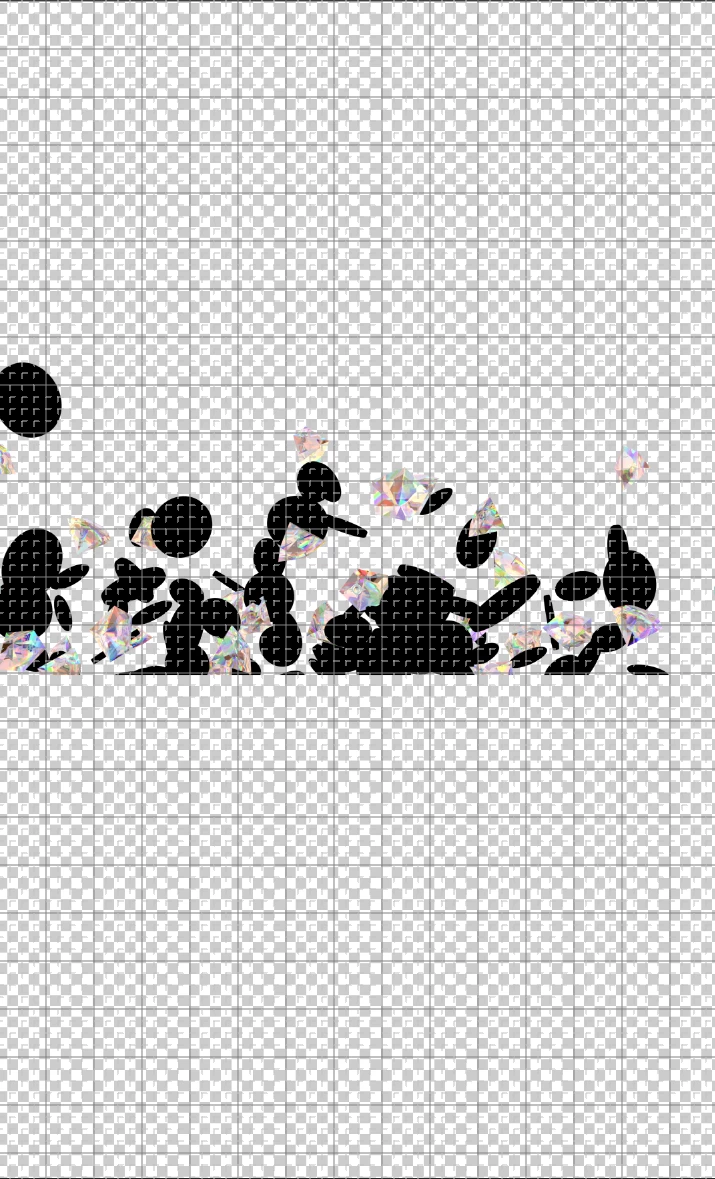
In AE
 AdChoices