
After Effects Not Responding after Startup Screen (All Other Apps Work Fine)
So I've recently upgrade my computer to an RTX 2080 and an AMD Ryzen 3800x and since the upgrade I cannot access After Effects reliably, I can sometimes get it to start immediately after a computer restart but that's highly unreliable and doesn't lead to a permanent fix. After Effects gets through its startup stage just fine, but as soon as the actual AE window comes up it doesn't load the New Comp screen and does not respond.
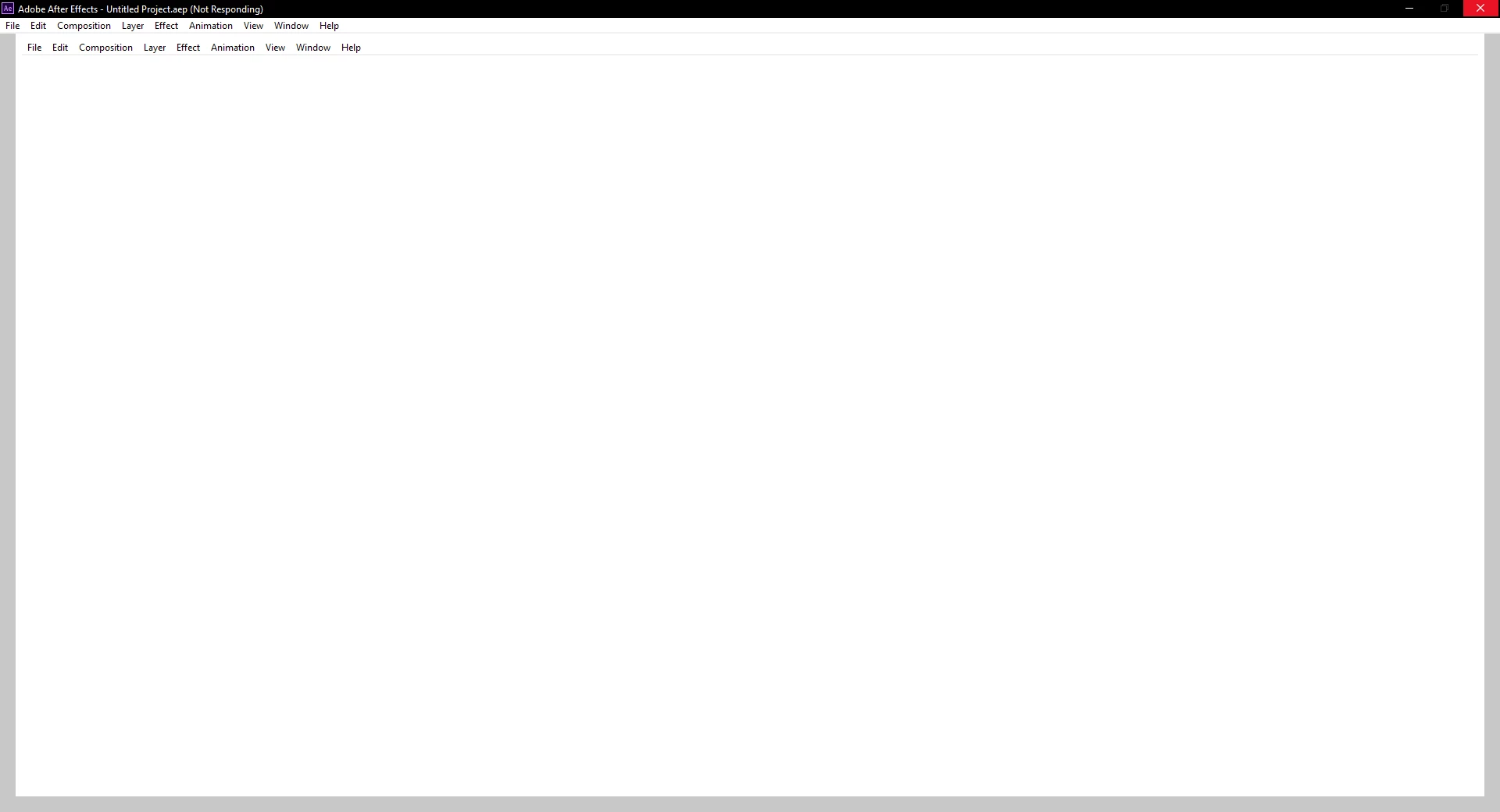
I've tried rolling back the After Effects software from 16.1.3 to 16.0 and I've had no success. I've also tried installing the Studio drivers for the RTX 2080 and updating my chipset drivers without any success either. I've also tried all the usual hotfixes like launching AE in compatibility mode, running as administrator and launching it from the CC app. No error code appears to help my diagnose the issue either as it just doesn't respond.
I've included my system specs below and the current driver version I'm running on.
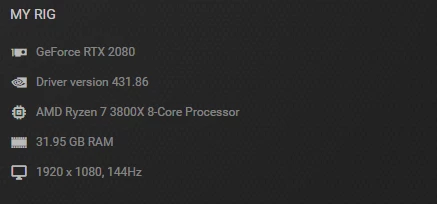
MOBO: Gigabyte Aorus AMD x570 PRO Motherboard
RAM: DDR4 3200
Anyone have any ideas? Any way of diagnosing the issue?
 AdChoices