

After Effects on mac hates Dropbox
I use the dropbox app to store and share files.
Like Onedrive it creates a folder in which multiple people can access, add, modify and change files. You can see every file in the folder but they are just proxies that takes up no space. To use them you have to download them locally onto the computer, replacing the proxy file (on your end).
The issue arrives when you open a project another person has created and you haven't downloaded all the files used in the project. After Effects gives the error "The source compression type is not supported. ( 86 :: 1 )" following up with another error window "file 'file_name.mp4' cannot be imported – this 'MooV' file is damaged or unsupported."
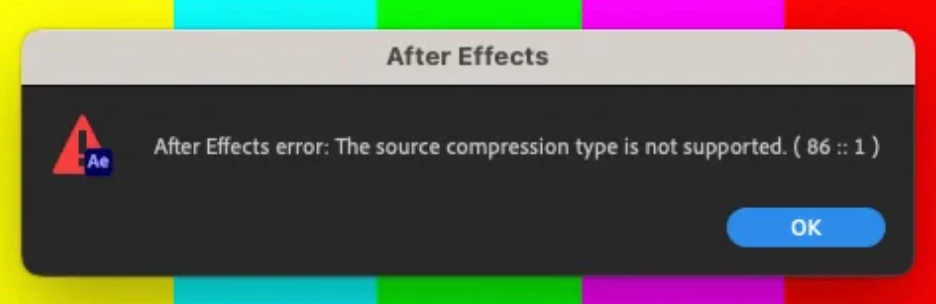
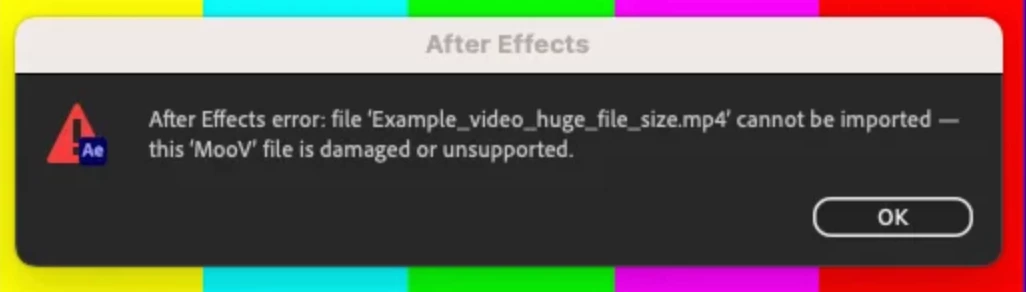
One would think you just have to locate the files, download them and reopen the project. But After Effects will now hold a grudge against these files and give the same errors even though you have them downloaded locally. Trying to use 'replace file' or just reimporting them will give the same errors.
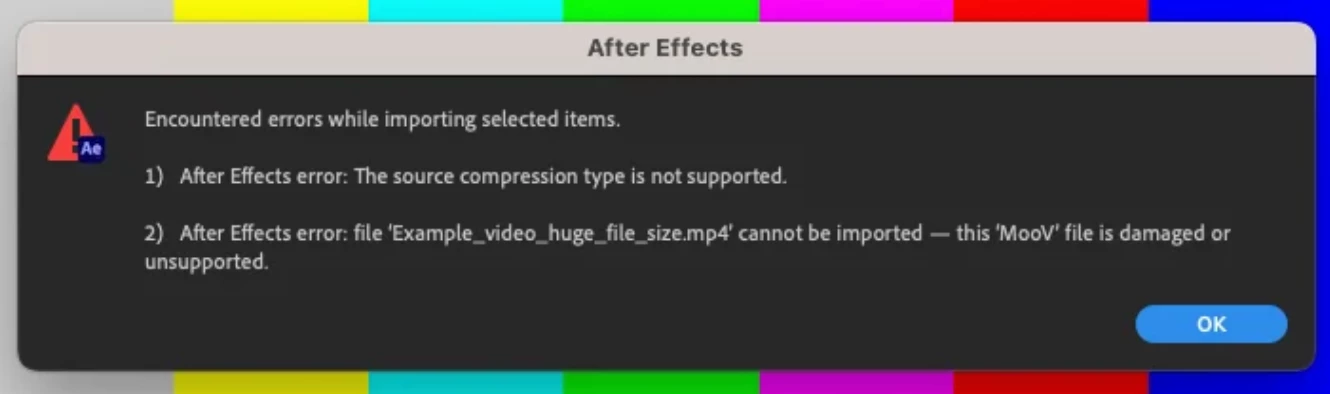
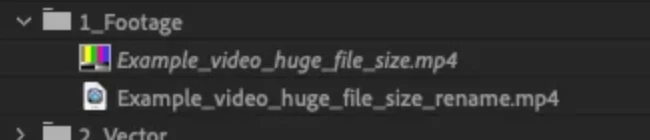
This issue only seem to happen to image and video files. And the only way I've found to get around this issue is to either rename the file or move it to a different folder. This will let you import it with no issue but this will screw up any other project using the file, having to relink it. Making a copy is not really viable either as some files can be very big in size and having one for each project file is dumb.
Purging all memory and disk cache doesn't help. This isn't an issue on windows computers because it'll automatically download all the necessary files for the project using its 'Smart Sync' feature. This feature seems to be broken on newer versions of macOS and has been for a very long time now.
This is the only post I've been able to find on exactly this problem https://www.dropboxforum.com/t5/View-download-and-export/Adobe-not-downloading-online-only-files-from-projects/td-p/588512/page/2
Having Smart Sync work would fix the issue – but it wouldn't be as big of an issue if After Effects would just not hold a "grudge" after you've downloaded the files. Does anyone have a solution to this? Or is it just to wait for an update on either Adobe or Dropbox side?


 AdChoices