Participant
June 22, 2021
Question

After Effects on't open file or save files via windows explorer

  • June 22, 2021
  • 2 replies
  • 564 views

I had to install a new motherboard.  When I did, everything worked completely fine, except the new versions of AfterEffects (both 2020 and 2021).  I am no longer able to save or open files.  No windows explorer box will pop up at all. 

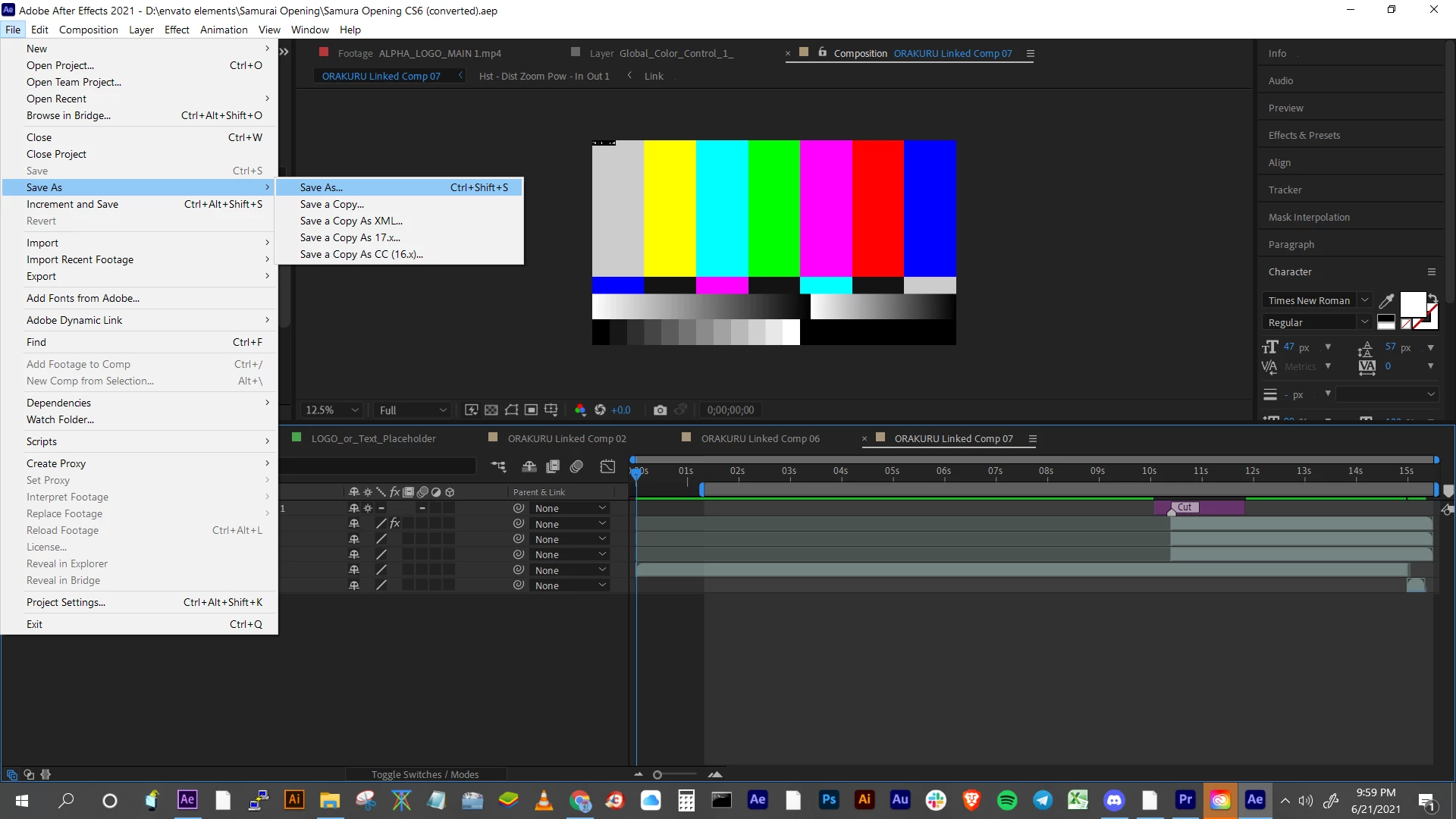
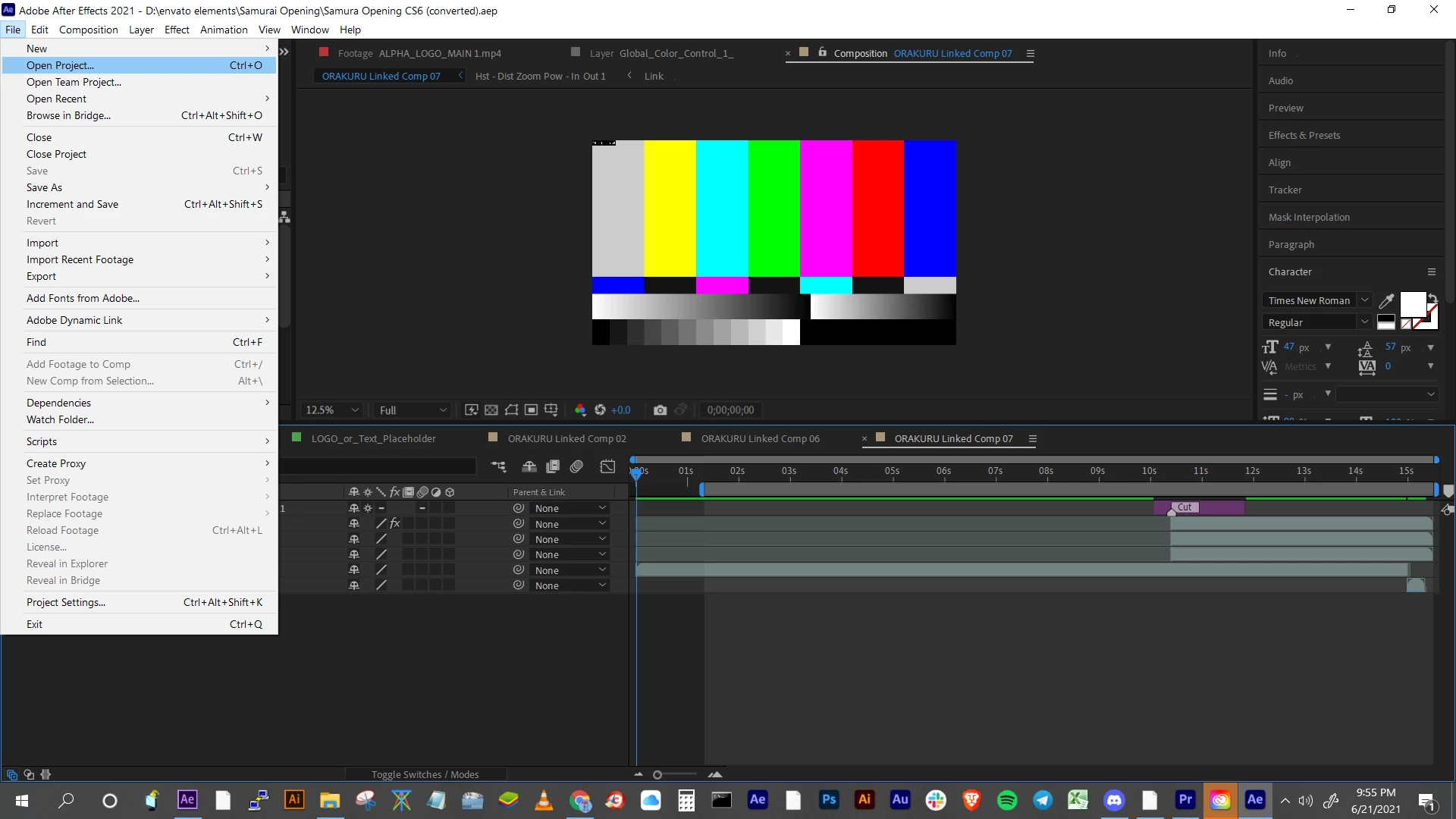
If I click file>open, it closes me out of the file I have opened and presents no option from windows explorer.

If I click file>save as, nothing happens and I have no option for windows explorer.

I'm running an i7 8700 and have 48GB of RAM.  This has never been a problem until I had to install this new motherboard.  I've tried changing the permissions in C:\Program Files\Adobe for both 2020 and 2021. 2021 is freshly installed so that shouldn't be a problem.  Does anybody have any solutions?

I'm not looking for a gimmicky work around, my workflow would be devestated by having to go into media encoder everytime and I rely on the autosave functionability as well.  This is literally killing me.

This topic has been closed for replies.

2 replies

Mylenium
Legend
June 22, 2021

Check the root of your storage devices either in the device manager or the disk management system snap-in. Removing/ fixing an invalid token there will ripple through to everything else. Only dig into specific folders if you need to, as setting custom permissions on folders overrides the inherited permissions and this can cause even more trouble in the future when you forget about it. You may also try and boot into safe mode and enable the hidden default "super" admin to freely fix any such issues. Also in device manager righ-click and run a check for "new and changed hardware" and updated driver versions. Quite possible that some of your stuff is running in quirks mode and/ or the drivers that came with your new mobo were already outdated.


Mylenium

Participant
June 22, 2021

Hmmm I believe everything is up to date as I believe everything is just searching indefinitely.  I'm seeing no issue "invalid tokens", but then I'm not really sure how I would check that.  I just know everything looks the same as it ever did.

Is there a way to uninstall creative cloud without unininstalling every other Adobe product I have? I've read this to be the issue for some people.

Literally every single program on my computer still works no problem.  I've plugged in a second monitor to match my previous setup, but I'm still not getting any "save as" boxes or "open file" boxes.

I've gone ahead and ordered a NEW hard drive so that I can back everything up and reinstall windows......This is not the route that I want to go down..... but I'm losing money everyday I'm unable to run AE......

Mylenium
Legend
June 22, 2021

Installing new hardware can invalidate old security tokens at the system level and swapping a mobo is a massive intervention. You need to fix the permissions on the files themselves, not the application. I bet a lot of your files (not just AE projects) no belong to some ominous non-existent user and can't be opened.


Mylenium

Participant
June 22, 2021

Damn well okay. Which files specifically do I need to attack to fix the permissions on?  All of them? If I have to change permission on 1000, I'll change permissions on 1000.  Is my best solution in this scenario to reinstall Windows? 

Your explanation makes sense to me, however, EVEN new files created don't save.
They seem to be working just fine in Premiere, Illustrator and Photoshop (both new and old files), but not in AfterEffects.

I can save over my old AE 2020 projects, but it's like the 'SAVE AS' and the 'OPEN' functions are completely broken regardless of if I change permissions of the individual file project or create a new project.  I used to use 2 monitors and am now using 1, is it possible its just opening up the windows off screen?

Thanks a ton for the help. I'm pretty fluent within the program itself, but all this other stuff is new to me and my searches have been unproductive.


ToolfarmJP
Community Expert
Community Expert
June 22, 2021

Would you try to run this file as Run as Administrator (right-click by mouse device)?


C:\Program Files\Adobe\Adobe After Effects 2021\Support Files\AfterFX.exe