


Answered
After Effects playback not working
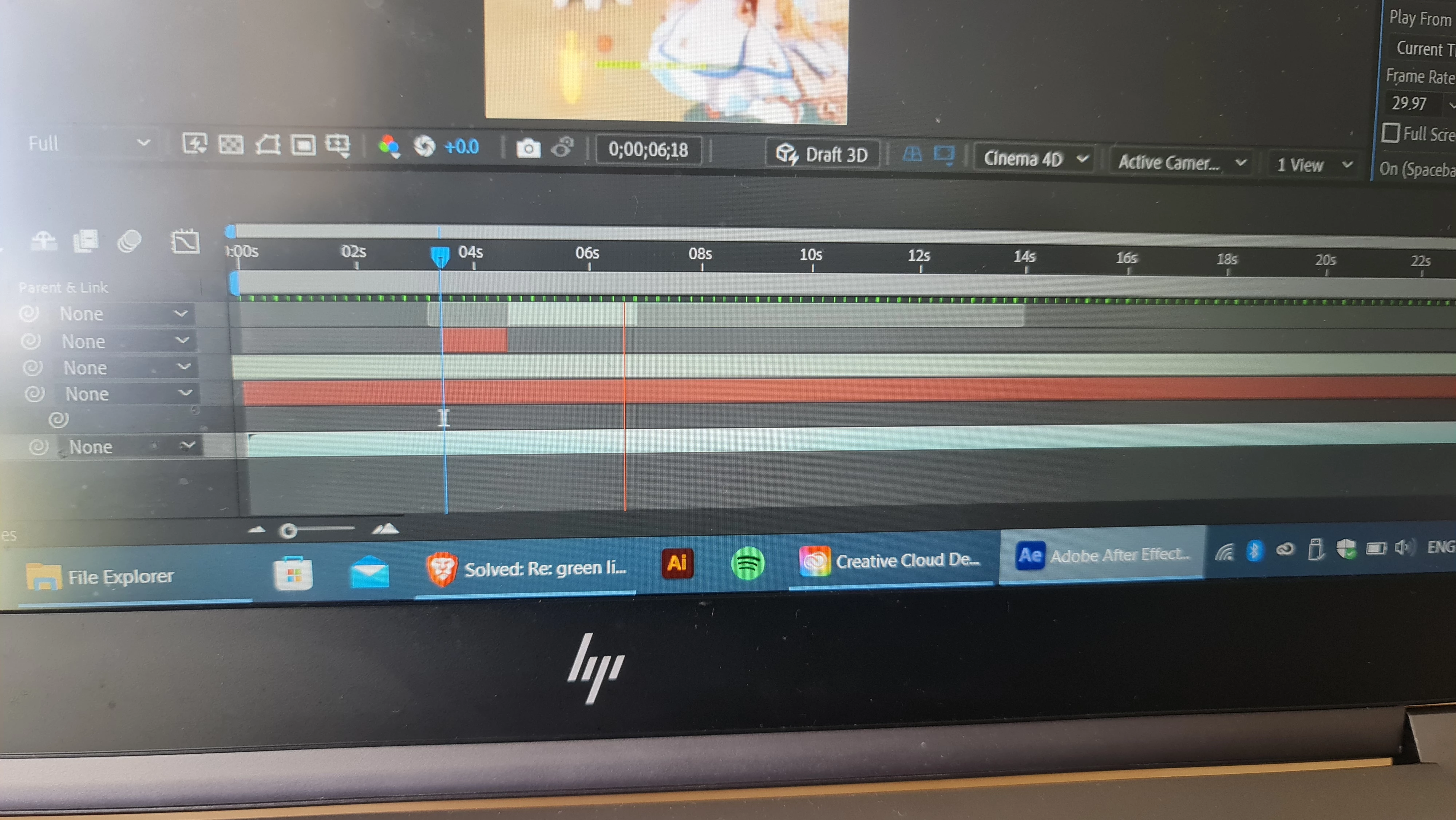
Could someone please help me? I don't know what to do I've tried all that I could, I've purged my cache and memory buildup, changed my video rendering and effects settings, restarted my computer, updated my computer and uninstalled and reinstalled after effects. The playback is choppy and doesn't play smoothly as it did before, so it's become increasingly difficult for me to edit on my computer. It was fine up until this point I don't understand what has gone wrong. My computer has 32gb of RAM. Please look at the image below, the green bar does not want to fill out like it usually does.
 AdChoices