Doncaedit
Inspiring
Aug 19, 2026 9:00 PM UTC
Answered

[After Effects] Pre-composition tabs opening in Timeline and subtitle organization

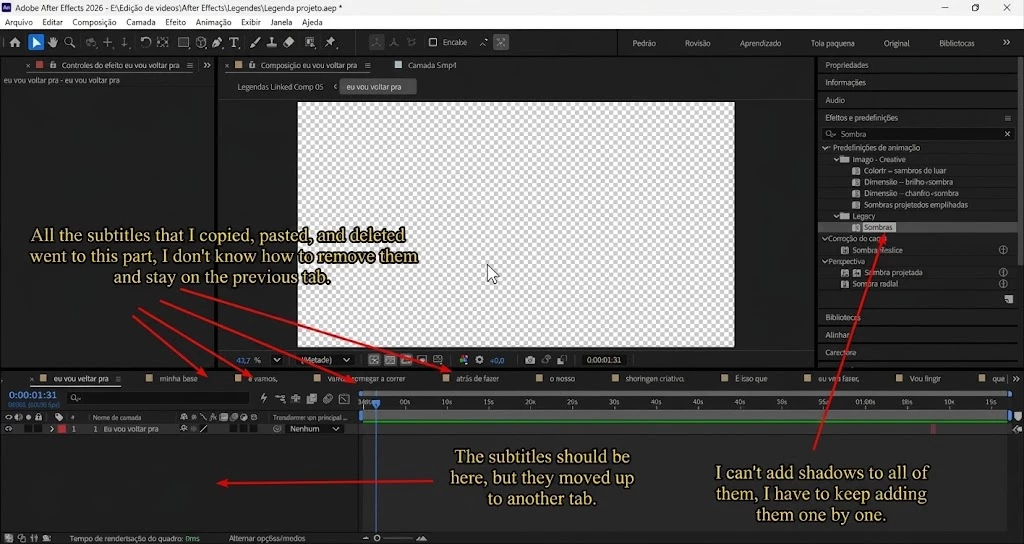
I've already managed to add the effects, but where did the subtitle files go? I can't find them. I don't know where they went. How can I get my screen back to how it was before?


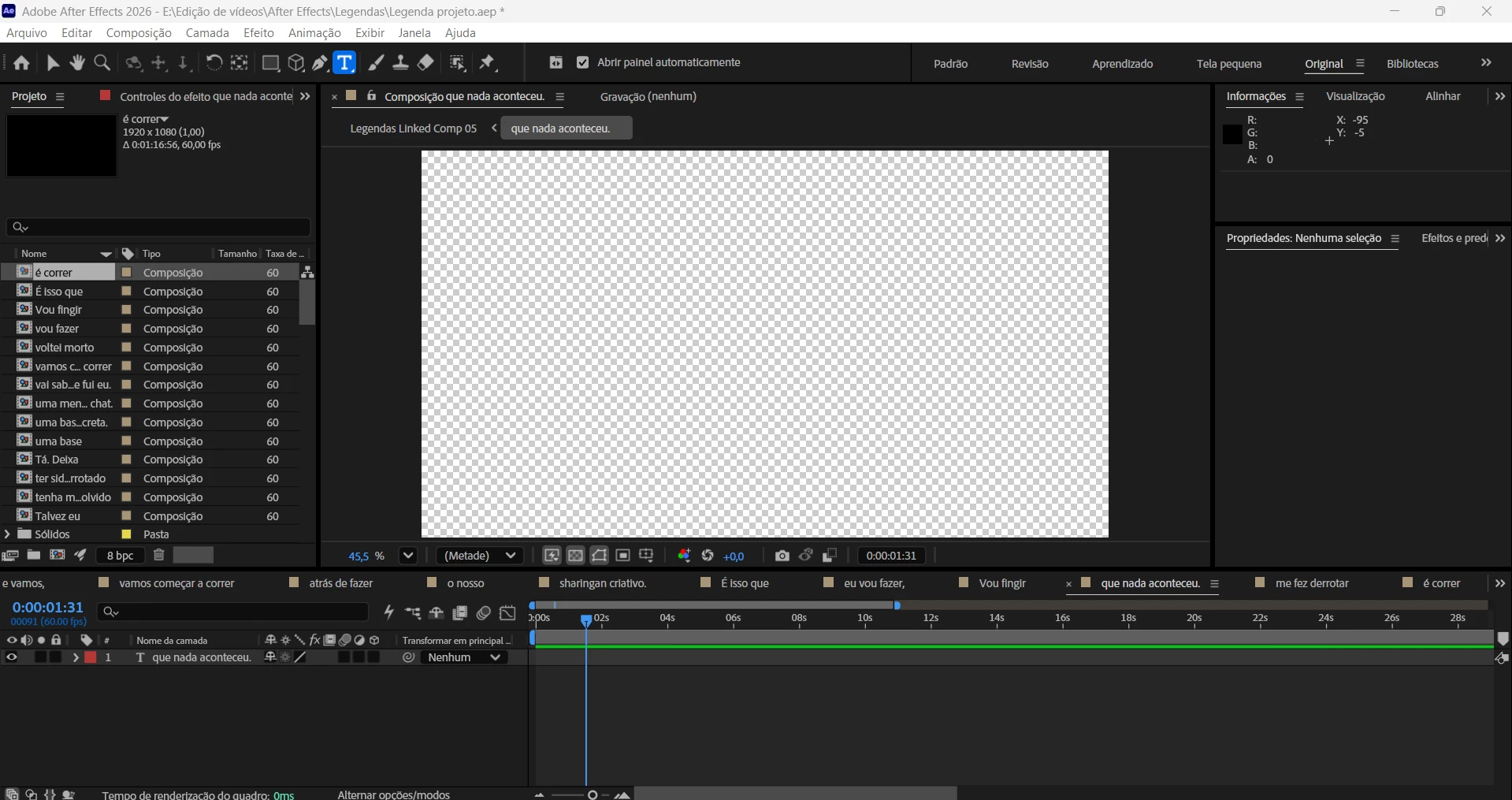
My screen before
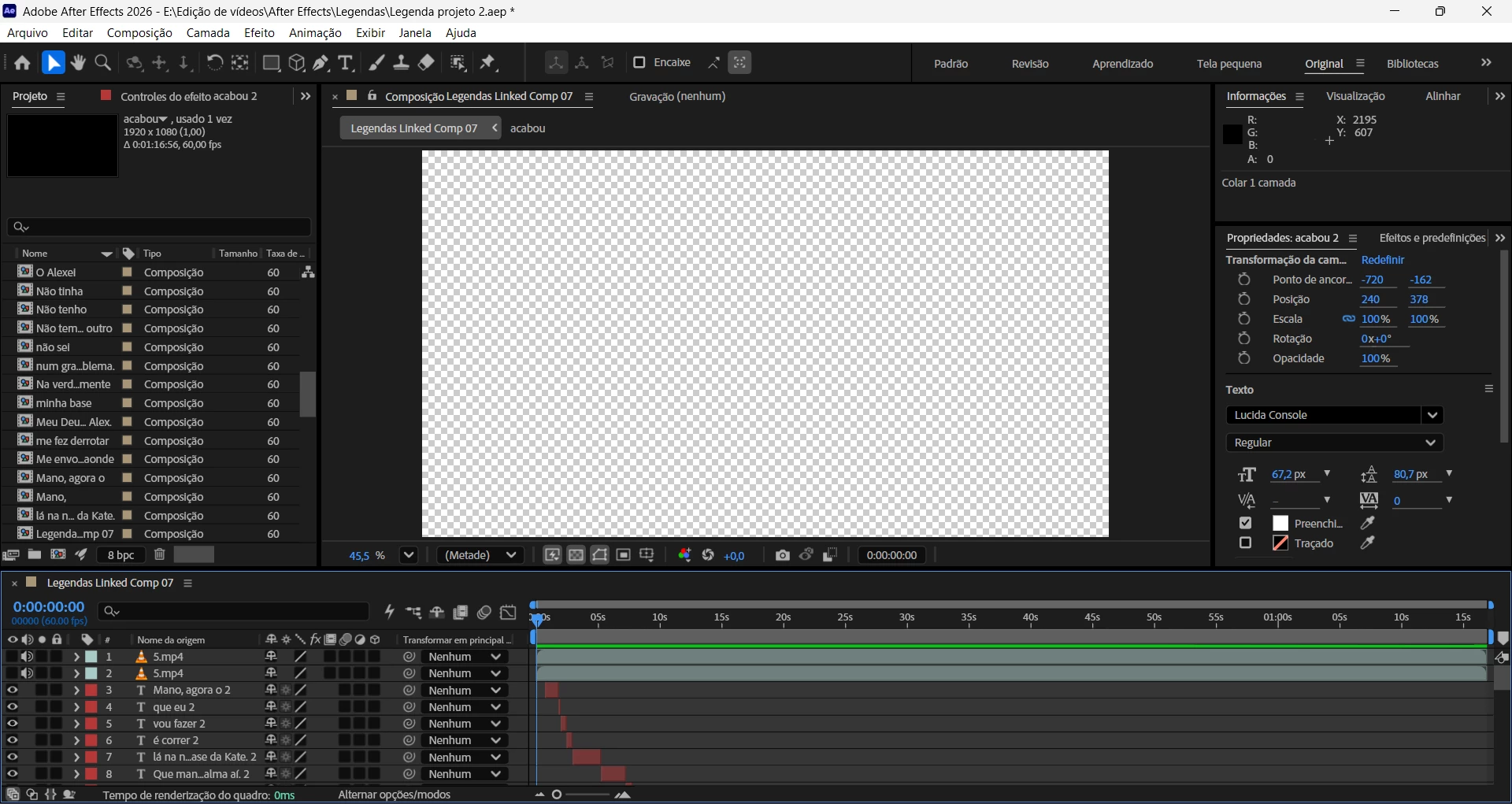

​​​​​​My screen afterwards
 
I can already do the part about adding shadows. But how can I access my previous caption text again?

Thanks in advance to anyone who can help!


    Kevin-MonahanCorrect answer
    Community Manager
    Aug 20, 2026 12:36 AM UTC

    Hi there,

    I appreciate the post. It sounds like you've opened a pre-composition in the timeline. Your subtitle layers should still be in your original composition.

    Look at the tabs at the top of the Timeline panel and click the tab for your original/main composition. That should take you back to the timeline where your caption text layers are located.


    You can also find and double-click your main composition in the Project panel to reopen it.


    Your subtitles most likely haven't gone anywhere—you've just navigated into another composition.


    Hope that helps!


    Thanks,
    Kevin

    1 reply

    Kevin-MonahanCommunity ManagerCorrect answer
    Community Manager
    Aug 20, 2026 12:36 AM UTC

    Hi there,

    I appreciate the post. It sounds like you've opened a pre-composition in the timeline. Your subtitle layers should still be in your original composition.

    Look at the tabs at the top of the Timeline panel and click the tab for your original/main composition. That should take you back to the timeline where your caption text layers are located.


    You can also find and double-click your main composition in the Project panel to reopen it.


    Your subtitles most likely haven't gone anywhere—you've just navigated into another composition.


    Hope that helps!


    Thanks,
    Kevin

    Translate