Participant
Oct 10, 2026 11:10 AM UTC
Question

After Effects Previews are playing back in slow motion (completely rendered)

I have had this problem since about 2024, i updated my after effects from version 23.6.2 to 24 and ever since then, all my previews have been in slow motion. I fixed the problem by just reverting back to the previous version and sticking to it. However i have had to uninstall it and now can’t get that version to work again, so ive been forced to update to the most recent version, hoping it would be solved by now, but alas it has not.

I’m really hoping its a silly setting i have turned on by accident, but im super stumped.

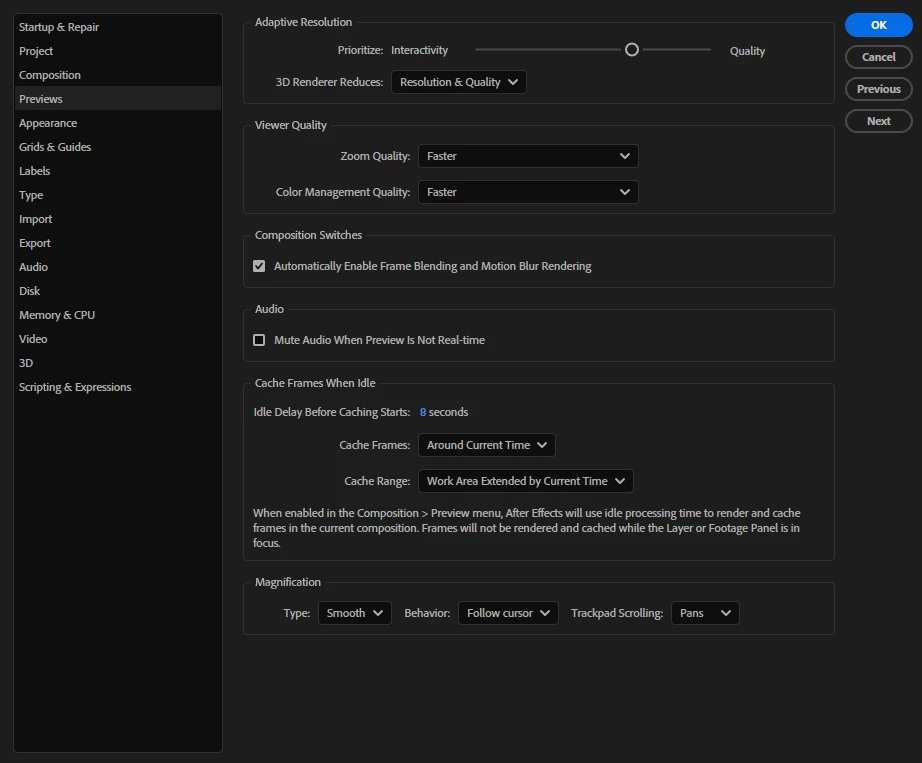
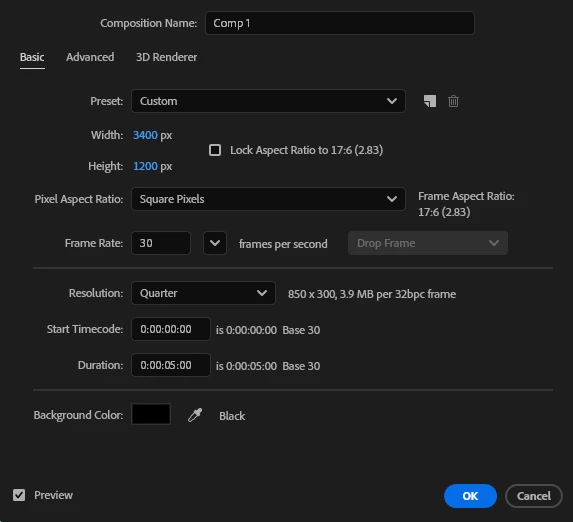
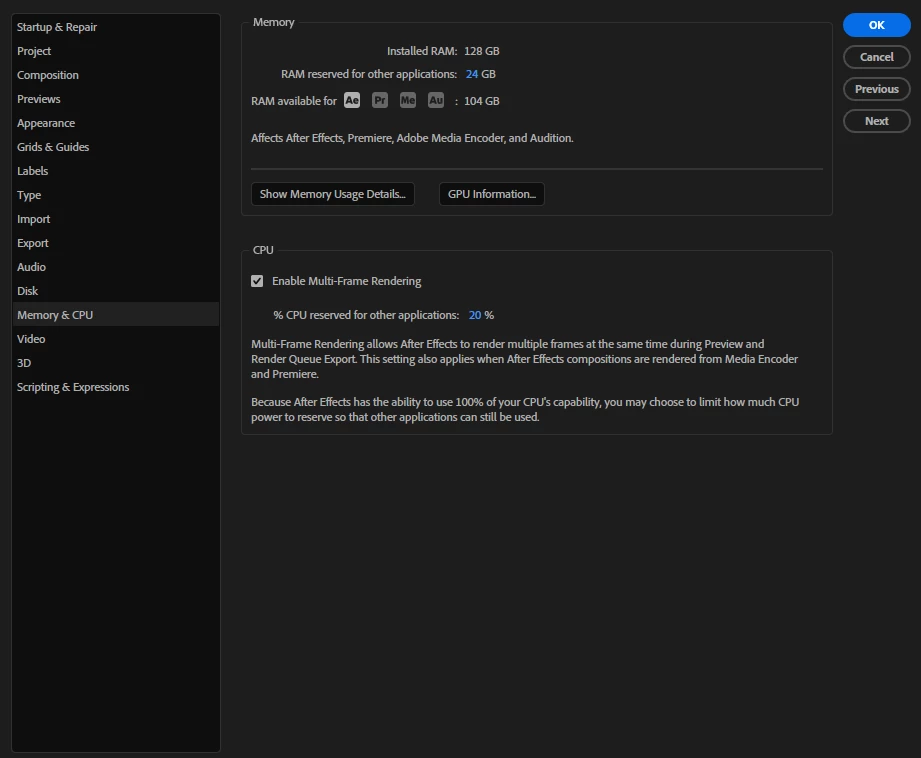
Ive included a video, this comp is only 5 seconds long, i dragged in an mp3 and played it through both ae and media player so you can hear what it’s supposed to sound like. also included screenshots of preferences that may be relevant?


specs

AMD Ryzen 9 5950X

AMD B550

DDR4 128GB (32X4)

AMD Radeon RX 8600X
 

Any help super appreciated, its incredibly hard to edit like this :(

    3 replies

    ToolfarmJP
    Community Expert
    Community Expert
    Oct 22, 2026 4:56 PM UTC

    You also check the access speed of disk and the graphic card driver updater.

    Translate
    Community Expert
    Oct 20, 2026 5:19 PM UTC

    Could you please tell us the resolution of the files that you’re working with?

    Translate
    CORCTON34033231
    Community Expert
    Community Expert
    Oct 15, 2026 11:20 PM UTC

    Adobe's documented performance steps for slow playback are worth trying in order:


    1. Turn on hardware-accelerated previews: Edit > Preferences > Preview, and enable hardware-accelerated previews with GPU acceleration on.

    2. Make sure Disk Cache is enabled (Preferences > Media & Disk Cache).

    3. Update your GPU driver directly from the card manufacturer's website — Windows Update doesn't always have the latest one.

    4. In the Preview panel, lower the preview resolution, or set Skip to allow skipping frames during playback.


    Details: https://helpx.adobe.com/after-effects/desktop/memory-storage-performance/improve-performance/improve-performance.html


    No guarantee these fix your case, but they're the standard checks Adobe documents for slow previews.

    Translate