


After Effects Render Queue misbehaviour
I've been working on this project for a while, and all of a sudden yesterday the Render Queue stopped working normal. Whenever I click on it, it goes to a blank screen (see picture 1).
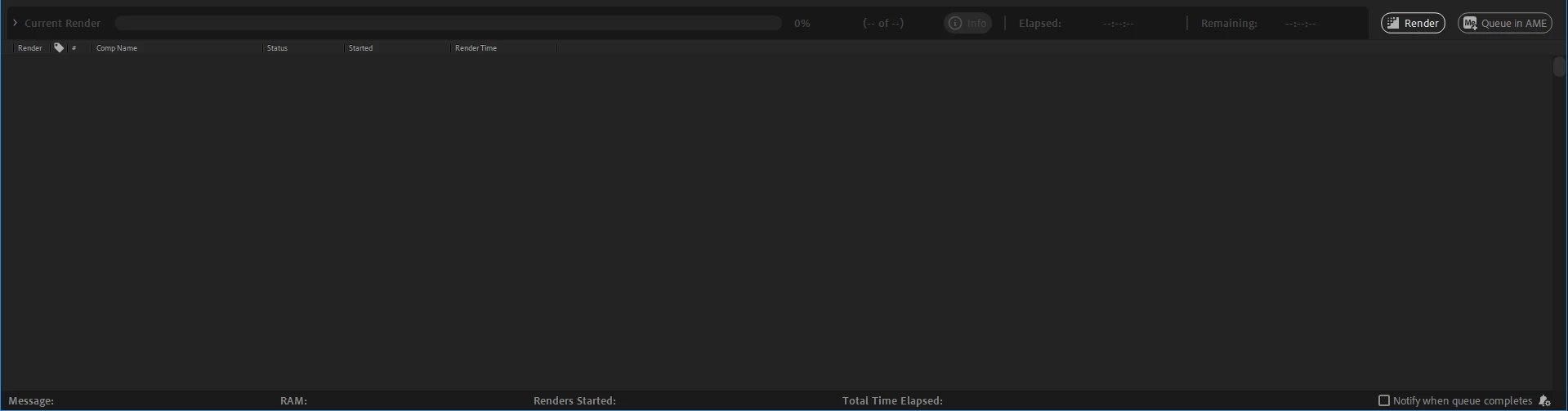
It is not until I move the scroll abr on the right that it's shows my old render history, however, it starts from the first render I did, so I have to scroll all the way down to see the latest one (unlike it's usual default behaviour).
This would be a minor inconvenience if it was just that, but the biggest problem comes when I try to send any comp to the render queue, the scroll bar doesn't go all the way down and I cannot see settings, nor change anything (see picture 2).
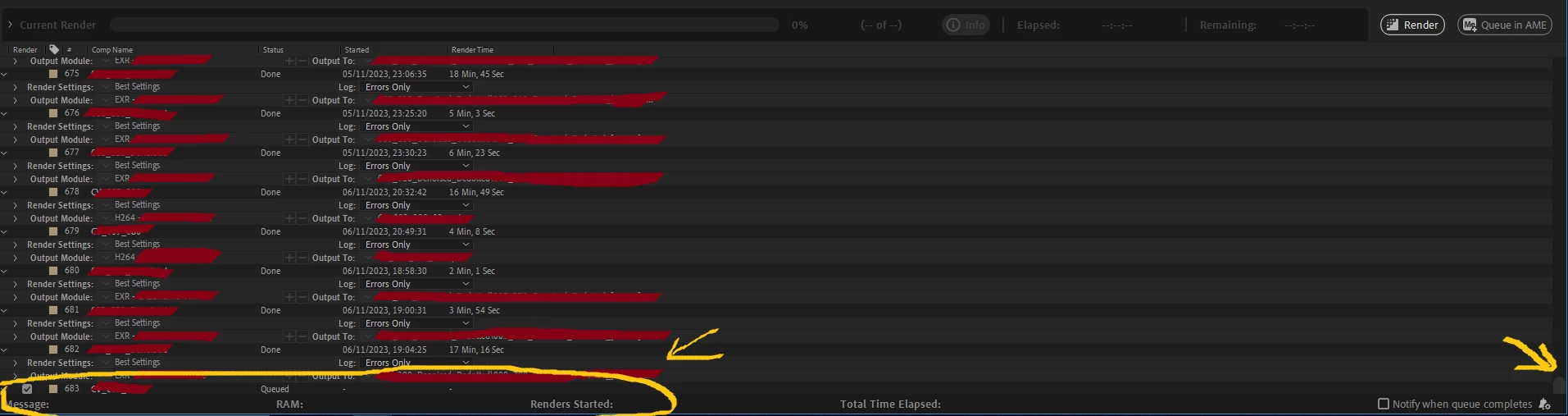
If I try to click on render blindly I get the error: "The directory originally specified in the selected output module no longer exists”.
This was on Windows 10, After Effects version 23.6, NVidia GeForce RTX 3090.
After the problem occured I tried updating to v 24.0.2, reseting the user preferences, updating GPU drivers, uninstalling After Effects and installing it again, going back to an autosaved version of the project from two days ago, when it was not happening... But now the Render Queue problem keeps happening.
I have no idea how to fix it now.
 AdChoices