After Effects "Stop Working" when I use 3D object on Windows.
Hi !
I have an issue on After Effect Adobe.
I have a good computer, it's a Asus Rog GL703VM (16GO, Intel I7, 64bits etc ...).
When I make a 3D object (for my projet I made a stroke cube 3D thank to this tutoriel), I can move it, make some keyframes, but when I play the video (to see the animation), it's very slowly in a first time. And maybe few seconds or minutes (it depending) later, the software stop working.
Let see screenshot :
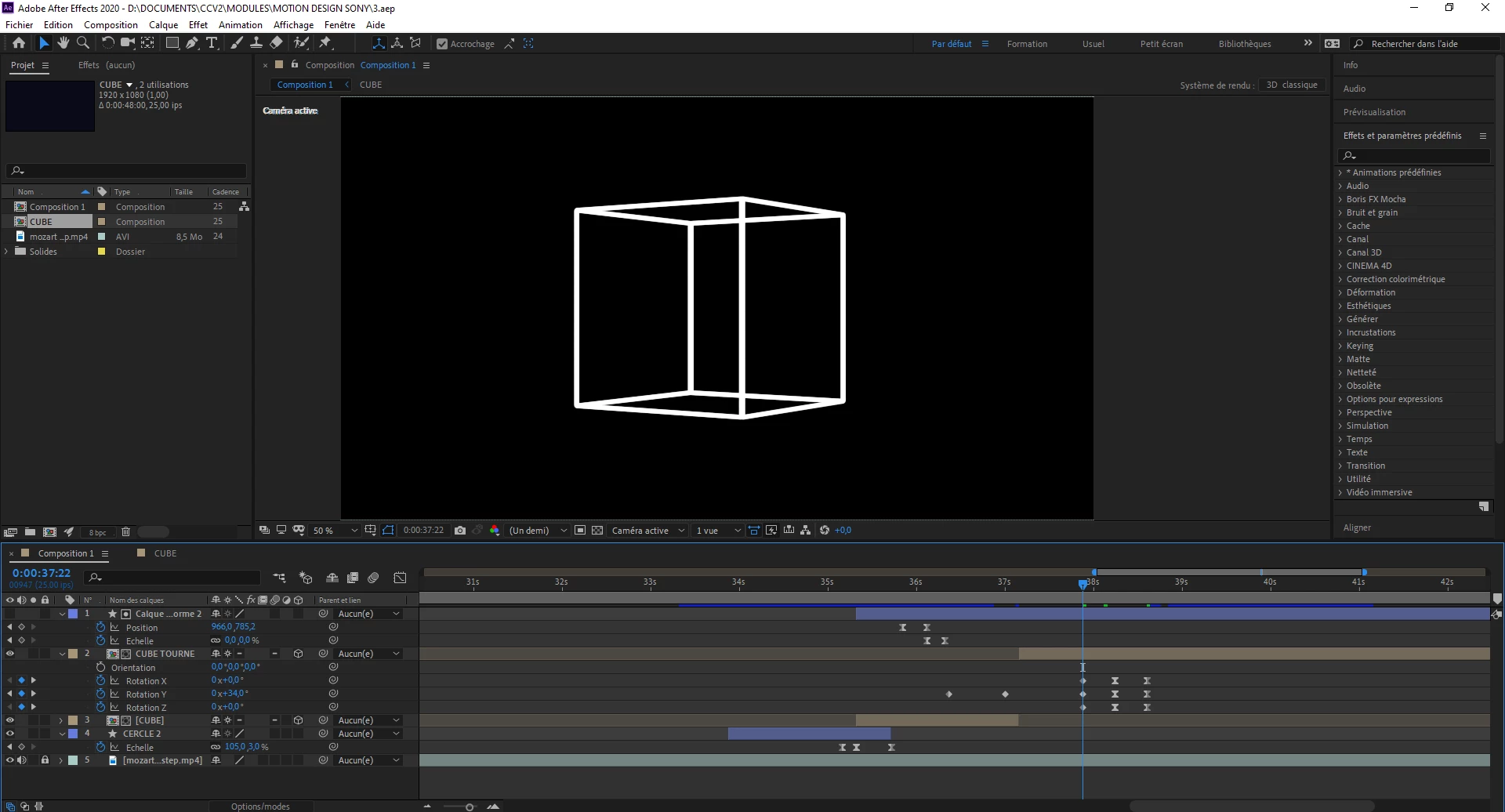
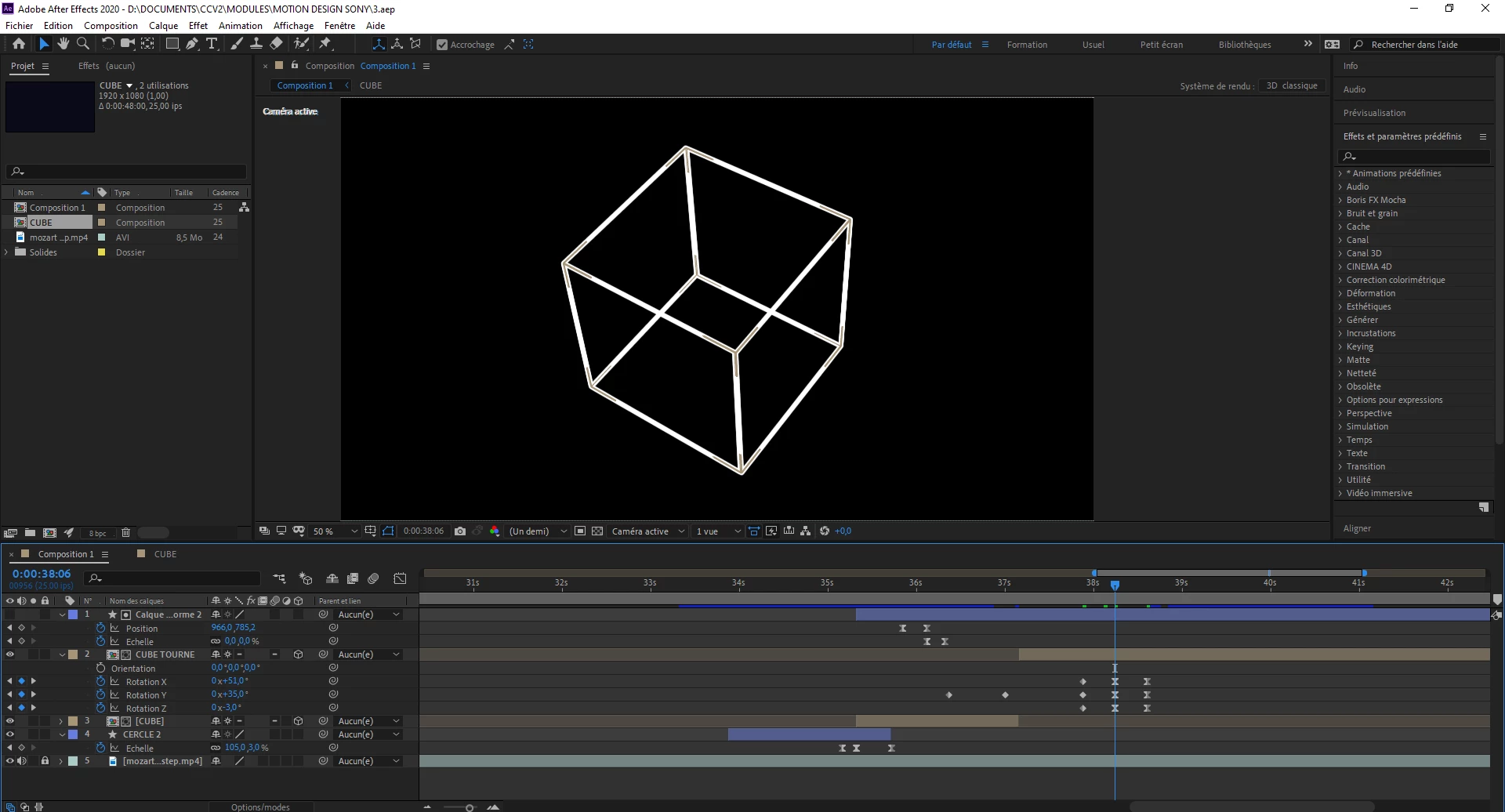
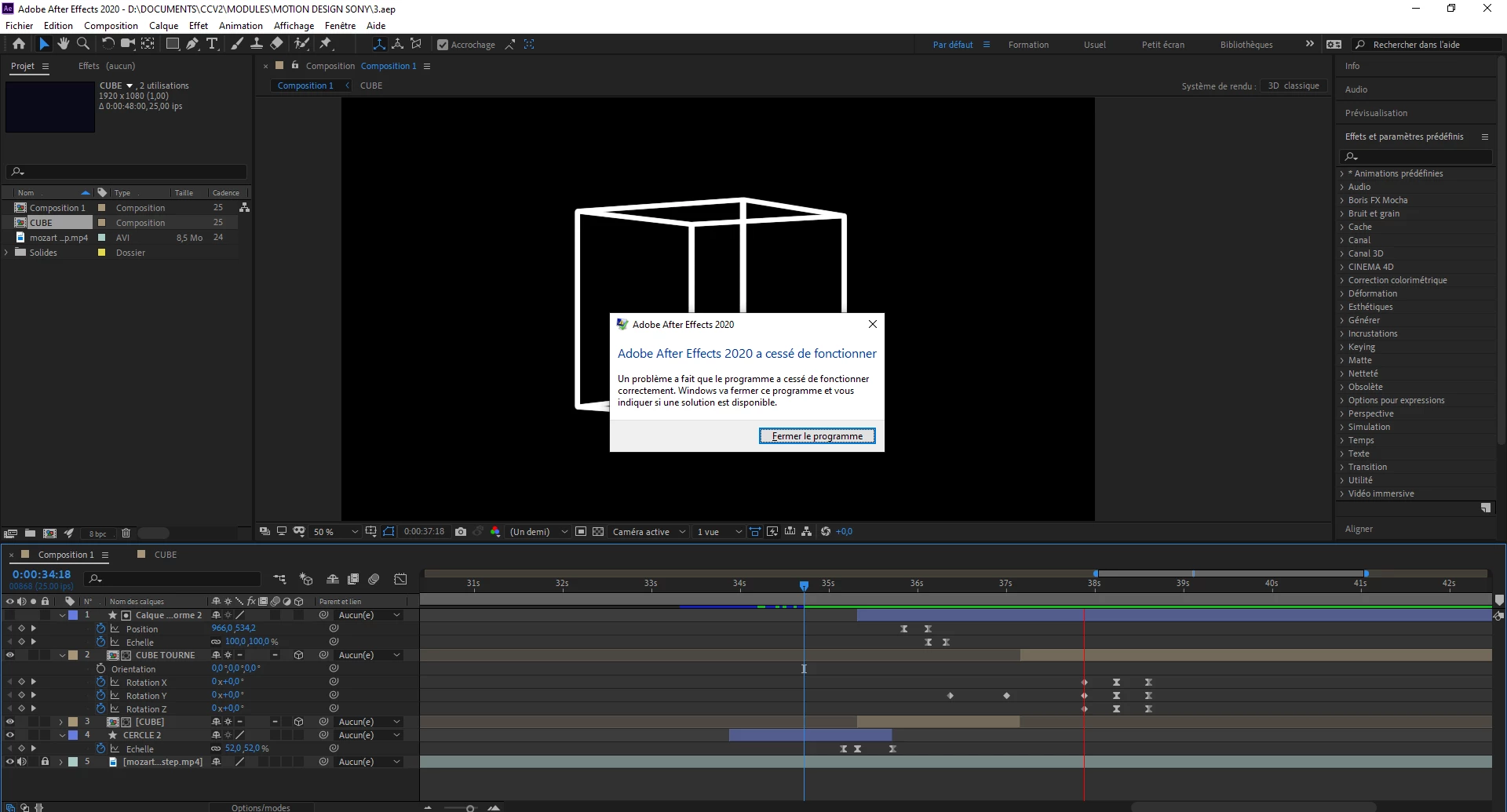
As you can see, I have few layers and I don't understand why the software crash like that !
I try on other computer (the same !) and it's work pretty well, and on other (MSI) and sometimes software stop to work but it's uncommun.
With my computer I can't see my animation because After Effect stop unintentionally 😞
Someone have a solution ?
Paradoxically, I can model objetc and anime it on other software like Dimension or C4D with no problem !
Thank !
_____________________
(In French)
Bonjour à tous !
Je rencontre un soucis avec mon logiciel After Effect 2019 ...
Je suis sur un PC Asus ROG GL703VM (16GO, Intel I7, 64bits etc ...).
Je suis sur un projet de cours où mon motion design onclue de la 3D (pas une 3D importée mais une 3D créer sur After Effect même). J'ai donc créer un petit cube en 3D (voir image ci dessus) grâce à ce tutoriel.
Le soucis est que je peux le bouger, ajouter des clés d'animation, faire ce que je veux, mais dès lors que je souhaite voir le rendu de l'animation, je clique sur play et la barre de progression (barre rouge sur la 3ème image) avance très doucement. Tout va bien, c'est lourd car c'est de la 3D, donc c'est normal (même si cette 3D n'est pas très lourde je crois ?) mais au bout de quelques secondes ou minutes, le logiciel cesse tout simplement de fonctionner, m'affichant ce message (image 3) "After Effect a cessé de fonctionner". Peut importe le nombre de fois que je recommence, à charger l'animation, rien n'y fait, le logiciel se ferme (avec ou sans messages des fois). J'ai d'ailleurs changer de composition, la recommençant trois fois mais rien n'y fait.
J'ai tenter d'importer mon anim sur d'autres ordinateurs, cela fonctionne très bien sur un ordinateur sembable au mien (même marque, même RAM, i7, 64bits, rien de différent !!) et cela fonctionne très bien, j'ai ensuite essayer sur un MSI et là, ça galère un peu plus mais ça reste acceptable. Là je ne peux juste PAS avancer dans mon projet.
A noter que parallèlement et paradoxalement mon ordinateur n'a aucun mal à faire de la modélisation 3D, rendu 3D et même animation 3D avec C4d ou Adobe Dimension, il ne semble donc pas que la carte graphique soit trop faible ou les RAM puisque je peux supporter des logiciels 3D et d'anim sans que mon ordinateur souffre. J'ai l'impression de n'avoir ce soucis que sur After Effect.
Merci !
Title edited by Mod.
 AdChoices