Participant
February 29, 2024
Answered

After Effects Top Part Glitching

  • February 29, 2024
  • 1 reply
  • 233 views

So my After Effects has been acting weird lately. This happened today.
I'm using a Windows PC with 2 monitors, and my AE opens in the main window by default.

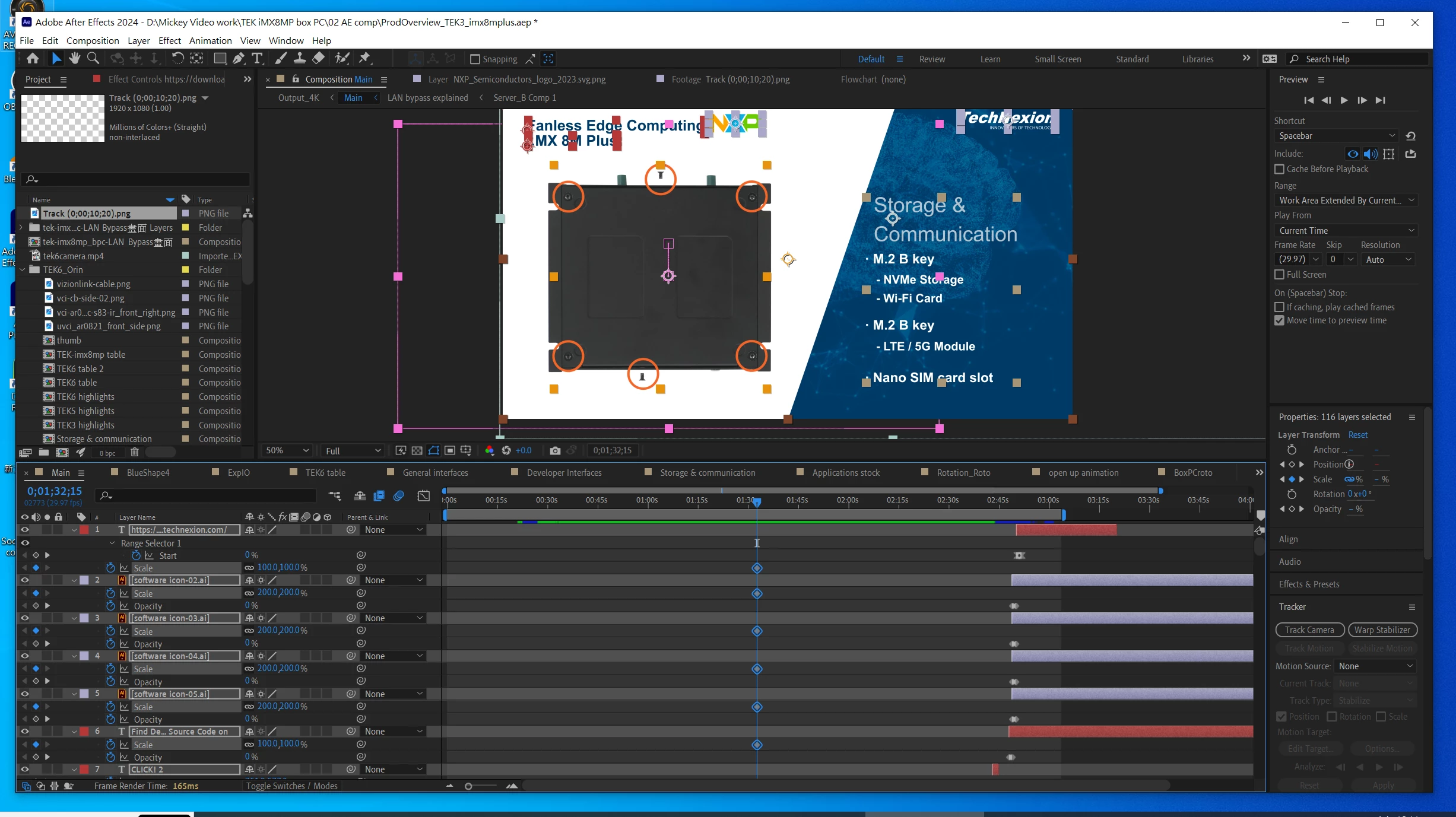
When I open up my After Effects, the top part of  the window glitches out

I can't click on anything in the top area, including the tool bar and the preview buttons. 
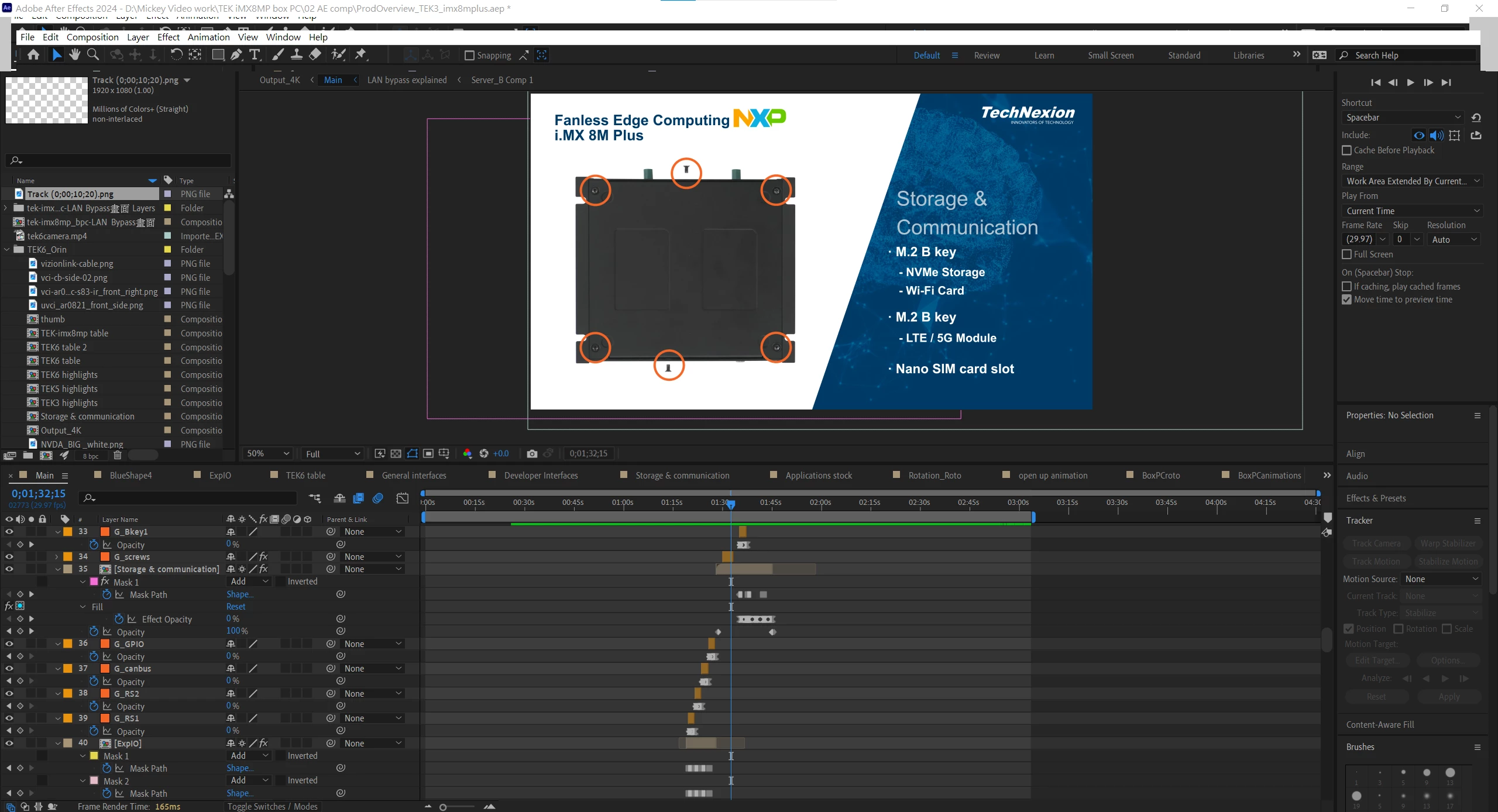
 

The way I'm working around this right now is,

I click on the Windows tool bar on the bottom, smaller the window,

and drag it to my secondary monitor.
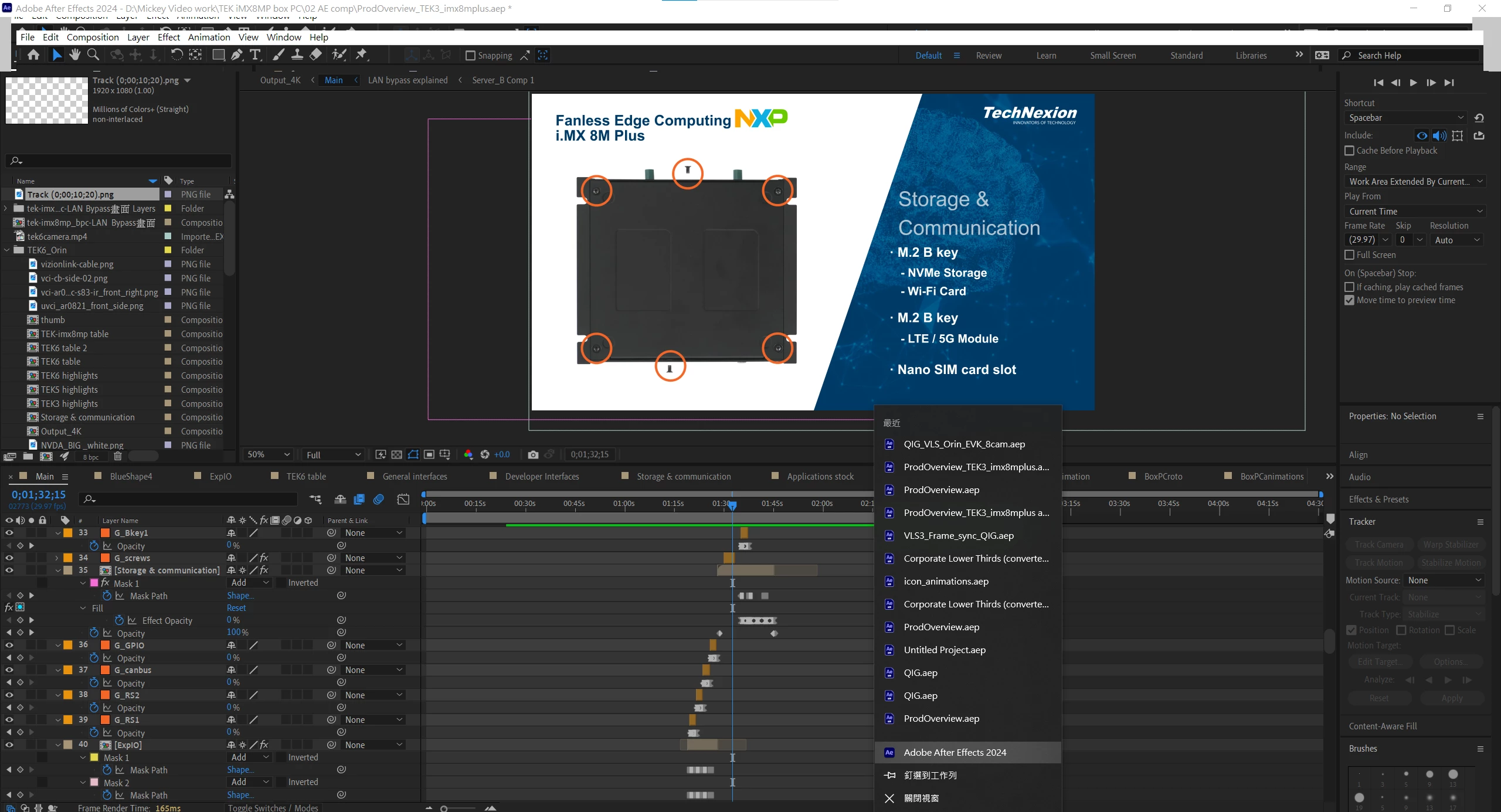


My AE seems to only glitch when it's in full screen windowed mode in my main monitor,

but I still want to know if there's any fix to this.

I've tried reinstalling and to an earlier version.
The glitch happens on versions 24.2.1 and 24.1


Thanks in advance!

This topic has been closed for replies.
Correct answer Mickey Lee Yu Syun

Seems like the glitch is solved after I updated my GPU driver! Thanks for the suggestion.
Here's my system specs:

CPU: 11th Gen Intel(R) Core(TM) i7 -11700 @2.50GHz
GPU: Nvidia Quadro P1000
RAM: 64GB
OS: Windows 10 Professional

1 reply

nishu_kush
Legend
February 29, 2024

Hi Mickey,


What are your system specifications (CPU, GPU, RAM, OS version)? Have you tried updating your GPU driver?

Let us know.

Note: Moving this thread from Bugs to Discussions for troubleshooting.


Thanks,

Nishu

Mickey Lee Yu SyunAuthorCorrect answer
Participant
March 1, 2024

Seems like the glitch is solved after I updated my GPU driver! Thanks for the suggestion.
Here's my system specs:

CPU: 11th Gen Intel(R) Core(TM) i7 -11700 @2.50GHz
GPU: Nvidia Quadro P1000
RAM: 64GB
OS: Windows 10 Professional