Admired_Giggles15A9
Known Participant
December 26, 2021
Question

After Effects use all my RAM!

  • December 26, 2021
  • 2 replies
  • 594 views

Hi,

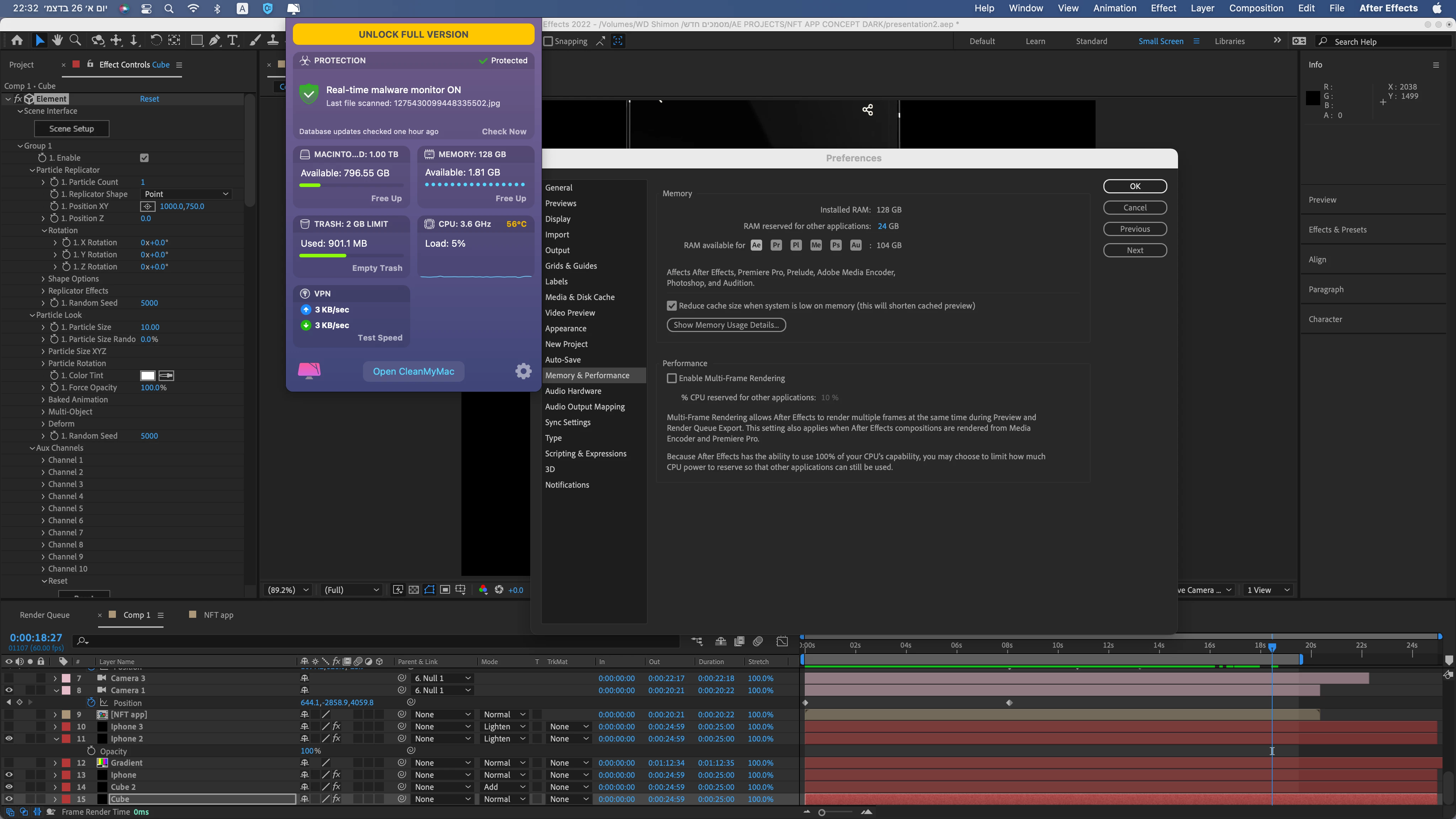
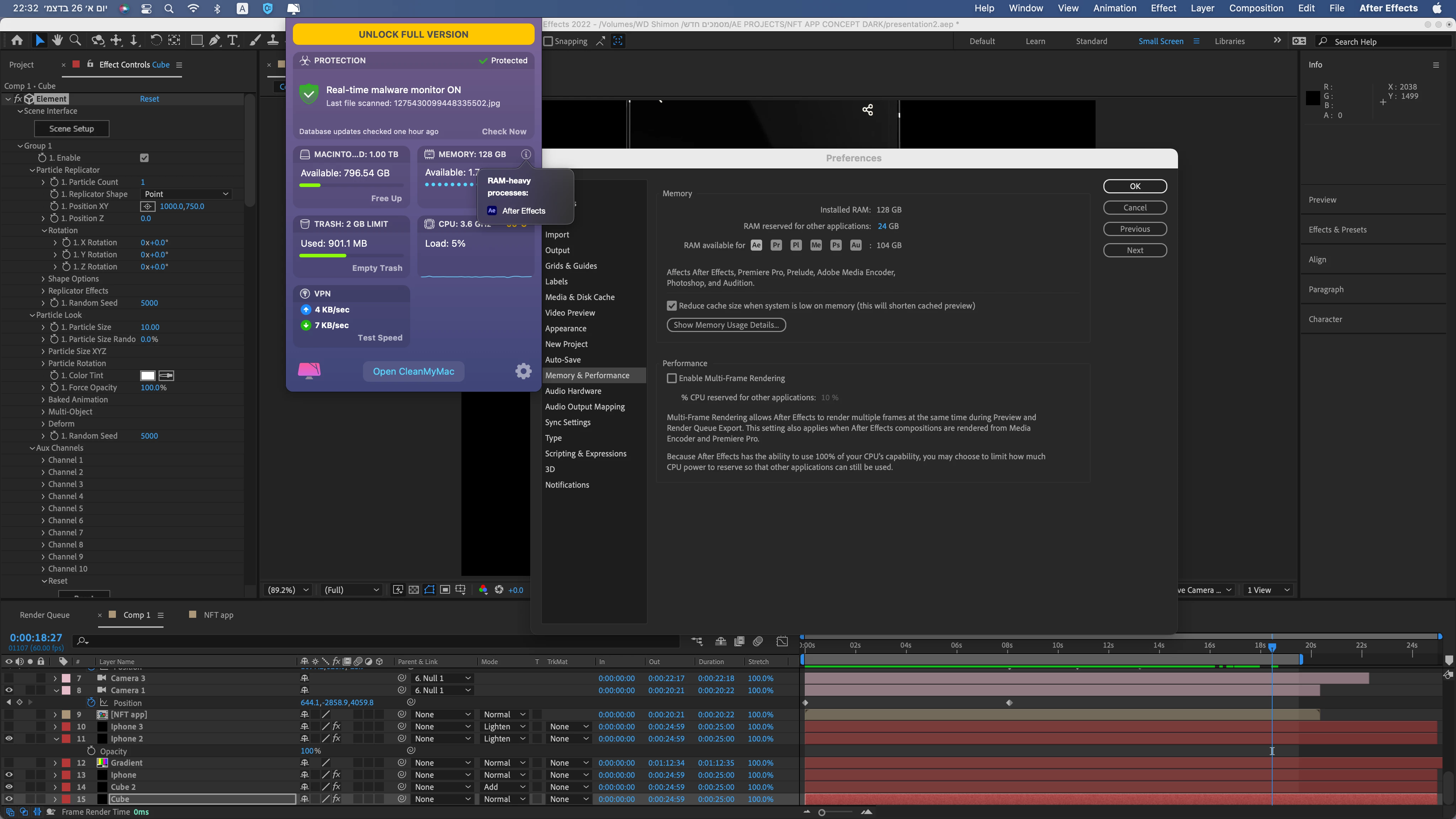
After Effects uses too much RAM than I allowed.

Attached screenshots.
This topic has been closed for replies.

2 replies

P.M.B
Legend
December 27, 2021

That program doesn't tell you how much RAM AE is using.  Open your systems actual resource monitor and look specifically what AE is using.  

~Gutterfish
Admired_Giggles15A9
Known Participant
December 27, 2021

I don't use anything just AE, try to play the preview of scene and the computer slow down.

I can not even listen to music smoothly! The computer has difficulty playing it (in youtube for example).

When I close After Effects my computer run very fast again.


Admired_Giggles15A9
Known Participant
December 27, 2021

Btw, I use C4D render, their render work just on my cpu but the computer not slow down.

After Effects render use mainly my RAM but not my CPU (MacPow is great software and dispaly the right performance, if you want i can see in my monitor, but it will be the same)

Mylenium
Legend
December 27, 2021

Third-party plug-ins liek E3D do not honor these settings and that may be al lthere is to say about the matter. The rest could simply be the various bugs and memory leaks that currently plague OS X and AE. Unless there are updates that fix this, you will have to live with these issues and hope for the best. realyl not much you can do about it.


Mylenium

Admired_Giggles15A9
Known Participant
December 27, 2021

It's not correct, I tried to render just videos without any plugins in the scene and it's also take too much RAM (I allowed 24GB for other applications, and I have just 2GB free at the render moment, AE use 126GB!)
