
Participating Frequently
October 25, 2019
Answered

After effects warning: Unknown Exception MacBook Pro 15" 2019

  • October 25, 2019
  • 14 replies
  • 93077 views

Hi there,

I have new macbook pro 15" 2019 with Mojave 10.14.6

while i'm trying to open my after effects there is warning:
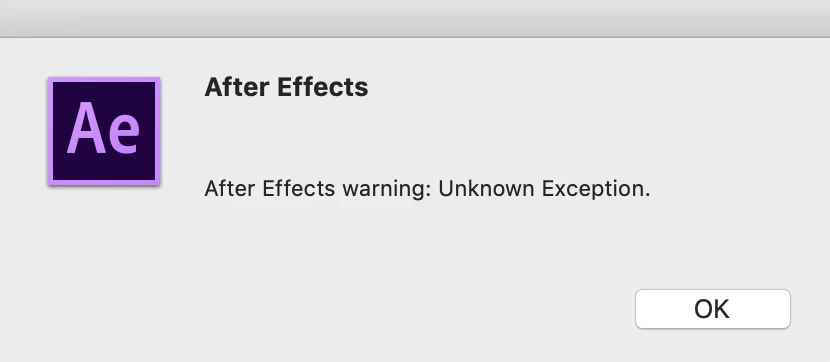
when i'm clicking ok:
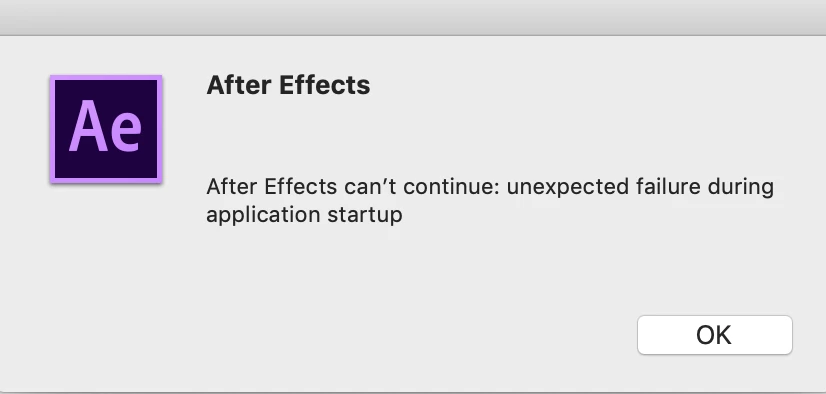
i tried to uninstall and install again all of adobe files,

i tried to use the cleaner, i cleaned the preferences and chache files and tried to change the permission for almost all Adobe folders to read and write.


i'm stuck and it's super frustraiting. please help!


Correct answer groundworks studio

It turned out to be a corrupt downloaded font for me, too. To get rid of it: Open up Font Book, got to All Fonts, do a select-all to garb all fonts, then go up to File > Validate Selection. Let that run, and then look for any fonts with red alert issues and delete those fonts.

14 replies

Participating Frequently
November 30, 2019

so i posted a post about it:

[Link removed by moderator and threads were merged.  Please do not post duplicate threads.]


and i have news.. i need help


I tried to open a new user over my mac - and the after effects worked!


the installation is good i guess, but i dont wanna move to new user- all of my stuff are orginized well.


how can i use the aftereffects over my own mac user, i guess i need to change permissions or something..


I don't know


please help!


thanks

OussK
Community Expert
Community Expert
December 3, 2019

So my first suggestion work 🙂 - really maybe yes it's a permission issue, try to check the AE permission folder from application check this link for more help https://support.apple.com/en-lb/guide/mac-help/mchlp1203/mac

Participating Frequently
December 3, 2019

yap, but its not permission stuff


already tried it 😞


any more ideas before i start bulding new user over my mac? 😞

nishu_kush
Community Manager
Community Manager
November 25, 2019

Hi tomermialma,


You can try the following steps:

  • Press & hold the Option key. From the Finder menu bar, choose Go > Library > Preferences > Adobe > After Effects  and rename your After Effects version folder as your After Effects version.old (e.g. if you are using After Effects 2019, your After Effects version is 16.x.x).
  • Go to Documents > Adobe and rename your After Effects version folder as your After Effects version.old.

Here is how to know your After Effects version: https://community.adobe.com/t5/after-effects/faq-how-to-find-the-exact-version-of-after-effects-you-re-using/td-p/9972137

Let us know if it helps.


Thanks,

NKush

Participating Frequently
November 30, 2019

im desprate... anything?

Participating Frequently
November 30, 2019

please watch my new questions, maybe you can help!

Jose Panadero
Community Expert
Community Expert
October 26, 2019

Try to delete the preferences file before opening AE. As soon as you launch AE hold Command+Alt+Shift so you will be prompted to delete your preferences file. Click OK and continue. Also, if you are using third party effects be sure you are using the correct version for your AE version

Participating Frequently
October 26, 2019

I don't have any third party effects.


Still not working 😞 sorry

Jose Panadero
Community Expert
Community Expert
October 26, 2019

Then try to use the Adobe CC Cleaner Tool. Follow this link instructions to remove completely Adobe CC and reinstall again.


https://helpx.adobe.com/creative-cloud/kb/cc-cleaner-tool-installation-problems.html


OussK
Community Expert
Community Expert
October 26, 2019

try to installed in new user and see if this can help