Participant
August 10, 2021
Question

After Effects won't Auto-Relink MP4 files when finding misplaced footage?

  • August 10, 2021
  • 16 replies
  • 3727 views

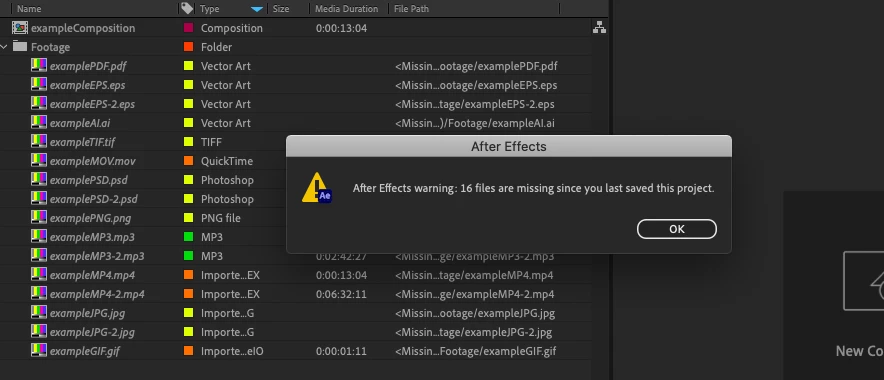
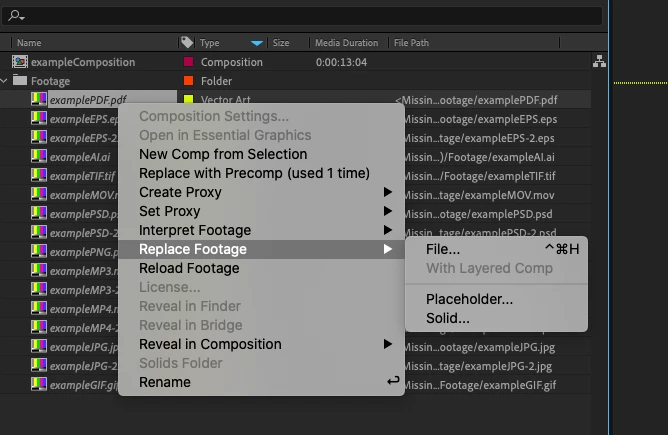
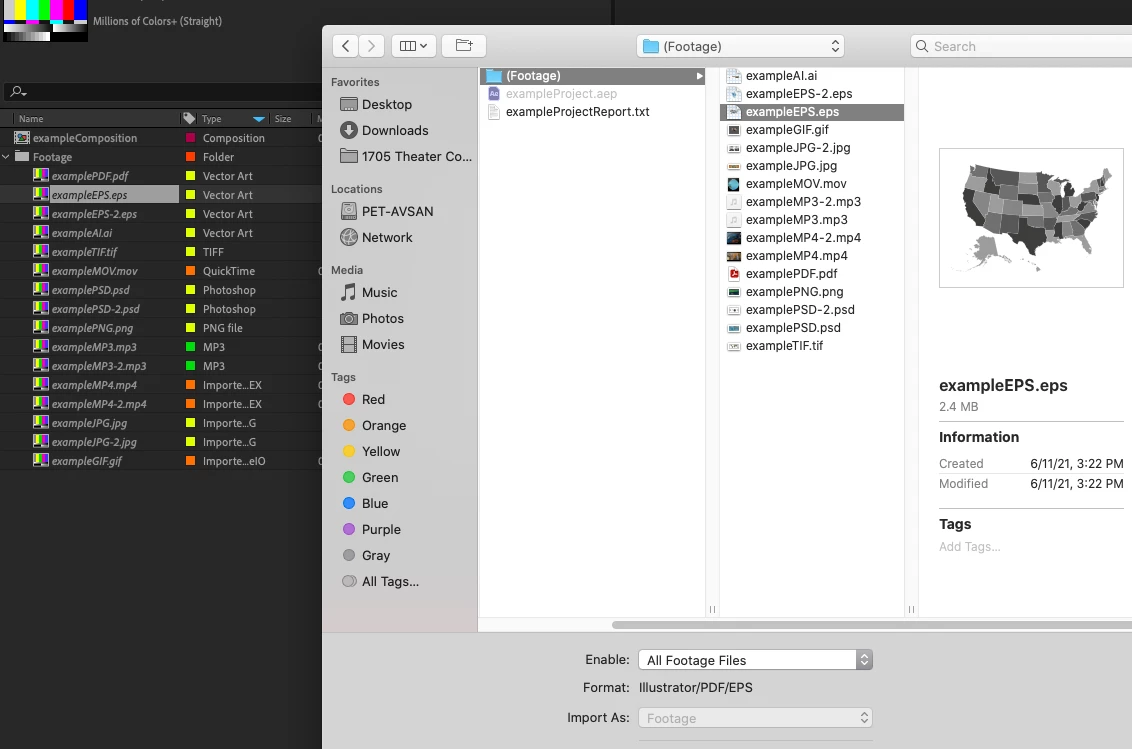
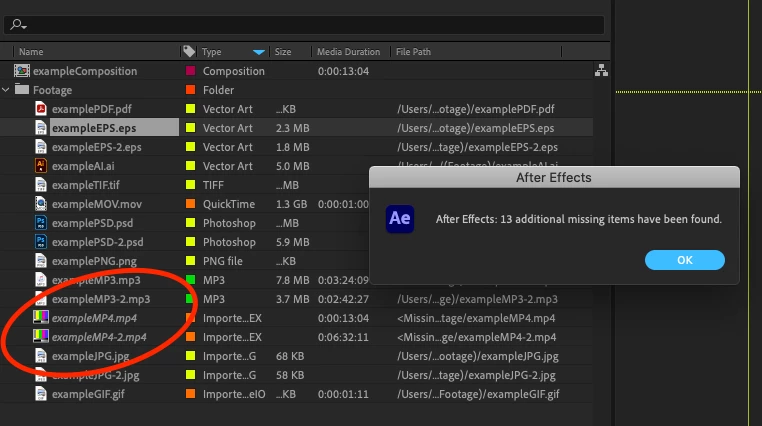
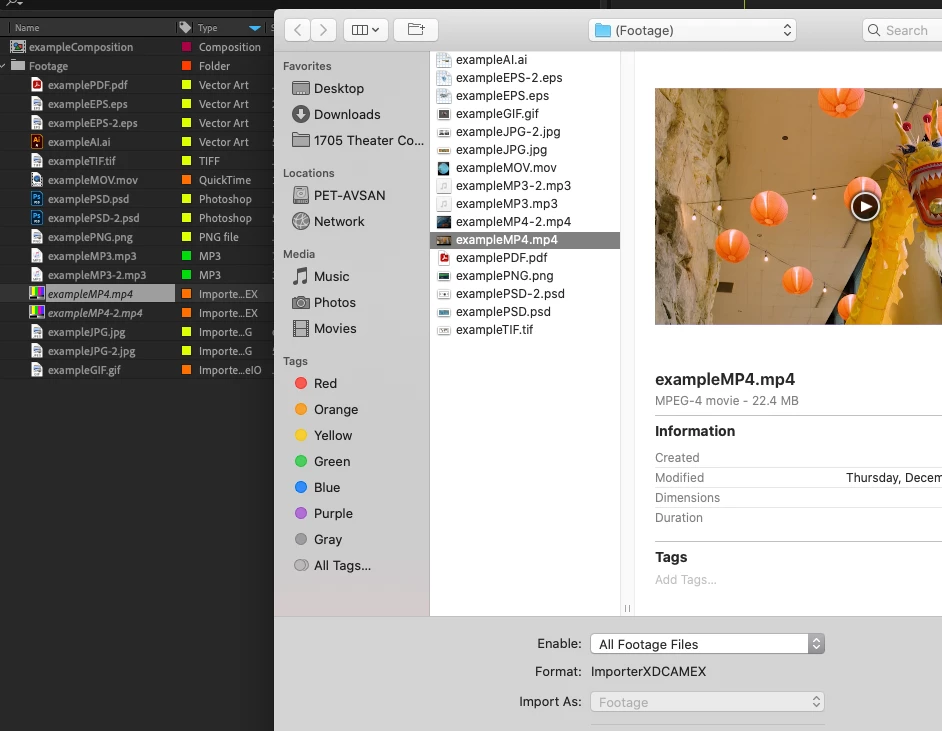
I've been using AE for over a decade now and can't remember ever having this issue. After finishing a project, I will reduce, consolidate, collect, etc. in order to archive the project for storage. Currently, the latest version of AE 18.4.0 Build 41 running on MacOSX 10.15.7. I have noticed when relinking footage placed in a new folder, all footage types will be located automatically once the first project file has been located... except for MP4s. Excuse me, but what? I can't be the only one that has decided to rename a footage folder before, used "replace footage" on a single PNG for example, and seen all other footage be found and updated to the newly renamed folder. Well, normally this would grab all footage files, including MP4s. Now, let's say I change the MP4 location back to the original recorded in the file, and I click "Reload Footage"... well, that too will fail. A dialog box says the footage is not at the very location that it is at. The only way to restore the footage is to go through the Replace dialog for every single MP4. This is ridiculously tedious on large projects. Please fix this problem or explain a workaround. I've attached screenshots of this issue in action:
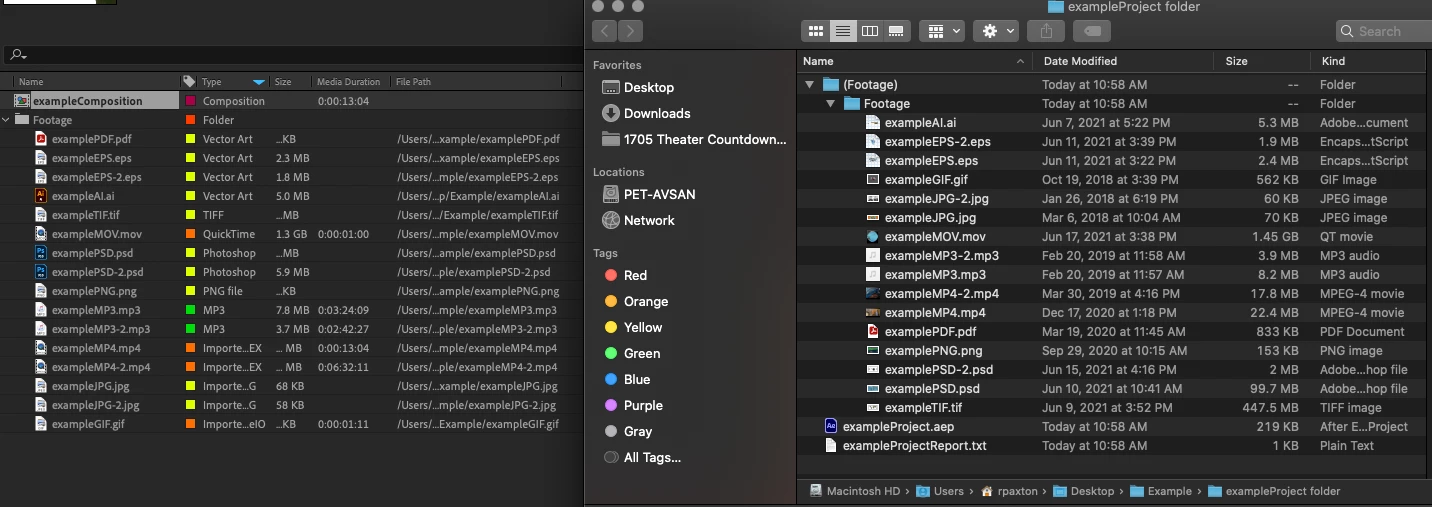
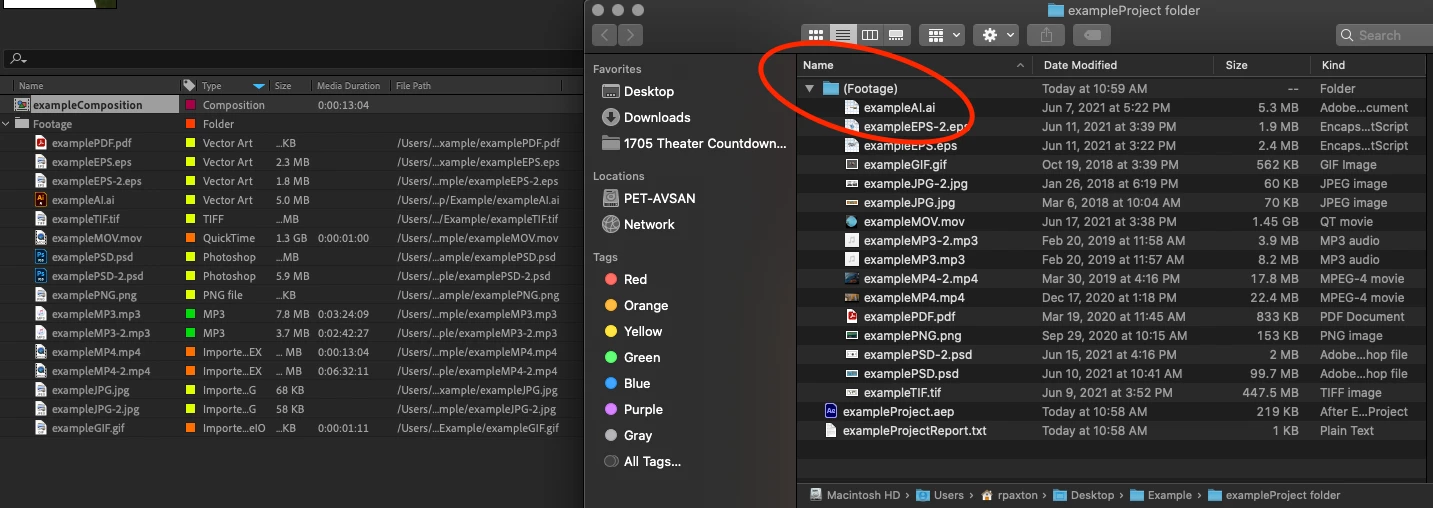


16 replies

Participating Frequently
February 3, 2025

Reporting in from 2025 that this has still not been fixed.  😞

Participant
October 3, 2024

Adobe is so friggen crooked. Again, working on useless AI but not fixing simple issues! I had to buy 3rd party software to fix their bs.  It's not acceptable. I can't wait until everyone switches to DaVinci

Participant
April 27, 2024

Still not fixed. It's April 2024, Adobe has AI integreated features ,yet can't solve this? Makes you wonder.


Extremely frustrating and disappointing for what seems like such a simple thing (works just fine in Premiere Pro too).

lukebanfield
Participating Frequently
March 10, 2024

This is rediculous. More proof that Adobe don't care at all about their longterm users. 

The entire point of using a system like After Effects is that you can come back to update a project for a client down the track. This bug makes that totally untenable. The fact that a proper re-link media option isn't even there in the first place is bad enough. There isn't the option to only display matching file names, so the potential for human error is insane. Who can sit for hours visually matching video file names??

Adobe, stop extorting users on a monthly basis for software that has serious bugs and lacks basic features that are uniform across your product line. 

Participating Frequently
January 12, 2024

Still not fixed. Cleared cache, nothing.

lukebanfield
Participating Frequently
March 10, 2024

This is rediculous. More proof that Adobe don't care at all about their longterm users. 

The entire point of using a system like After Effects is that you can come back to update a project for a client down the track. This bug makes that totally untenable. The fact that a proper re-link media option isn't even there in the first place is bad enough. There isn't the option to only display matching file names, so the potential for human error is insane. Who can sit for hours visually matching video file names??

Adobe, stop extorting users on a monthly basis for software that has serious bugs and lacks basic features that are uniform across your product line. 

Known Participant
April 26, 2023

I just installed a free ScriptUI panel named RELINKER, and it worked like a charm. C'mon Adobe, stop making people come up with scripts to fix your bugs!

Download here (be sure to enter $0 as your bid, or the download link won't activate): https://ianpinder.gumroad.com/l/ae_relinker


Participant
May 26, 2023

i downloaded this.. and now? how do i use this? 

Participant
May 26, 2023

oke, also installed it but doesn't work for me. 

Participant
March 17, 2023

Incredibly frustrating that Adobe has not fixed this issue yet. I have to manually do "replace footage" for hundreds of files. Great...

Known Participant
March 1, 2023

Same problem here. Remember when Adobe would actually fix bugs that users reported? The entire Creative Cloud suite is littered with bugs these days!

Participating Frequently
June 28, 2024

No lol, did they every actually fix bugs? Whenever something breaks with Adobe I just assume it's gonna be broken forever. That's why I tell people not to get Creative Cloud.


Anyway, they still haven't fixed this bug.

Participant
January 25, 2023

I'm having the same issue, mij ae is fully up to date but it won't autofind. 

Participant
July 18, 2022

Same issue still persists for me now, nearly a year later. If anyone else found a fix, it would be greatly appreciated!