
Question
Aftert Effects randomly crops as I import files
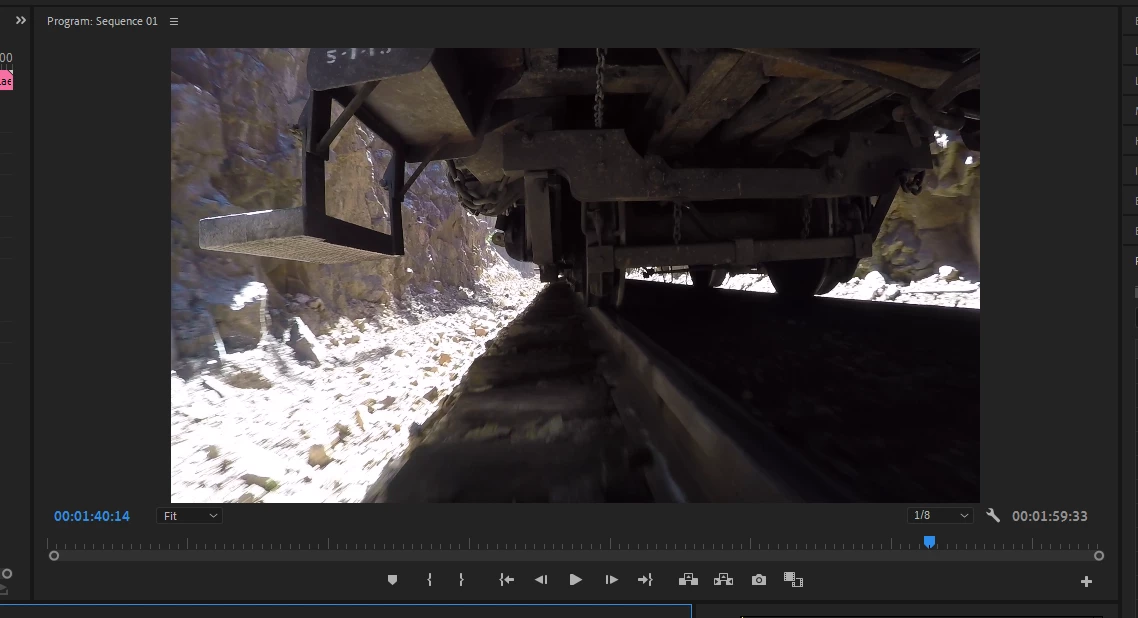
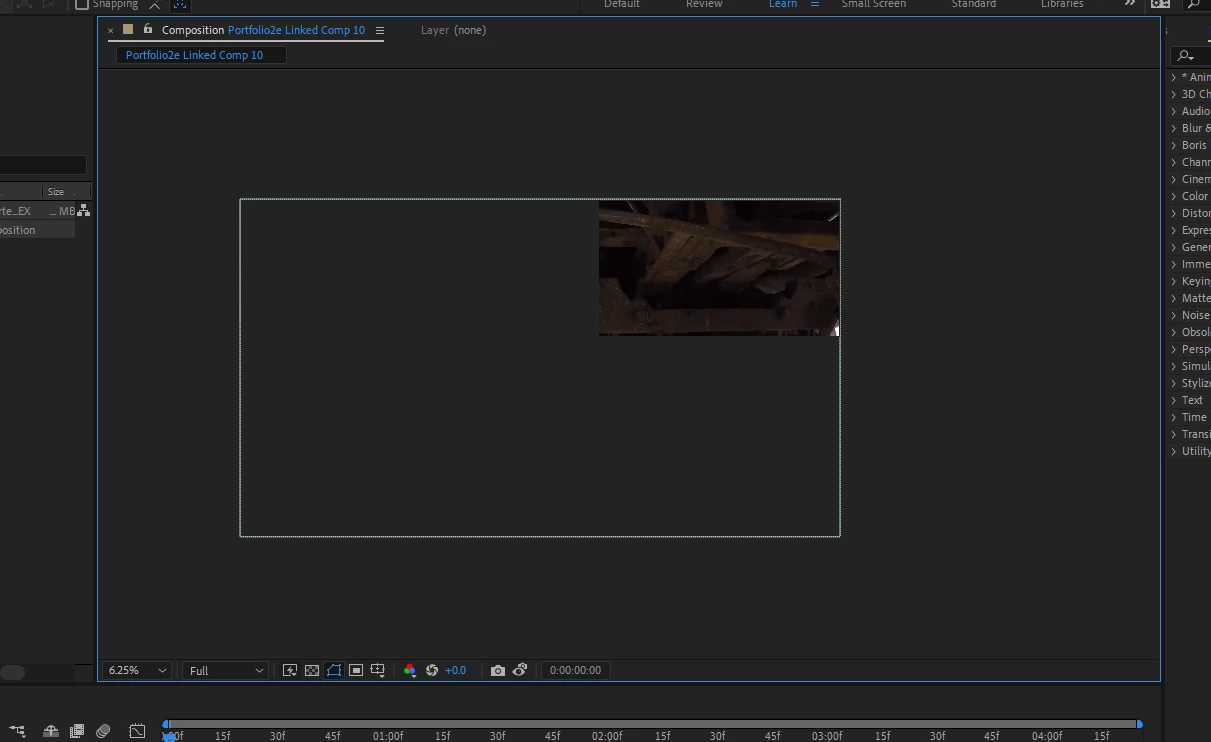
I have a clip in Premiere I want to work in AE with. I select Replace With After Effects Comp and I loose 80% of my image. How do I import this clip into AE exactly the way it is in Premiere? It's almost as if they are programmed by two completely different companies.
Do I need to reprogram AE to not interfere with files as I import them and how would I do that?
I cave checked the comp settings and they are identical however what I see in my preview screen in AE says the Comp Settings menu is lying to me. There is deffenetly something wrong with my AE.
 AdChoices