demmmy
Participant
December 15, 2021
Answered

Ai Layer colour appears to be lighter than what it should be
  • December 15, 2021
  • 1 reply
  • 171 views


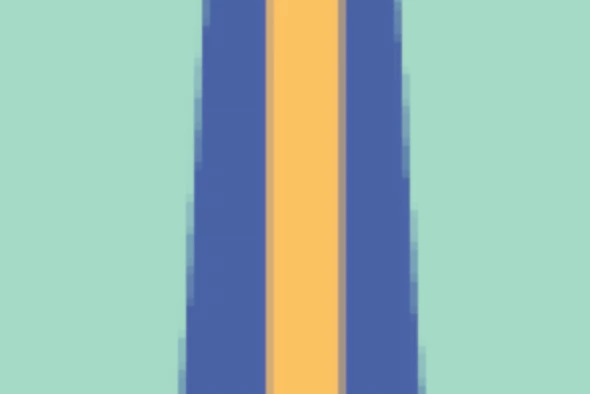
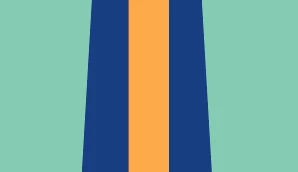
Left (First) one is how it appears on AI, and Right one is how it appears on AE.

They are just all AI layers in AE, and I don't remember having this kind of issue before.

Any reason this might be happenning? I'm on Latest Beta Version.

This topic has been closed for replies.
Correct answer nishu_kush

Hi demmmy,


Thanks for writin in.

Does it happen with multiple AI files or a particular one? Please make sure that the color mode of the AI files is RGB.

Let us know if it helps.


Thanks,

Nishu

1 reply

nishu_kush
nishu_kushCorrect answer
Legend
December 16, 2021

Hi demmmy,


Thanks for writin in.

Does it happen with multiple AI files or a particular one? Please make sure that the color mode of the AI files is RGB.

Let us know if it helps.


Thanks,

Nishu

demmmy
demmmyAuthor
Participant
December 16, 2021

Ah, I'm a dummy. Thank you so much