


ryanespi28
Participant
June 3, 2016
Answered

AI layer files appear black in AE... Does anyone know how to change that?

  • June 3, 2016
  • 14 replies
  • 49738 views

Hey Everyone,

So I'm creating an animation in AE, but first I wanted to create a custom logo in Illustrator. It's a simple word and rectangular box outline. I had separated the text as individual shapes so that I could manipulate each one manually in AE.
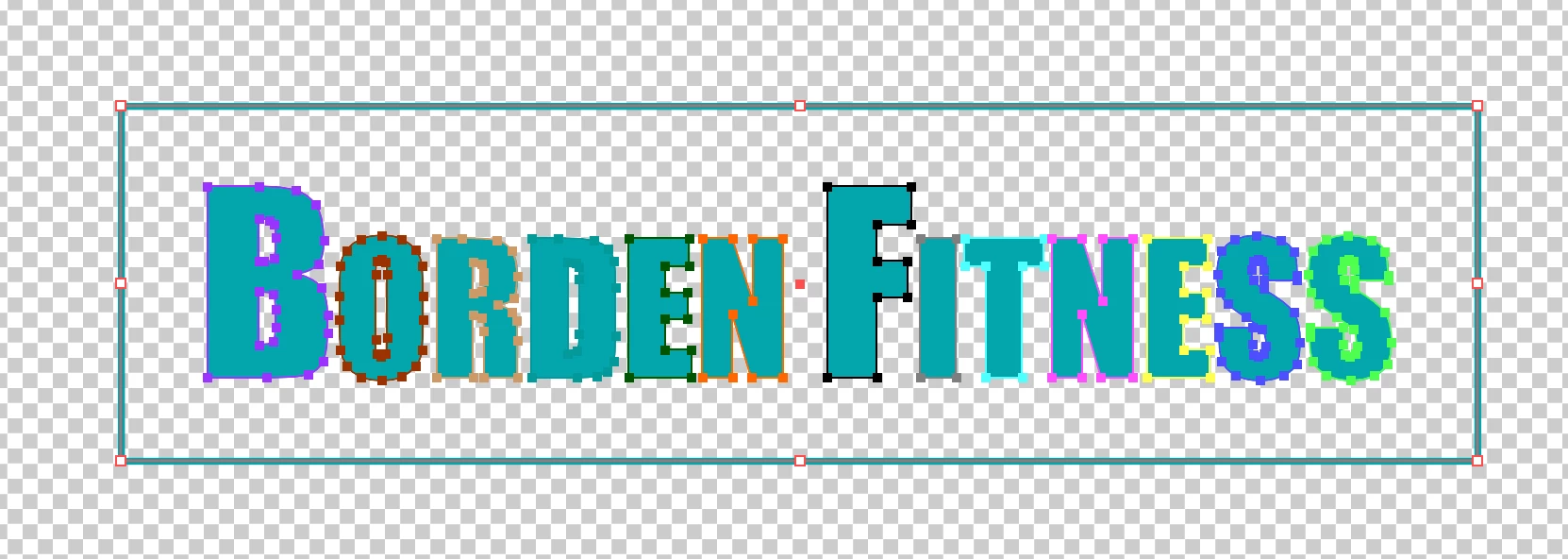
Having separated each shape into its own layer I saved the file. I only used ONE artboard. The background is obviously not black, and it's in RGB colorspace not CMYK. Going into AE I import the file with the following setup:
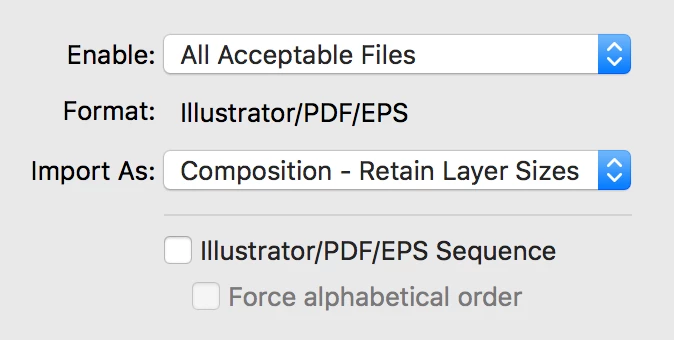
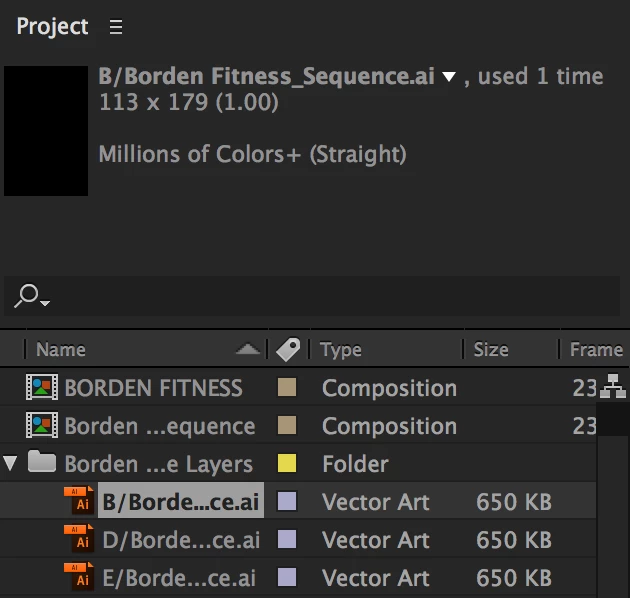
All layers import. The problem is that they are all black when I open the composition.
If anyone can please answer this question it would be greatly appreciated as I haven't found the correct answer after searching the forums for the last couple hours.

Thanks!

Correct answer RyanAlbracht

I had the same issue and it was fixed once my caps lock was turned off.

14 replies

Known Participant
October 14, 2016

You can't have more than one artboard in the Ai file. I know what you are thinking. Why I can't have more than one artboard?

Roei Tzoref
Legend
October 15, 2016

Unfortunately Op never came back so we will never know what was the issue. you should work with the presets (that has 2 Artboards and this is a good thing). even if you are not, make sure you prepare your Ai file prior to importing it to Ae. Preparing and importing still images in After Effects

Known Participant
October 14, 2016

I am having the same issue now.

Szalam
Community Expert
Community Expert
June 4, 2016

Was the option for saving PDF information turned on in your Illustrator save dialog?

Community Expert
June 4, 2016

Open the Borden Sequence comp, make sure no layers are selected or all layers are selected, press the U key twice to reveal all modified properties of all layers. Enable the transparency grid in the Composition Panel to check for art on your layers. If you see art then you have to check the properties for the layers in Illustrator to see why you are not getting color. If you see no art then you should check the save options in Illustrator.

One more thing to check, select a layer in the Project Panel or the Timeline and then select Edit Original (Ctrl/Cmnd + e) and see what opens in Illustrator.

Let us know what you find. Post screenshots of AE with the Borden Sequence comp open and the modified properties of the layers revealed by simply dragging the screenshot to the reply field on this forum or if you used PntScn on a Windows machine you can just paste (Ctrl/Cmnd + v). Maybe we can figure this out if you don't fix the problem on your own.

Andrew Yoole
Inspiring
June 4, 2016

Can you post a screen grab of the timeline and comp preview panes.  Make sure the Illustrator comp is open, and select one of the problem layers and press UU to reveal all non-default property values.