Answered
Ai layers being imported in center of Ae composition (completely disorganized from Ai composition)
Hello!
I was hoping someone could help me figure out a problem. I have created a series of layers in Ai and want to import them into Ae. Each object is in a specific position in the composition and has its own layer. I try importing the Ai file with all its layers as a composition retaining layers- however- when i do so all of the layers appear in my Ae file in the middle of the screen. This means they are completely disorganized to how i had them originally in my Ai file. Does anyone know what could be wrong? Any and all help is greatly appreciated! 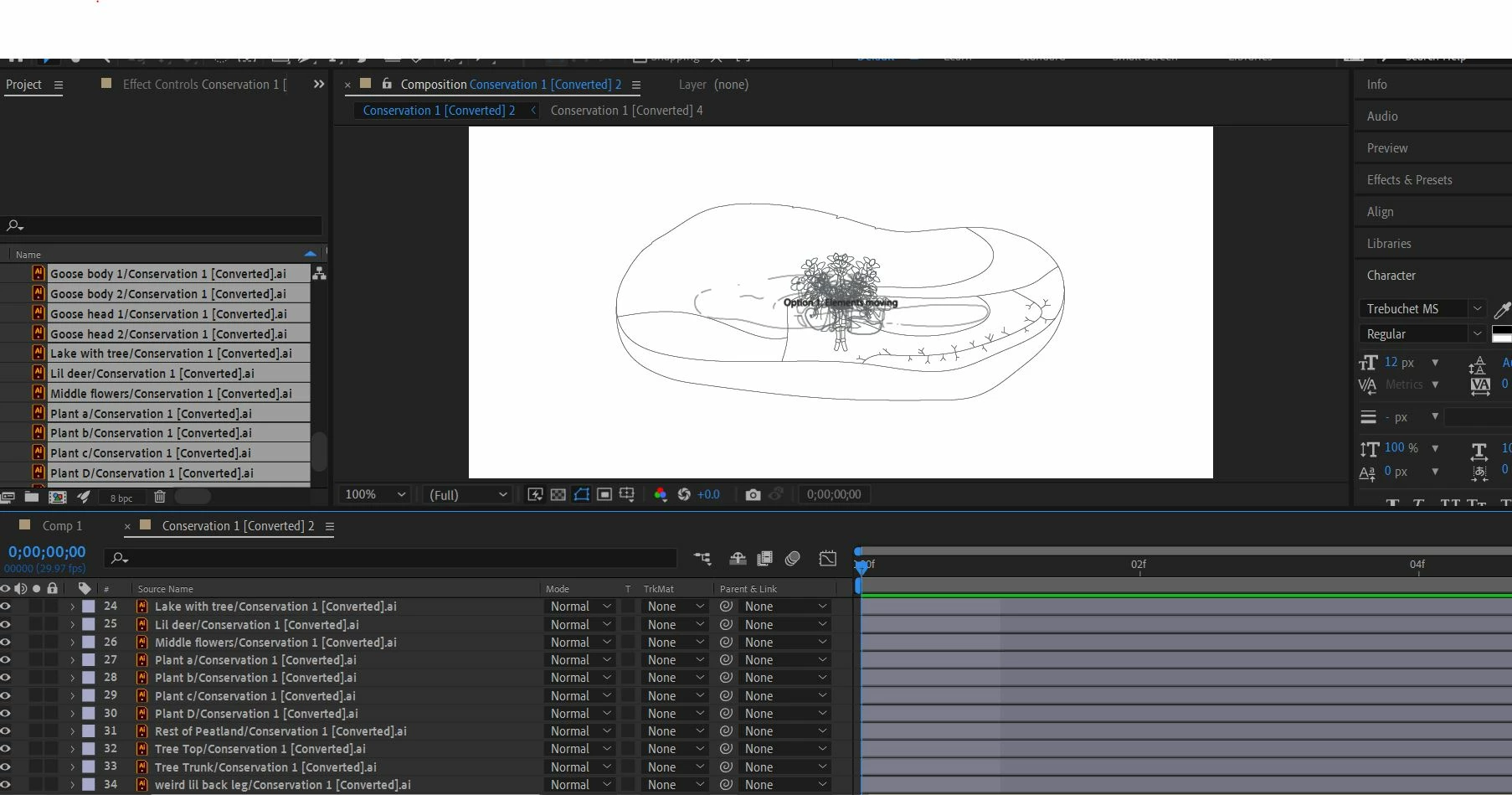
 AdChoices