
Participant
November 1, 2019
Question

Ai. layers not showing on Ae. composition panel
  • November 1, 2019
  • 3 replies
  • 576 views

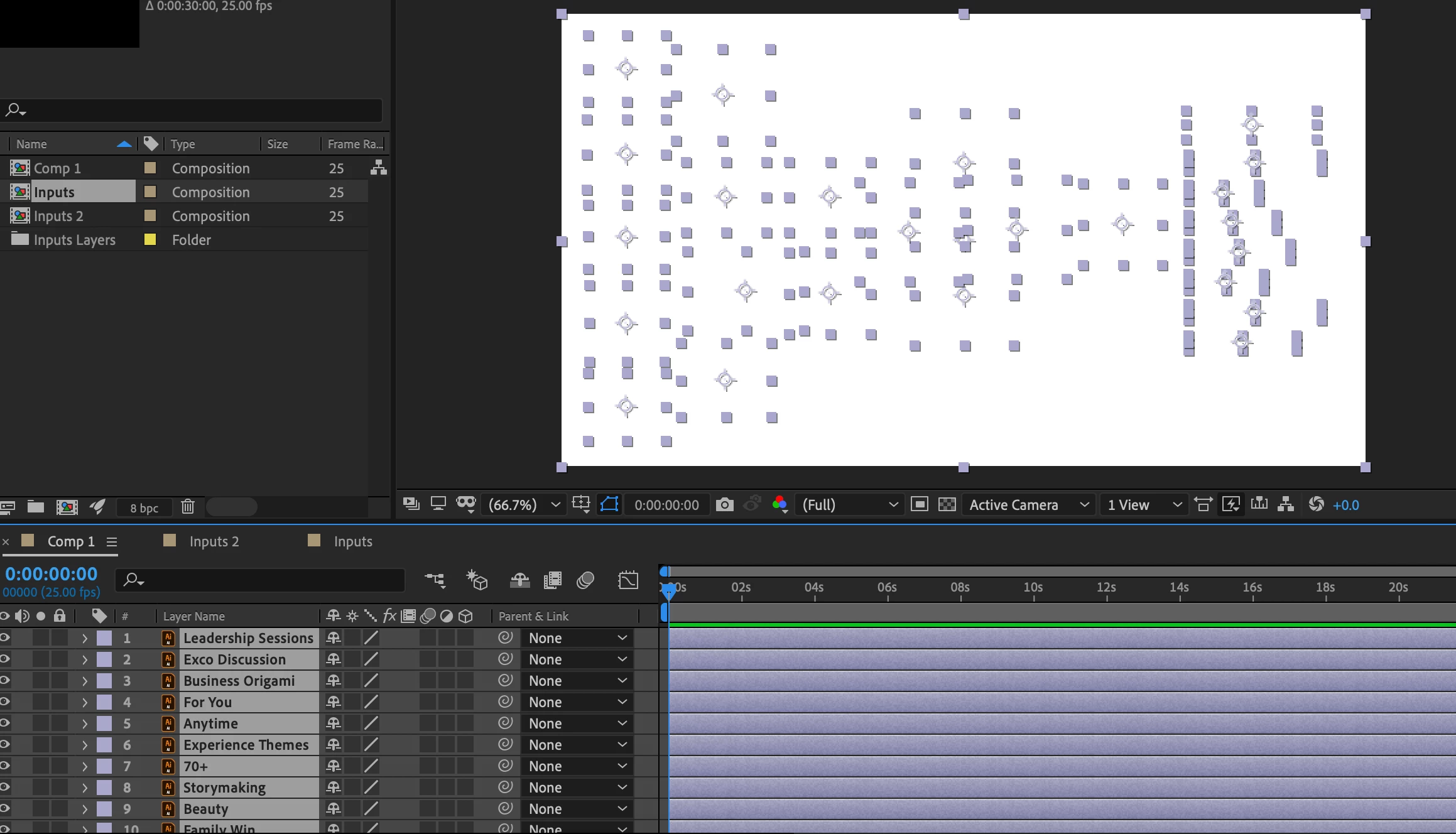
I have exported Ai. layers that has pictures and texts in them. The colour mode is in RGB. Ae. keeps showing me blank screen. Occasionally, 2-3 layers are visible. 


Seeking desperately for help in this matter! Thankyou!

This topic has been closed for replies.

3 replies

Kyle Hamrick
Community Expert
Community Expert
November 1, 2019

What happens if you solo one of the layers - does it become visible? 

How is your file assembled in Illustator? Is this a super huge or complex Ai file?

When you say "pictures," do you mean illustrations created in Ai, or images imported into Ai? If it's the latter, you should bring them directly into AE instead. 

Community Expert
November 1, 2019


There is a very good chance this is nothing but User Error. Take a look at my screenshot of your screenshot:


All you should have to do is open the comp that was created. To verify that there is content in one of the Comp 1 layers just solo that layer, make sure it is selected, press "uu" to reveal all modified properties and if you still see white on white, enable the transparency grid.


One more suggestion. You should not be relying on the Composition Settings Comp Background color to give you a colored background. Changing the Comp Background color does not fill the Alpha Channel so the comp still has a transparent background and that will render as Black most of the time. If you want a white background, put a white solid at the bottom of the layer stack.

Martin_Ritter
Legend
November 1, 2019

Good catch, Rick!


I'm celebrating the day when we have full resolutions screenshots back in the forum.

Martin_Ritter
Legend
November 1, 2019

Make sure you have only one artboard in AI and all your artwork is on it.


*Martin

Community Expert
November 1, 2019

Try updating GPU driver 

Byron.