

AI multiple layer files importing blank after upgrading to latest version of After Effects
I create storyboards in Illustrator and import to AE a few times a week. The ai files have multiple layers and artboards and I never had any issues with importing them into AE until today. After importing and double clicking on the comp, the layers were all there, on the timeline, BUT, only a a few of them were visible. The rest were there but were blank (or black, if you don't have the transparency on). I also rtied importing a number of other AI files that I had used on previous AE projects just in case that first AI file was corrupt but the same happened with all of them. I also tried on AE on a mac running Catalina and on a mac running Big Sur. Same result every time.
I have no idea why this is happening and if it is an Illustrator or an After Effects issue. I upgraded to 2022 a couple of days ago and right up to that point, I had no issues.
Anyone else dealing with this? Any solutions are much appreciated.
Thanks!
Angel
This is the file set up.
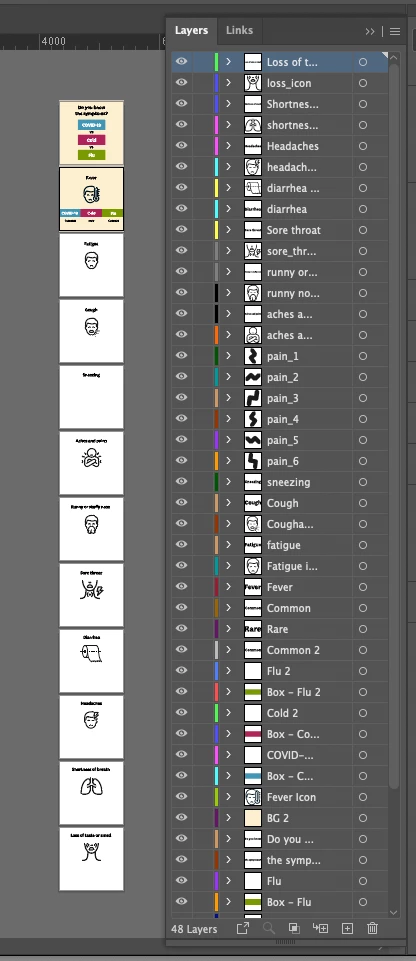
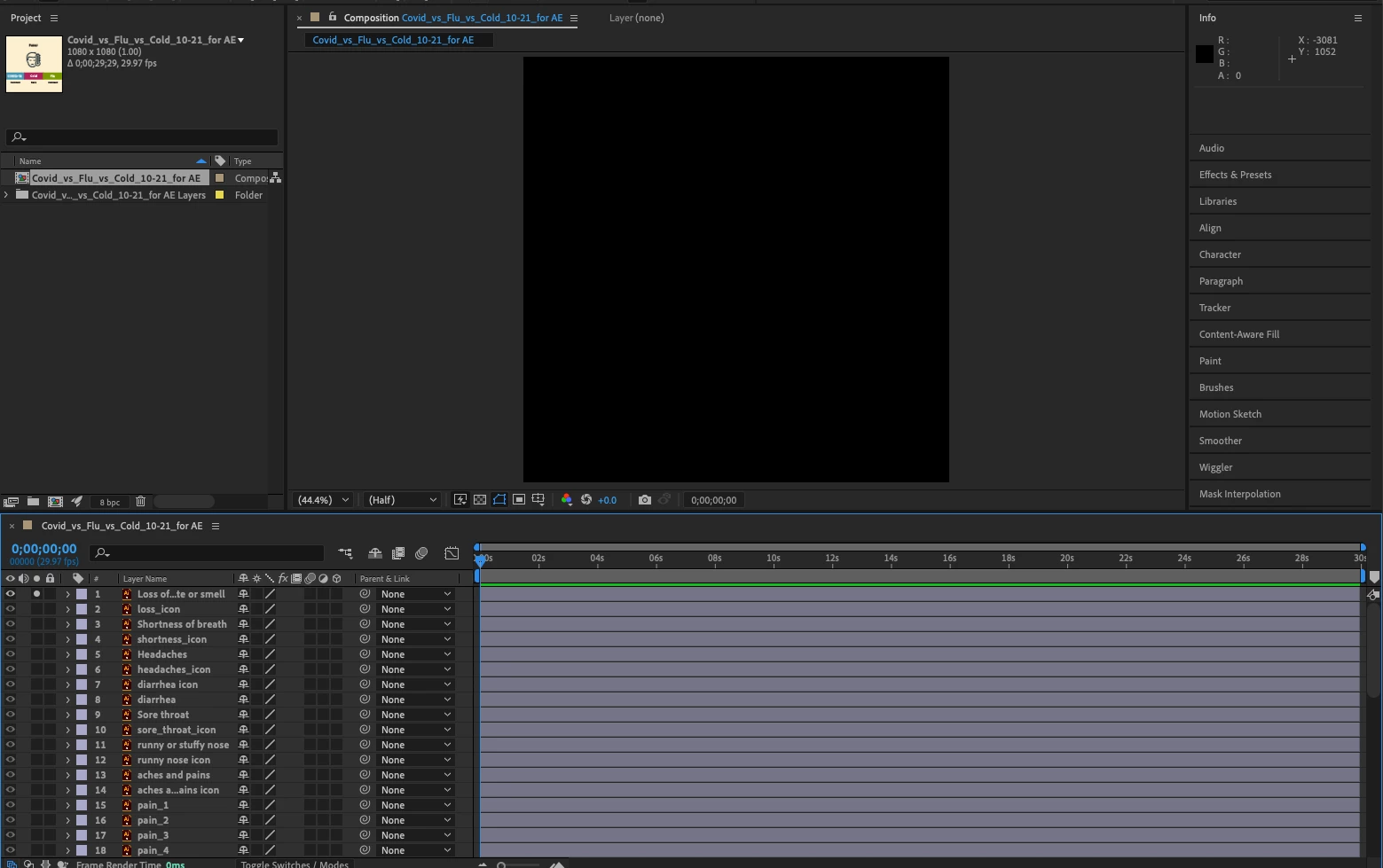
out of 48 layers I can see around 10. The rest appear like this (Transparency is off)


 AdChoices