
Participant
July 25, 2017
Answered

Aligning 2 objects as group

  • July 25, 2017
  • 2 replies
  • 5717 views

I have a very simple alignment issue that I tried searching for a while online for an answer for. I have 2 circle objects on separate shape layers, as shown in this screenshot:
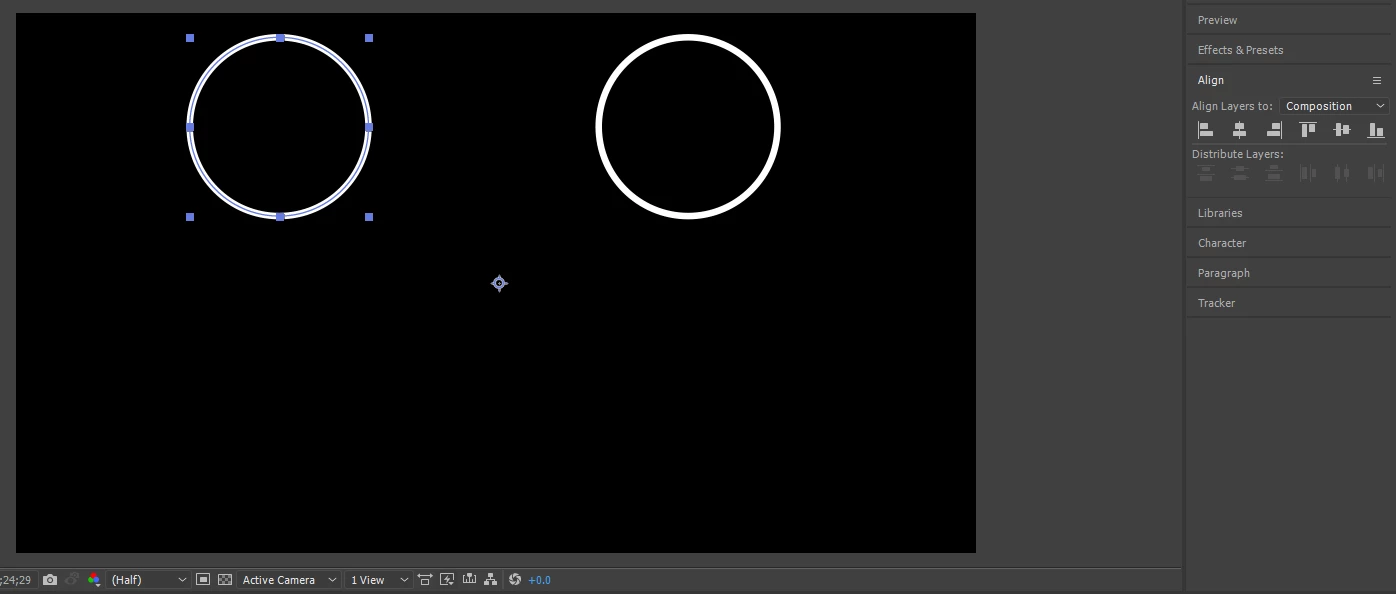
I want them too be centered horizontally together as if they were 1 object. I tried grouping them into a pre-composition, but the center to composition button doesn't work like that. If I click center to composition, they stack on top of each other, which is what I expect, although that's not what I need
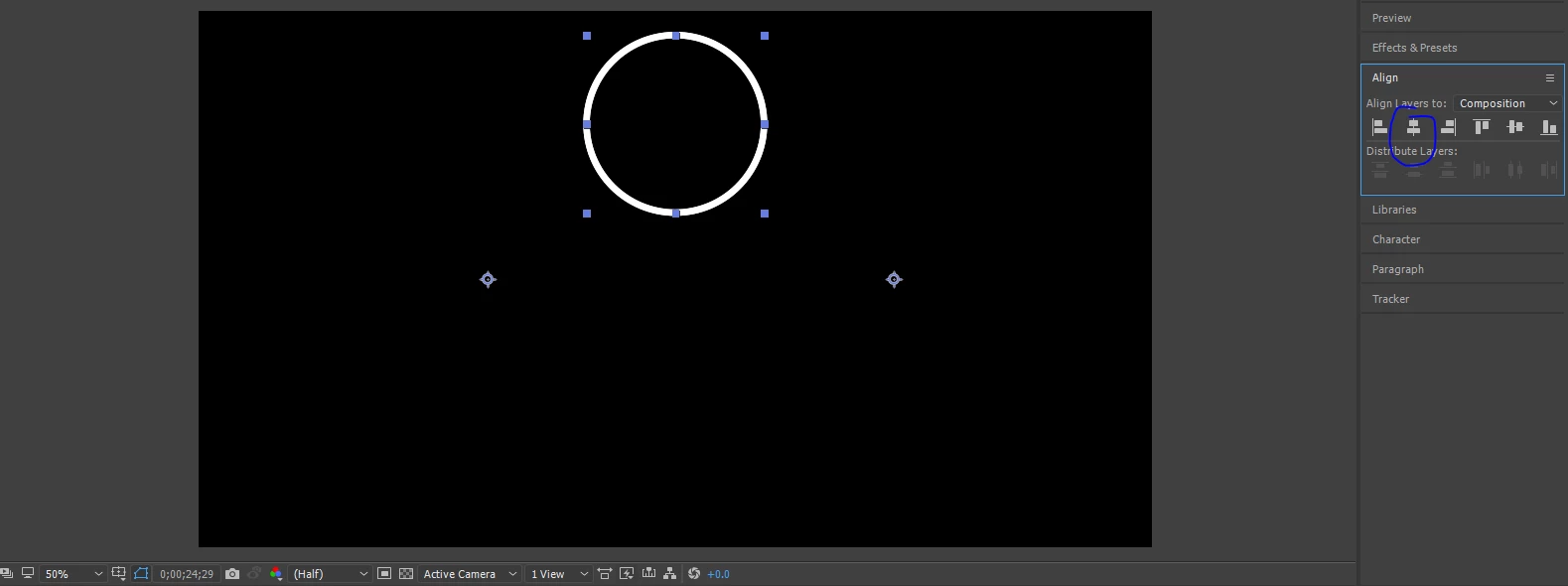
I need them to be spaced away from the center line evenly, if that makes sense. Is there any way to do this?

    This topic has been closed for replies.
    Correct answer Dave_LaRonde

    Assuming the anchor points of the circles are at the exact center of the circles, change their x-position to half the comp's width.  They're centered.

    Now make a position keyframe on each circle.

    Go further down the comp timeline.  If you want them to move apart 200 horizontal pixels, highlight the x-value of one of the layers, use the cursor-right key to get off that value and type "+100".  Do the same thing on the other circle, but type "-100" instead.

    2 replies

    Dave_LaRonde
    Dave_LaRondeCorrect answer
    Inspiring
    July 25, 2017

    Assuming the anchor points of the circles are at the exact center of the circles, change their x-position to half the comp's width.  They're centered.

    Now make a position keyframe on each circle.

    Go further down the comp timeline.  If you want them to move apart 200 horizontal pixels, highlight the x-value of one of the layers, use the cursor-right key to get off that value and type "+100".  Do the same thing on the other circle, but type "-100" instead.

    Mike_Abbott
    Legend
    July 25, 2017

    Draw both circles within the same shape layer. Then align layer to comp centre and you're done.

    1. Draw your first circle.

    2. highlight the shape layer, draw the second circle - you'll then have two shape groups within one shape layer.