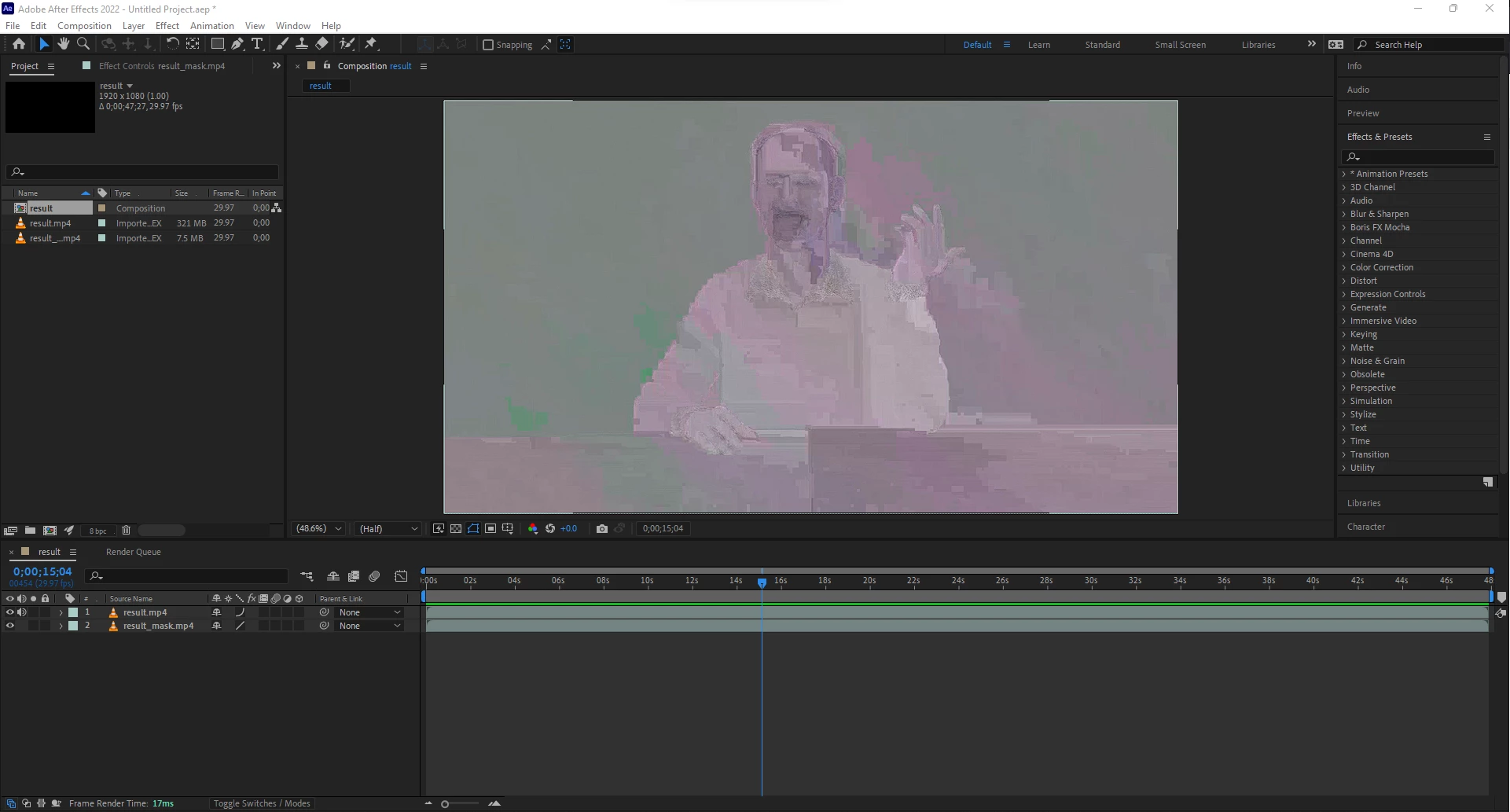
This topic has been closed for replies.

3 replies

nishu_kush
Community Manager
Community Manager
March 10, 2022

Hi defaulthkzqnrj2belh,


What's the source of the footage? Is it screen recorded? If so, here's a useful article that could help: https://community.adobe.com/t5/premiere-pro-discussions/faq-issues-with-screen-recorded-footage-in-premiere-pro/td-p/10874355

Let us know how it goes.


Thanks,

Nishu

Justin Taylor-Hyper Brew
Community Expert
Community Expert
March 10, 2022

Purge memory like Jose recommended.


Can also try:

  • Upgrade GPU drivers
  • Try different footage to see if the clip is corrupted
Jose Panadero
Community Expert
Community Expert
March 9, 2022

Go to After Effects Preferences > Import. Then deactivate hardware acceleration for decoding video. Go to Edit > Purge > All Memory and Disk Cache. Restart After Effects and try again