


Inspiring
Jun 14, 2025 6:30 PM UTC
Answered

Alpha causing dark edge?

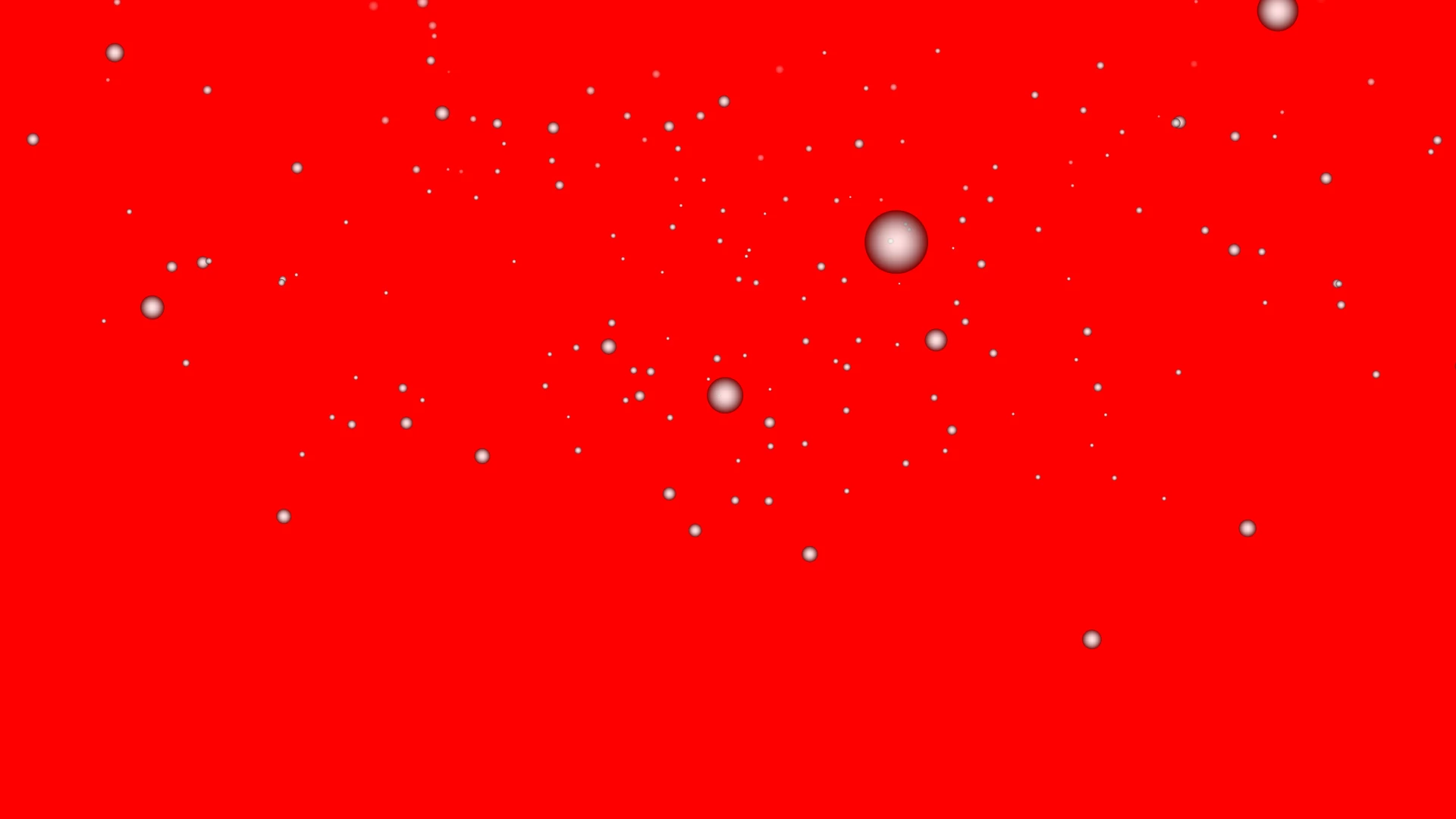
I made a snow fall clip in AE and exported it to quicktime with alpha.


When I test this clip in premiere and put a color matte under the snow, I see dark edges around the "snowballs". I can remove this dark edge if I use the blending mode "lighten" in premiere, but how can I fix the export in AE so I don't need to change blending mode in premiere?


I tried exporting it with straight alpha instead of pre multiplied, it doesn't help. I tried using media encoder instead of direct export, it also doesn't help (and ME doesn't offer the option straight alpha or pre multiplied).


What is the solution?
nishu_kush
nishu_kushCorrect answer
Legend
Jun 16, 2025 5:25 PM UTC

Thanks for reaching out.


Do you mind letting us know the method you used to create the snowfall? If you used Particle World, Faded Sphere gave me better results than Shaded Sphere in the Particle Type dropdown.

Let me know if that helps.


Thanks,
Nishu

2 replies

nishu_kush
nishu_kushCorrect answer
Legend
Jun 16, 2025 5:25 PM UTC

Thanks for reaching out.


Do you mind letting us know the method you used to create the snowfall? If you used Particle World, Faded Sphere gave me better results than Shaded Sphere in the Particle Type dropdown.

Let me know if that helps.


Thanks,
Nishu

Translate
Inspiring
Jun 18, 2025 1:19 AM UTC

Faded sphere fixes the problem. Thanks.

Translate
