shaner21613987
Participant
May 9, 2019
Answered

Alpha works with single PNG but not in sequence. Help!

  • May 9, 2019
  • 1 reply
  • 5580 views

I have a very frustrating issue with After Effects not recognizing the transparency in a PNG sequence.

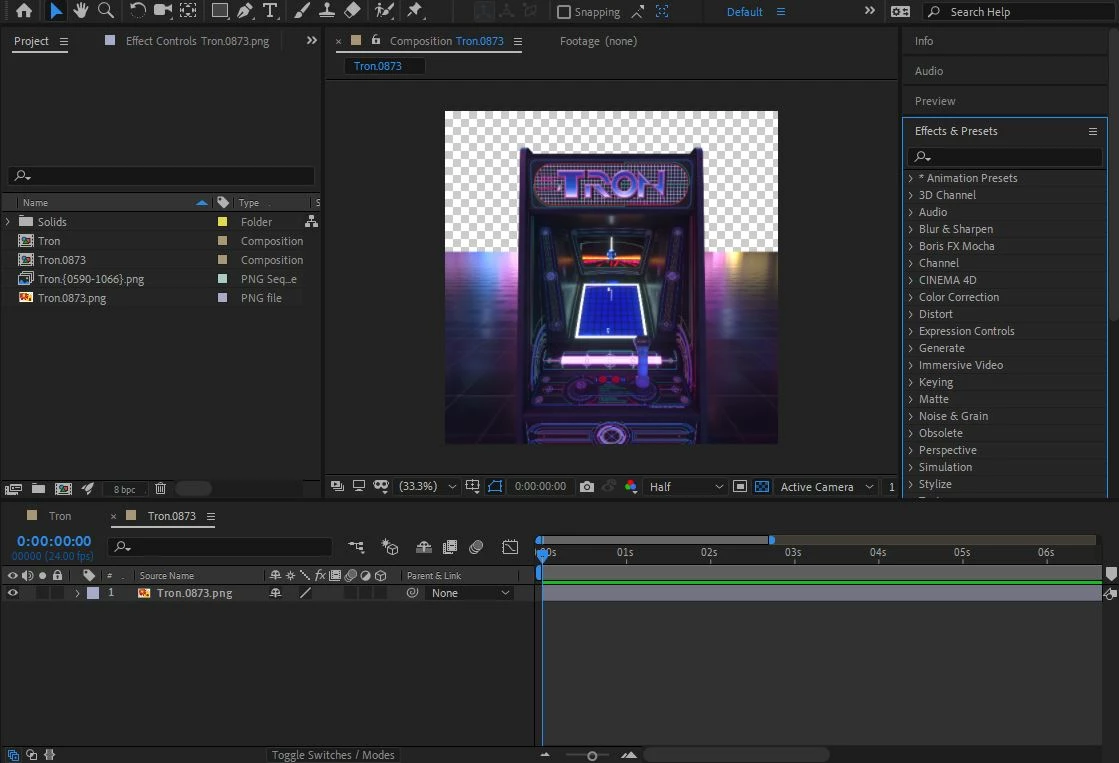
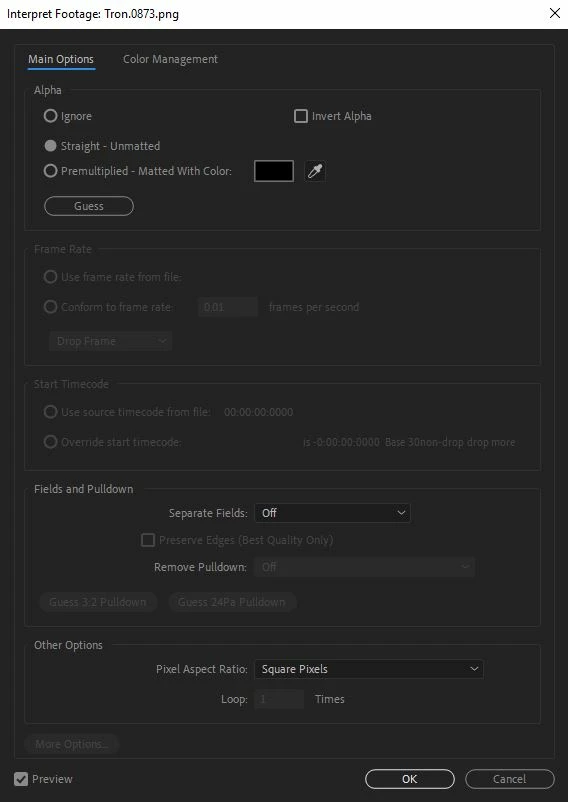
If I import a single PNG from the sequence folder, After Effects sees the transparency.
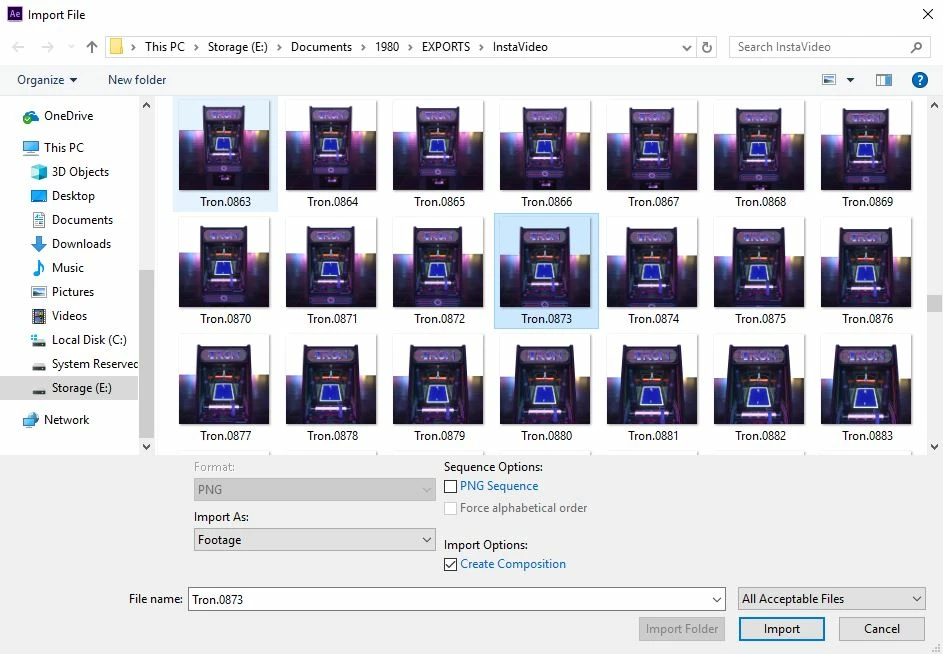
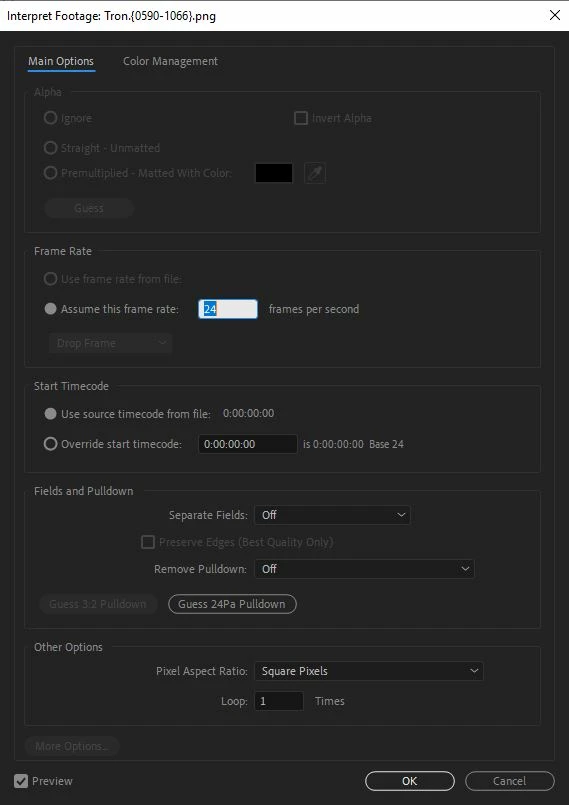
However, once I try to import the entire sequence, it no longer seems to register the transparency and the Alpha section of Interpret Footage is greyed out.
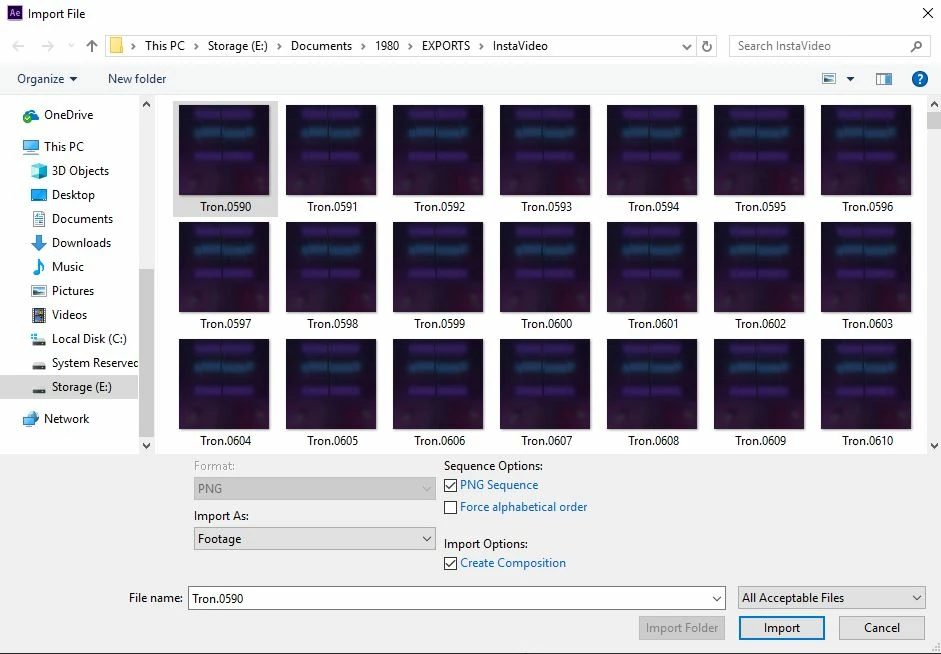
Please tell me there is a solution to this, as I have been searching through the forums to no avail for the answer.

Thanks!

Correct answer Dave Merchant

The channel and dimension settings for a sequence are based entirely on the properties of the first file (number 0000). Check if that is different in some way.

1 reply

Dave MerchantCorrect answer
Legend
May 9, 2019

The channel and dimension settings for a sequence are based entirely on the properties of the first file (number 0000). Check if that is different in some way.

shaner21613987
Participant
May 9, 2019

That was it! I separated all the frames starting with the first frame to have transparency into a second folder and imported that second folder as a PNG sequence and it worked. Now I have to have two separate PNG sequences for the same shot but hey, I'll take what I can get. Thanks so much!